y-offset looking different in admin and live site
-
Hi,
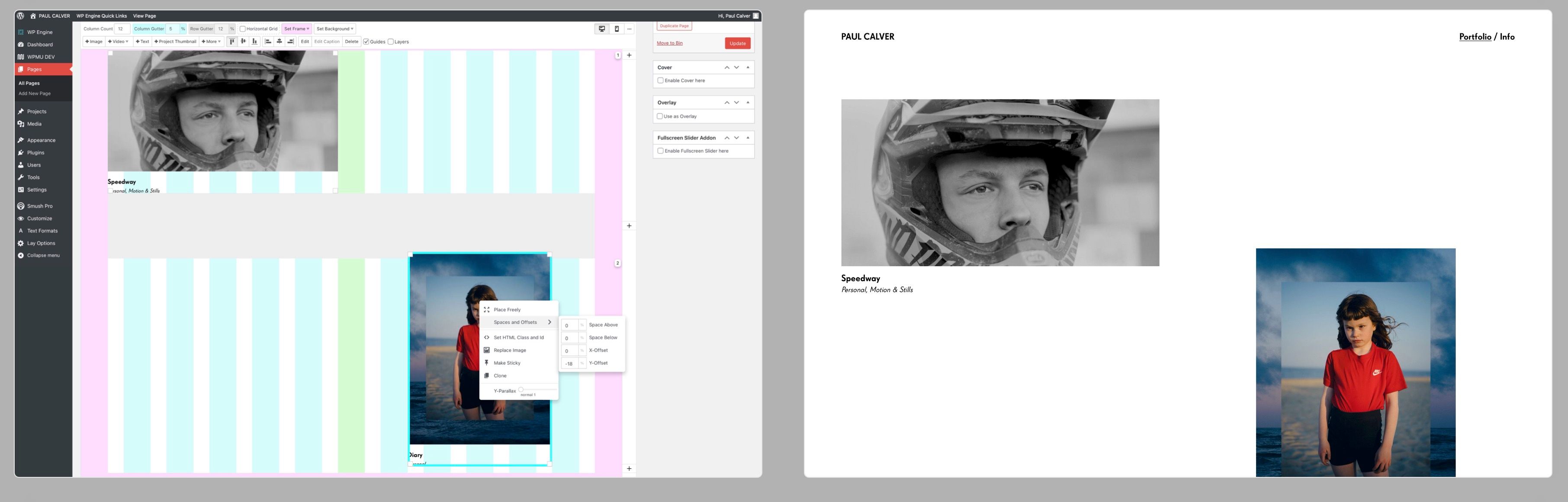
I'm using the y-offset in the gridder to help with my layout. The % offset is displaying correctly when viewing the published site, but not on the word press admin page, it just moves a tiny amount. Happy the live version is correct, but it would be handy to see the correct layout on the admin page too...
Hopefully the attached image helps my words make sense? Tried in both Safari and Chrome (latest versions on apple mac)
Apologies if this has been answered elsewhere, I tried to search but couldn't find.
-
i see!
writing it down, will try and fix this soon -
Thank you :)
-
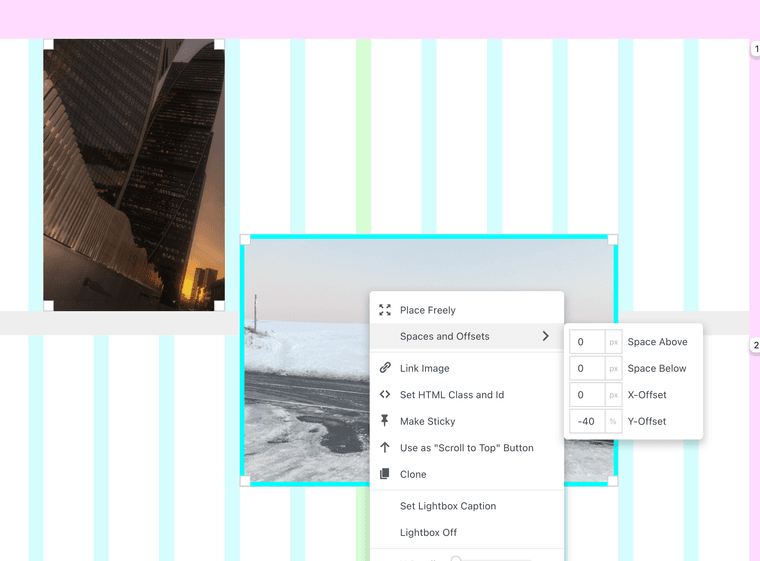
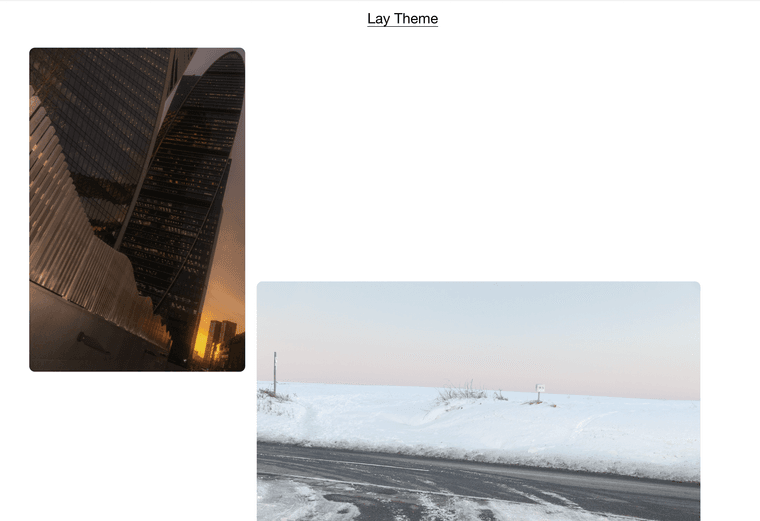
just one question. while trying to debug this, i realized it works correctly for me.
do u think you might be using an outdated lay theme version?
what is your version, can u update? -
-
if you do have the latest lay theme version and it still doesn't work:
can you send your website address, /wp-admin/ username and password and a link to this topic to info@laytheme.com?
-
Hi, thanks for looking. I do have the latest theme, it auto updates each time, i also double checked just now. I'll share those login details with you shortly.
Thanks,
Paul. -
I fixed this. Lay Theme used px instead of % for element offsets on fresh installations, so it was a bug
-
I have the same problem with both offset :(
Version: 6.7.9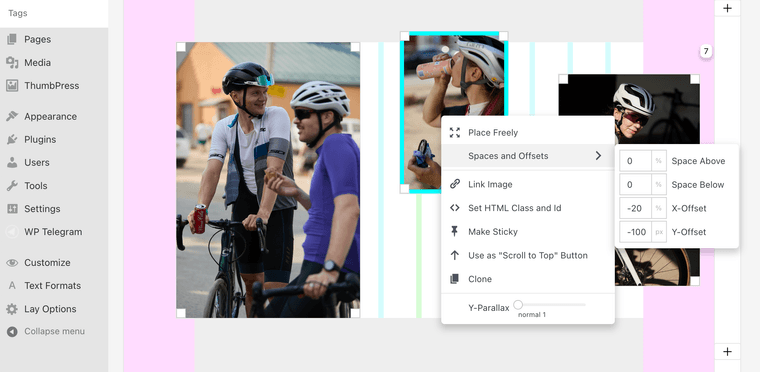

-
can you send your website address, /wp-admin/ username and password and a link to this topic to info@laytheme.com?
-
I wrote to you, Armin! Thanks for help! Waiting for news from you.
-
ok i fixed it! will be included with the next update
-
Thank you for the quick solution to the problem, works like a sharm, Armin!


Hello! It looks like you're interested in this conversation, but you don't have an account yet.
Getting fed up of having to scroll through the same posts each visit? When you register for an account, you'll always come back to exactly where you were before, and choose to be notified of new replies (either via email, or push notification). You'll also be able to save bookmarks and upvote posts to show your appreciation to other community members.
With your input, this post could be even better 💗
Register Login