Cropped Pictures at Firefox
-
Hello,
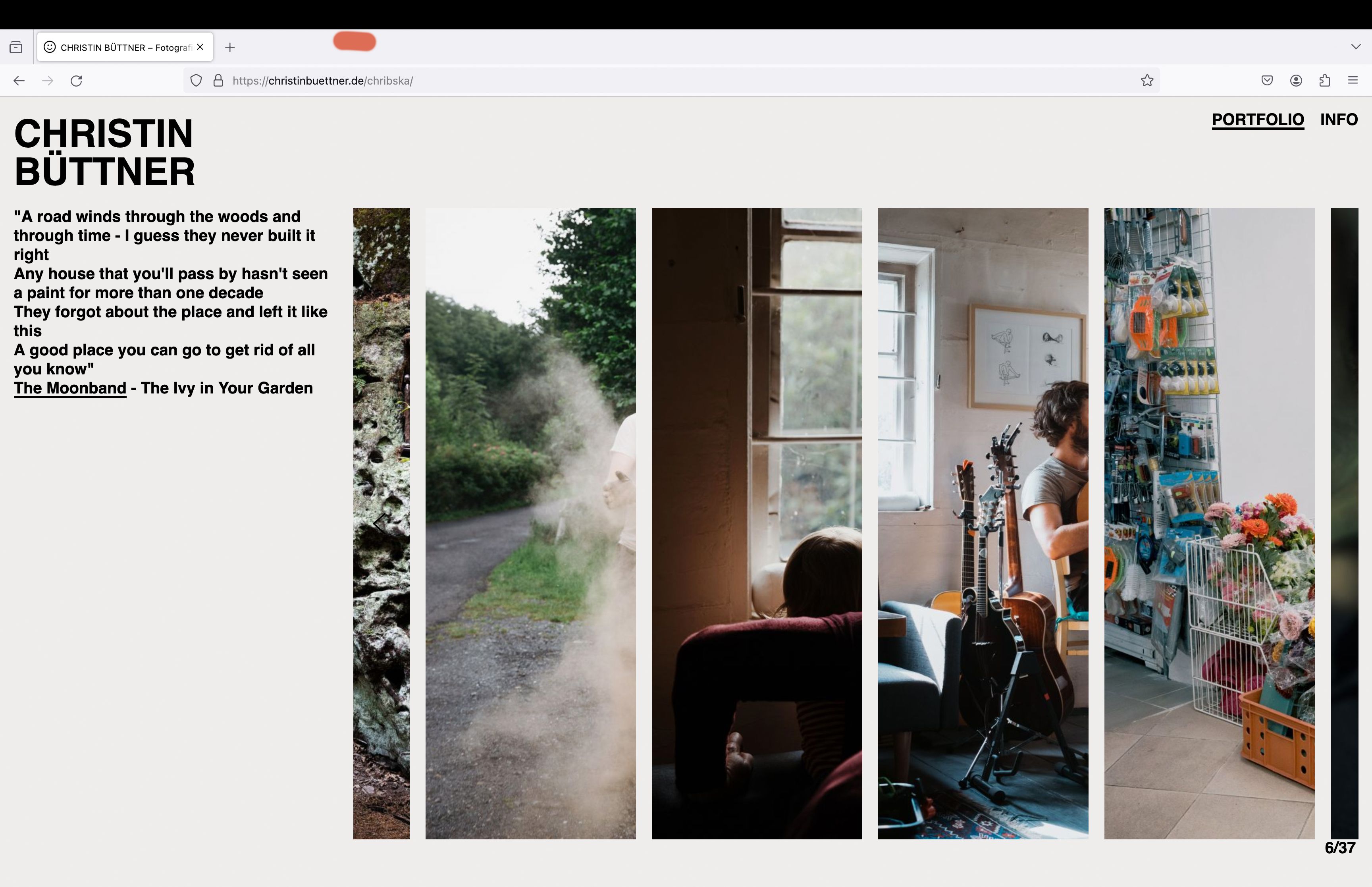
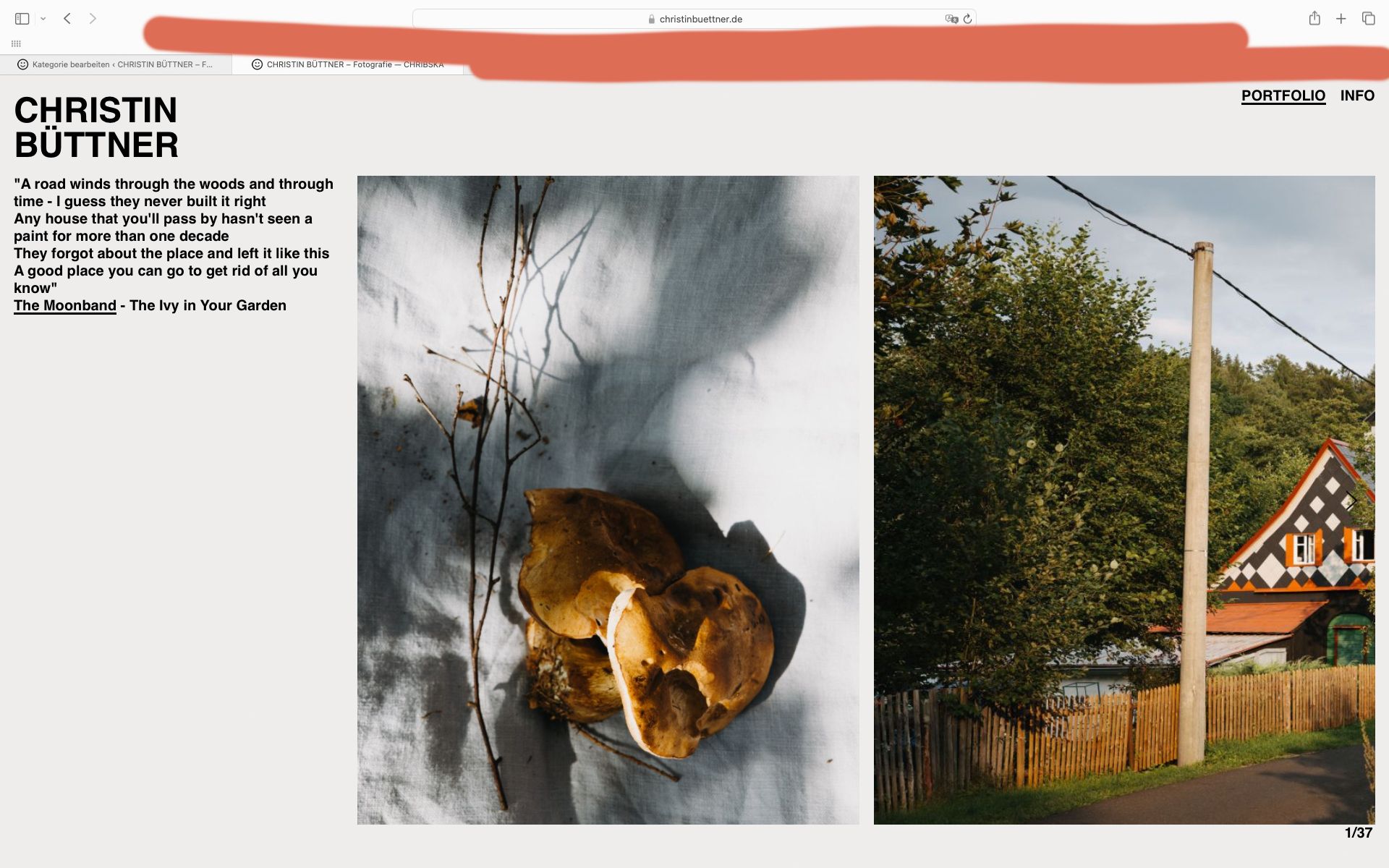
my Laytheme website is displayed normally under Mac Safari. In Mozilla Firefox all images are cropped. See photos.
Does anyone have any idea what I need to change to make the website look normal on Firefox?
Thank you very much!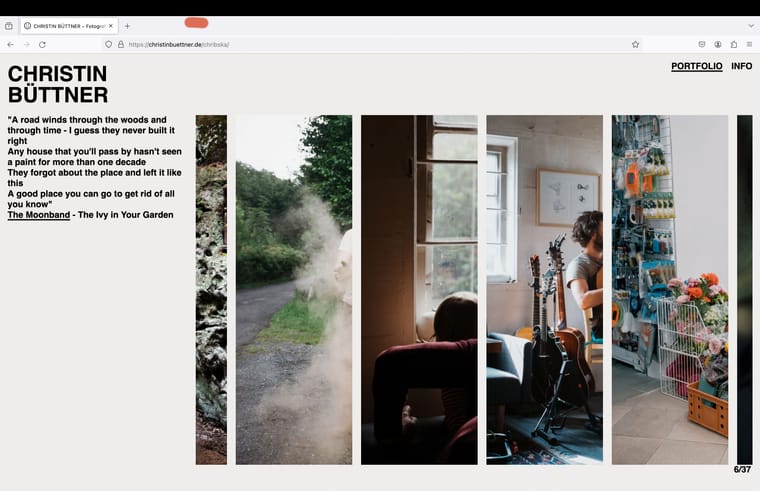
-
https://christinbuettner.de/eistueten-2011-2024/
this project looks correct for me on firefox:
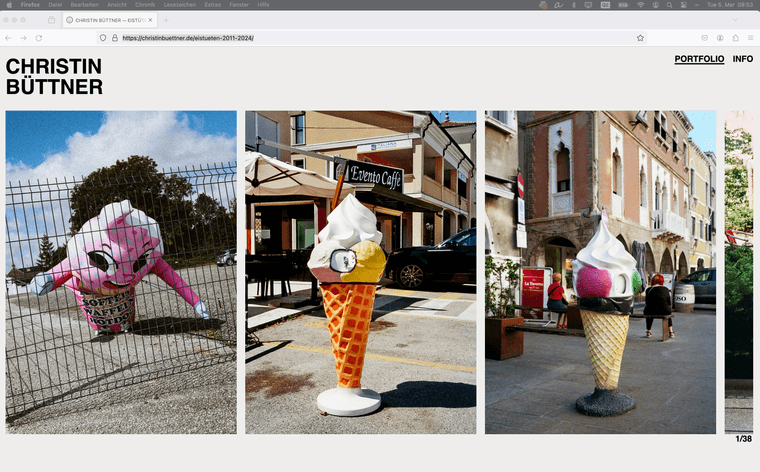
this one too:
https://christinbuettner.de/chribska/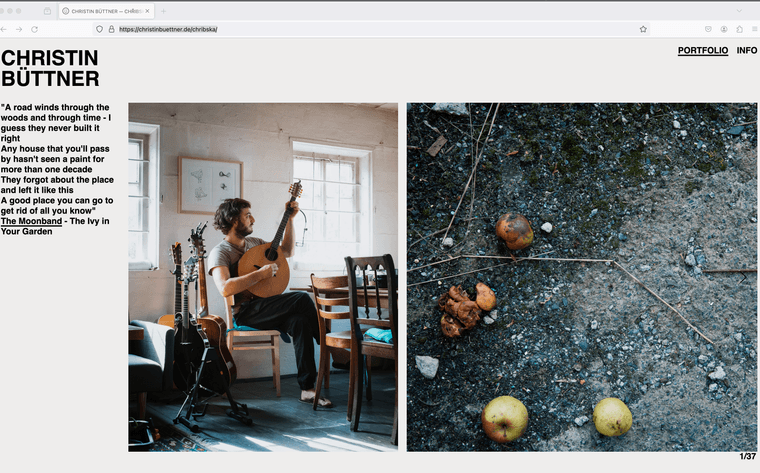
which firefox version do u use?
i use version 123.0

Hello! It looks like you're interested in this conversation, but you don't have an account yet.
Getting fed up of having to scroll through the same posts each visit? When you register for an account, you'll always come back to exactly where you were before, and choose to be notified of new replies (either via email, or push notification). You'll also be able to save bookmarks and upvote posts to show your appreciation to other community members.
With your input, this post could be even better 💗
Register Login