Hi and thanks for instant feedback, I was able to fix it following your instructions, via FTP upload and renaming the lay theme folder. Everything is fine, so thanks and a great weekend.
H
hans
@hans
Posts
-
Website crashed after automatic update -
Website crashed after automatic updateHello, need a bit of help here. My Laytheme-Site for an artist is not working anymore after the last automatic Laytheme-update (from version 9.5.3 to 9.5.6). The URL is https://danielhauptmann.com/
I can login to WordPress via Wiederherstellungsmodus, and it reports the theme as corrupted. Description: There is a style sheet missing.
I had a look into the Laytheme-Folder on the Server and replaced the CSS-File "parsley.css" with a backup-file, but this seems to have no effect.Have you got any ideas what went wrong and how to proceed?
Best, Hans
WordPress Reports:
WordPress-Version 6.8.2
Aktives Theme: lay (Version )
Aktuelles Plugin: (Version )
PHP-Version 8.2.29Fehler-Details
Ein Fehler vom Typ E_ERROR wurde in der Zeile 7 der Datei /homepages/17/d4298920676/htdocs/webpraesenz/wp-content/themes/lay/functions.php verursacht. Fehlermeldung: Uncaught Error: Failed opening required '/homepages/17/d4298920676/htdocs/webpraesenz/wp-content/themes/lay/utility.php' (include_path='.:/usr/lib/php8.2') in /homepages/17/d4298920676/htdocs/webpraesenz/wp-content/themes/lay/functions.php:7
Stack trace:
#0 /homepages/17/d4298920676/htdocs/webpraesenz/wp-settings.php(695): include()
#1 /homepages/17/d4298920676/htdocs/webpraesenz/wp-config.php(102): require_once('/homepages/17/d...')
#2 /homepages/17/d4298920676/htdocs/webpraesenz/wp-load.php(50): require_once('/homepages/17/d...')
#3 /homepages/17/d4298920676/htdocs/webpraesenz/wp-login.php(12): require('/homepages/17/d...')
#4 {main}
thrown -
Menu not working@Baliner
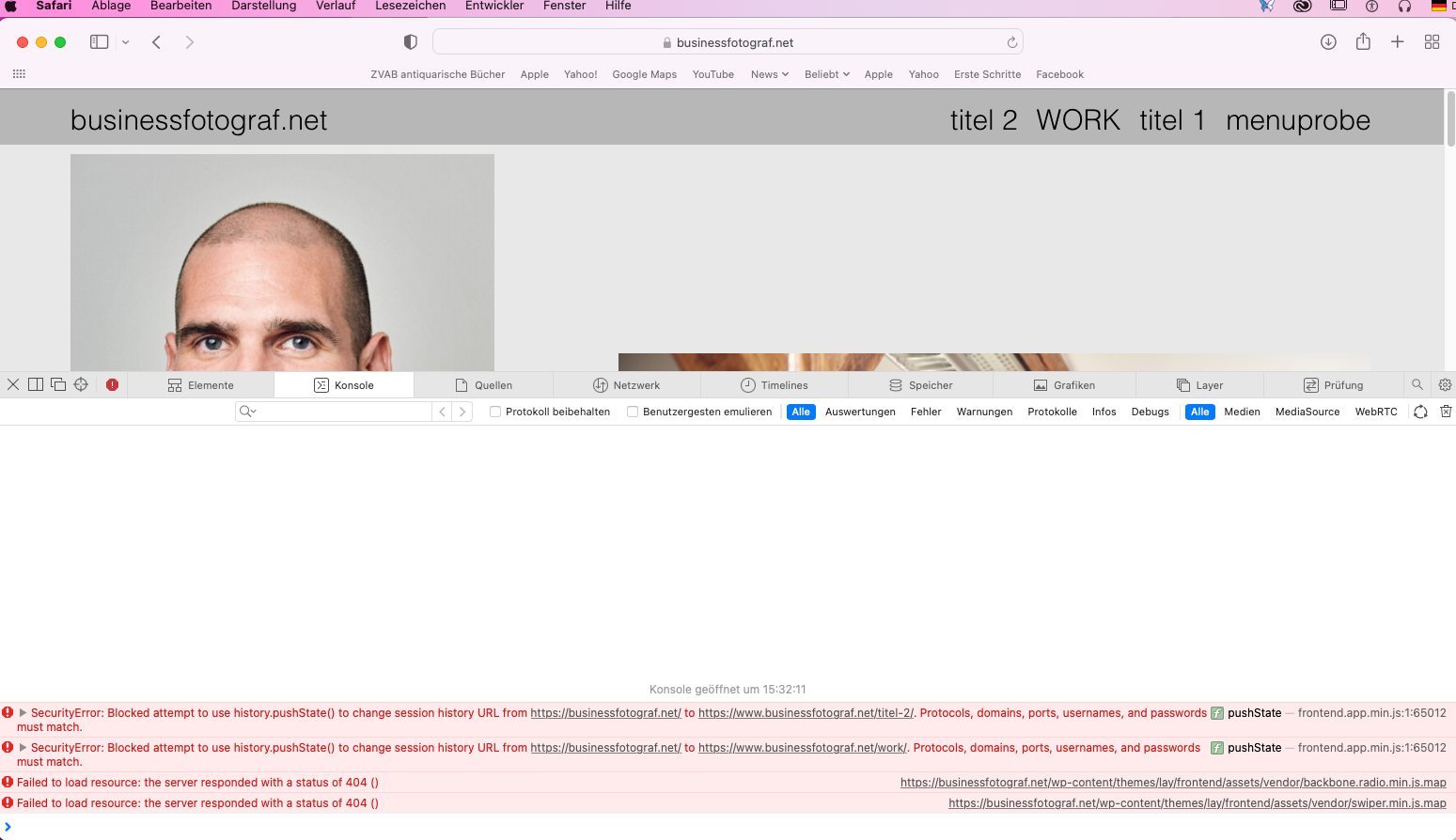
Hi, I've checked your menus on mobile and desktop on Safari, and the menu doesn't seem to work. Here is a screenshot of the Java Script Console and a screenshot of the Java Script Console of my akademieeuropäischerkultur.eu site, when I try to access the menu via your link, the menu doesn‘t work either.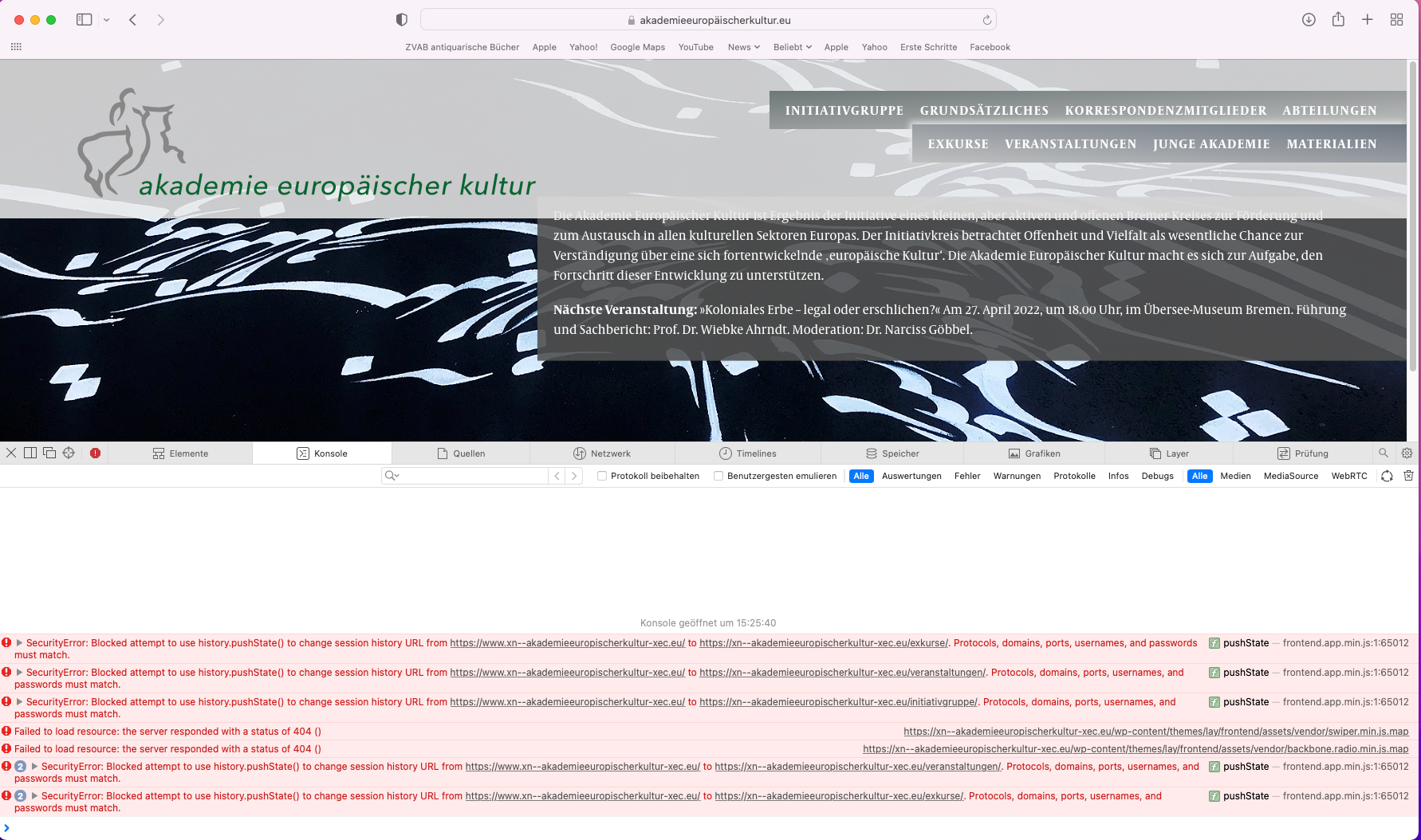
-
Menu not working@Richard
Currently, as of 19-04-22, the menus are working on both mobile and desktop. -
Menu not workingHello Richard,
thank you for checking it up – strangely enough the menu is working on my Phone again, before I made any changes.
Do you have any JS?
no, I haven't any custom JSHere is a screenshot of my plugins – I got the Laytheme Imagehover Plugin installed, which should be up to date, it is used on the »Junge Akademie« page (it works on the desktop version, but not on my phone)
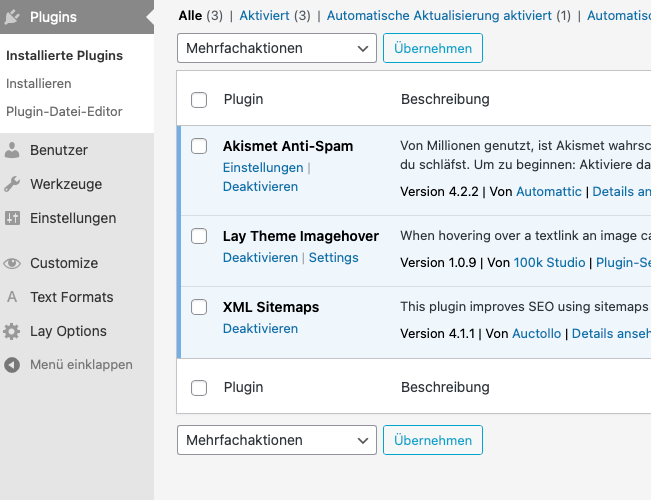
I tested the "Ajax compatibility mode", but couldn't make out any difference.
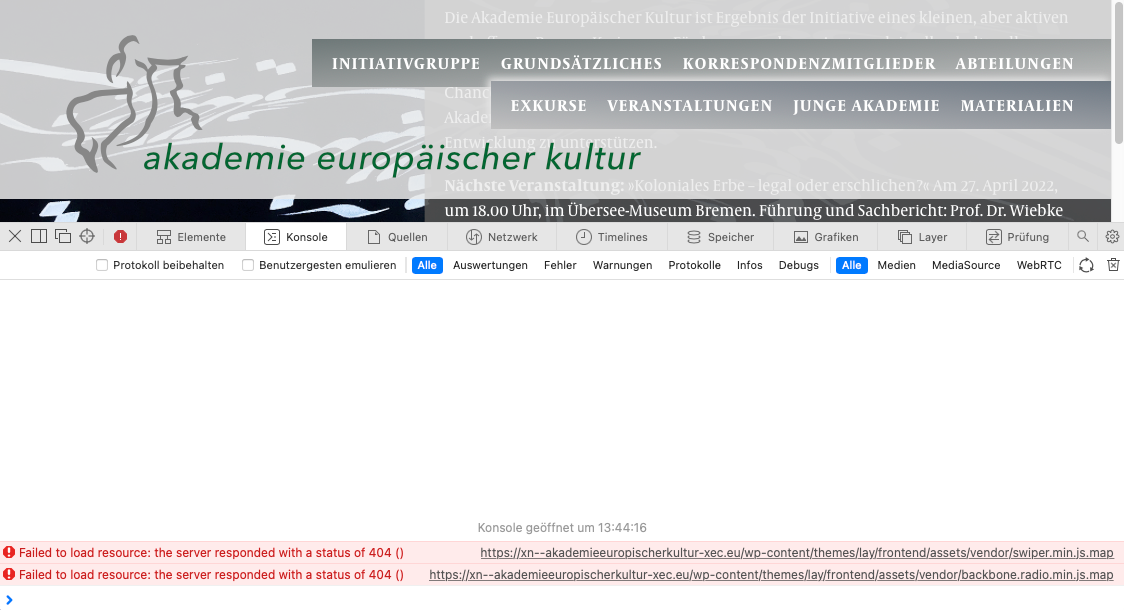
Here is a screenshot of issues that I get (Safari Version 15.3. Monterey) with hints to JS – hopefully giving some hints. Maybe a server problem?
-
Menu not workingThere have been several complaints that the menu is not working on my site https://www.akademieeuropäischerkultur.eu
(pages won‘t show up when you go on the menu)I already tried to remove custom CSS, everything is up to date WordPress and Laytheme wise. I haven't got a problem myself with the Desktop version (Mac Monterey on Safari) but I get issues on the mobile version (iPhone SE, Safari). The menu won't work at all and links on the footer, which I am using as an extra menu, won't show up/work.
Could you have a look? Kind regards, Hans
-
Tablet design@edgrbnz I have used setting the breaking point of the phone layout to a small desktop size (or to tablet size) to get a layout change, and to have elements stacked on top of each other (I’m using a similar layout with image and text side by side). One might apply tablet text sizes via lay options.