Project Thumbnail Css Help
-
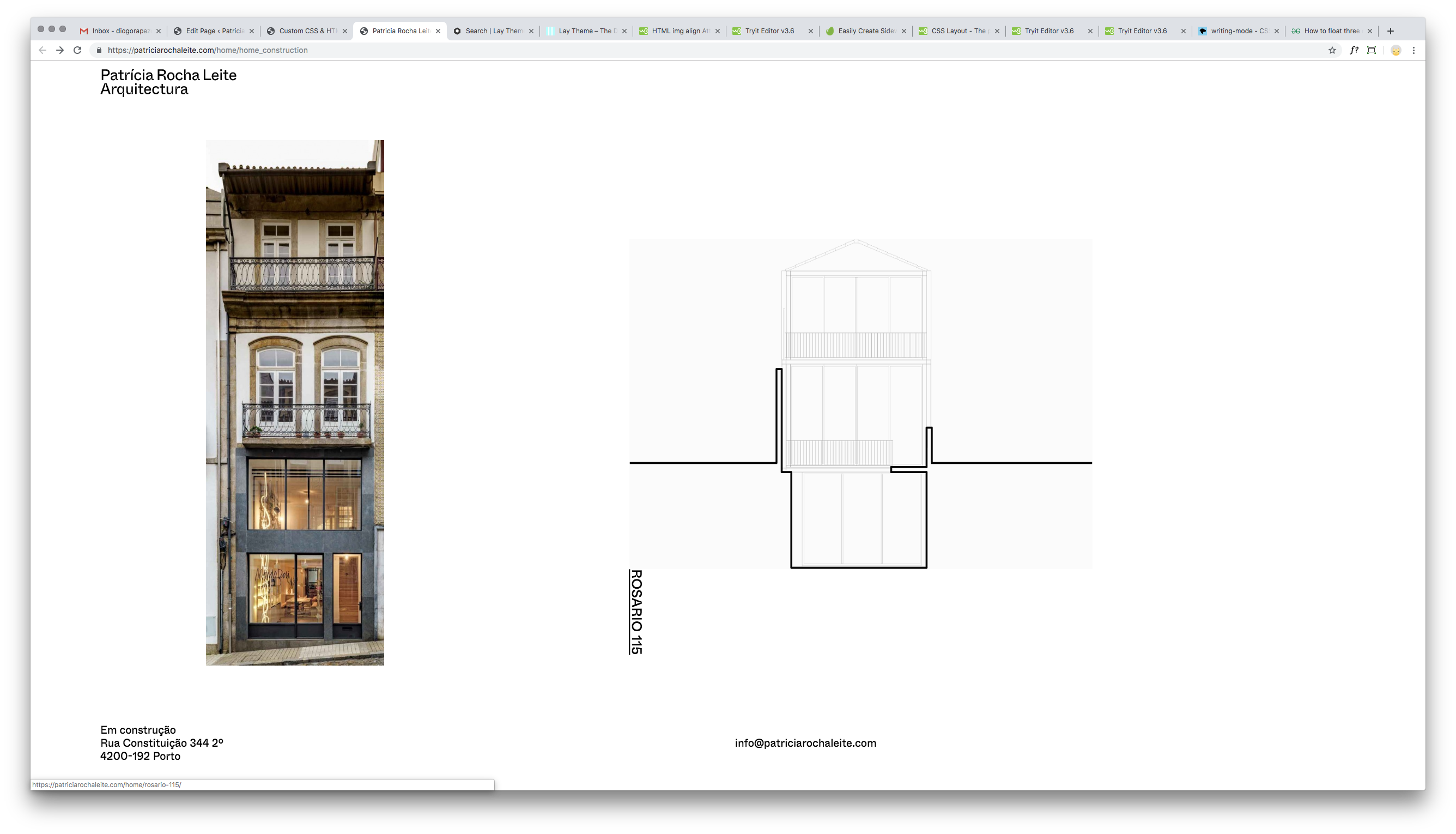
I'm trying to wrap my head around the project thumbnail construction.
I want to place the thumbnail title next to the image (right side) but I've failed to do so so far.
I've tried increasing the size of the wrapper and float left all the elements but it didn't work.
Can anyone help?
-
Dea r@
you could use CUSTOM CSS to move the thumbnail title.
Or just place a piece of text and link it.Best!
Marius
www.mariusjopen.world
-
Dea r@
you could use CUSTOM CSS to move the thumbnail title.
Or just place a piece of text and link it.Best!
Marius
@mariusjopen
I wanted to use the project thumbnail so it's easy to maintain.
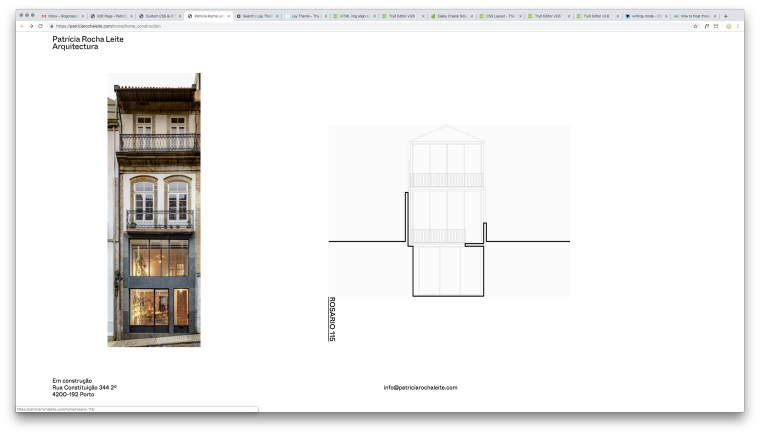
Here's what I'm trying.
The image becomes smaller but the title won't jump to the right side of the image.
Can anyone point me in the right direction?https://patriciarochaleite.com/home/home_construction
/*Project Thumbnails Vertical Text Right Side*/ .vert_text .title{ writing-mode: vertical-lr; float: left !important; } .id-28 .thumbnail-wrap img{ width:80% !important; height: 80% !important; padding: 0px !important; margin: 0px !important; float: left !important; } -
Dear @telmotype
try to play around with that here:.lay-textformat-parent.below-image { float: right; }Best!
Marius
-
Thanks for the tip @mariusjopen .
I'm trying to have the text on the right side (and not bellow) of the image.
Do you have an idea how I can do that? -
Dear @telmotype
you can use position: absolute to move things around more easily.
The parent container should then be position: relative.Best!
Marius


Hello! It looks like you're interested in this conversation, but you don't have an account yet.
Getting fed up of having to scroll through the same posts each visit? When you register for an account, you'll always come back to exactly where you were before, and choose to be notified of new replies (either via email, or push notification). You'll also be able to save bookmarks and upvote posts to show your appreciation to other community members.
With your input, this post could be even better 💗
Register Login