Skip to content
  • Recent
  • Tags
  • Popular
  • Users
  • Search
Skins
  • Light
  • Brite
  • Cerulean
  • Cosmo
  • Flatly
  • Journal
  • Litera
  • Lumen
  • Lux
  • Materia
  • Minty
  • Morph
  • Pulse
  • Sandstone
  • Simplex
  • Sketchy
  • Spacelab
  • United
  • Yeti
  • Zephyr
  • Dark
  • Cyborg
  • Darkly
  • Quartz
  • Slate
  • Solar
  • Superhero
  • Vapor

  • Default (No Skin)
  • No Skin
Collapse

Lay Theme Forum

  1. Home
  2. General Discussion
  3. set landscape and portrait photo the same size on carousel addon
set landscape and portrait photo the same size on carousel addon

Scheduled Pinned Locked Moved General Discussion
carousel addonsizecarousel
6 Posts 4 Posters 2.0k Views
  • Oldest to Newest
  • Newest to Oldest
  • Most Votes
Reply
  • Reply as topic
Log in to reply
This topic has been deleted. Only users with topic management privileges can see it.
  • cactusauvageC
    cactusauvageC
    cactusauvage
    wrote on last edited by cactusauvage
    #1

    Bonjour !

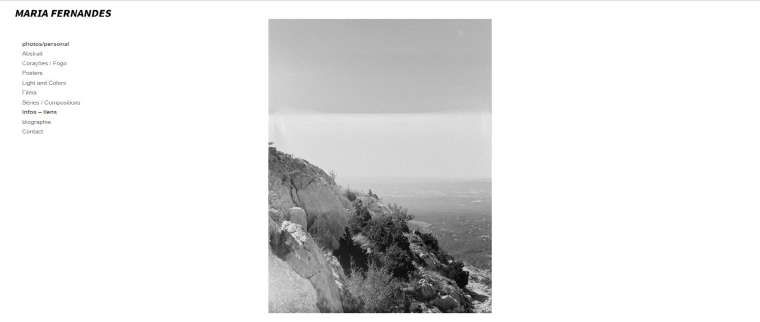
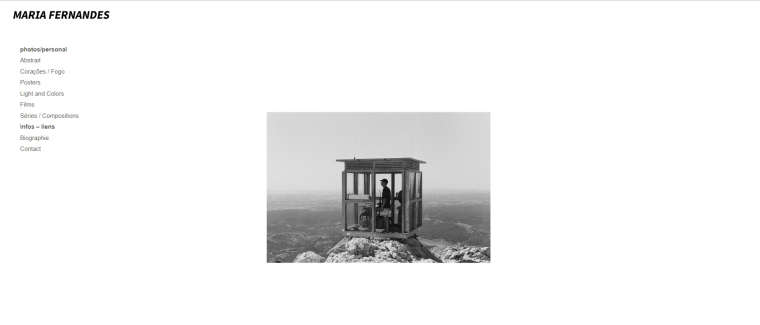
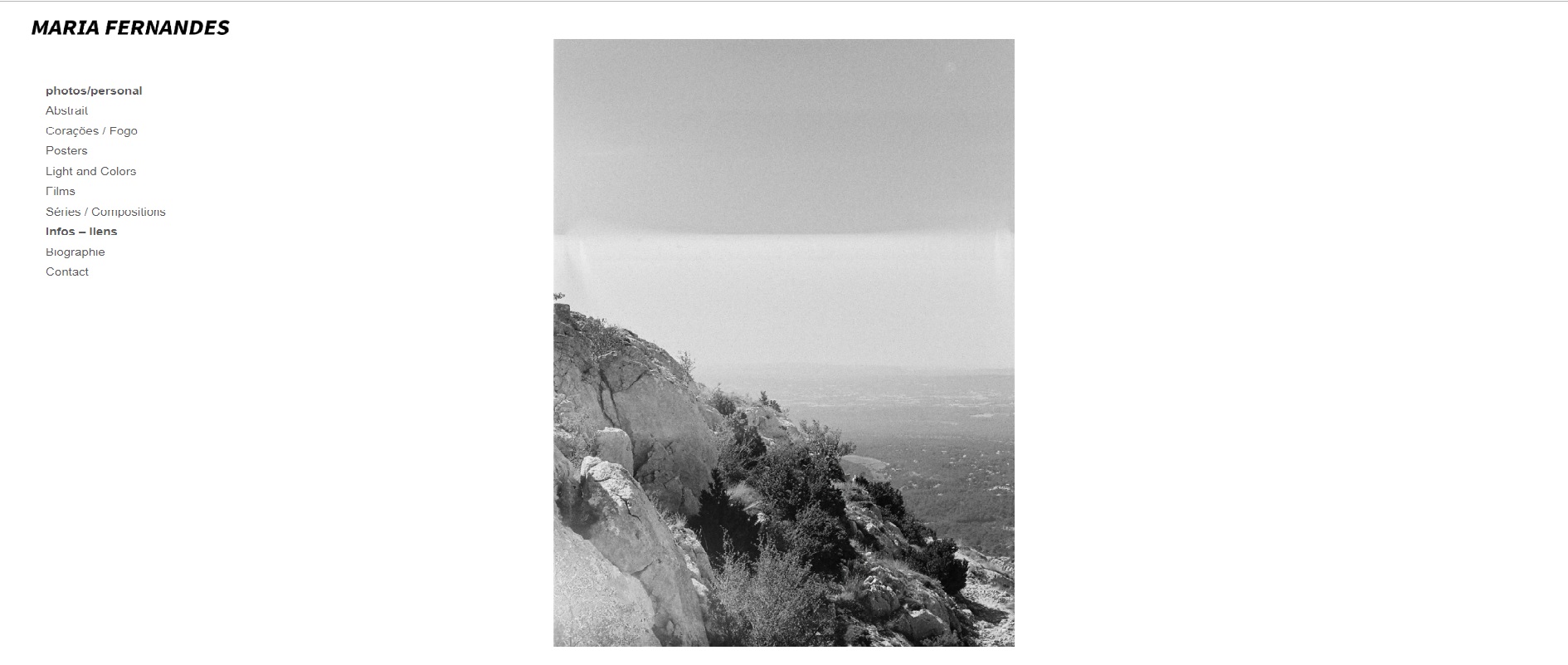
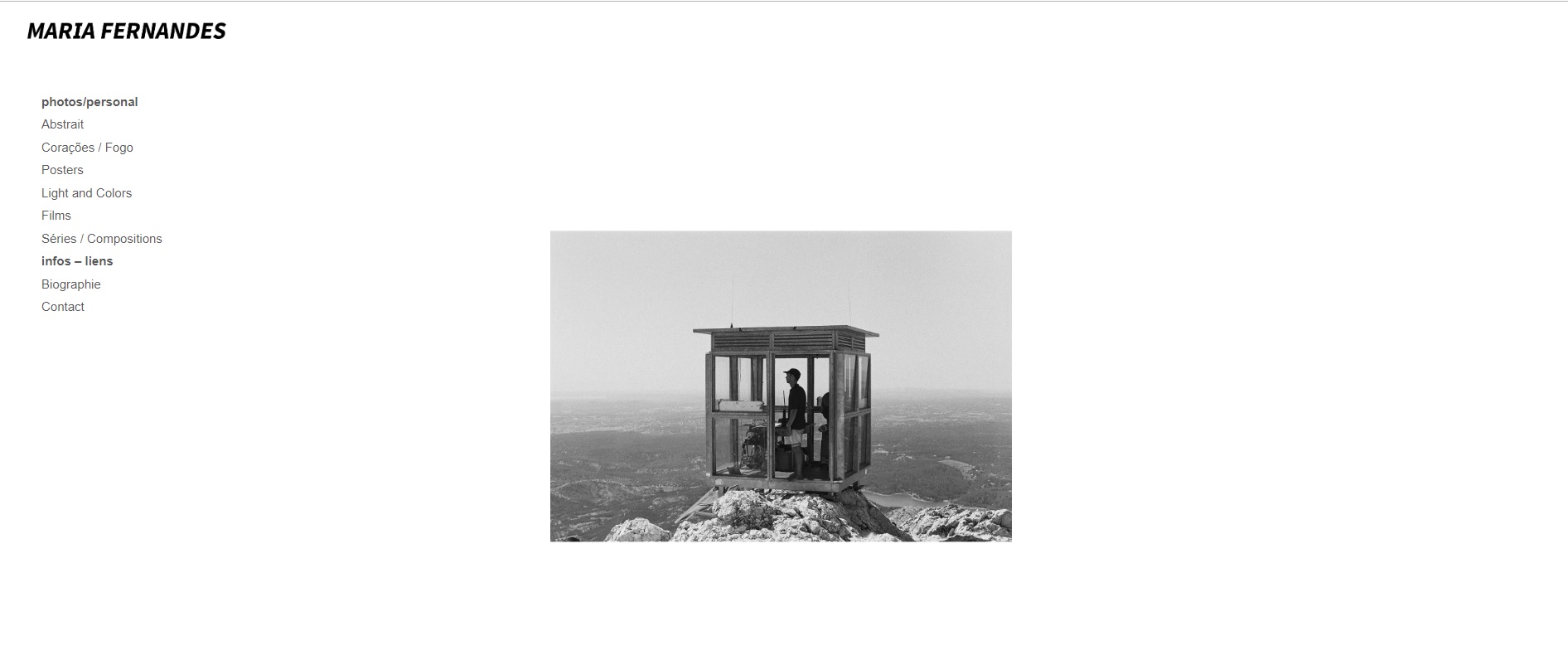
    maybe I missed something simple, but actually, I have some difficulties to have the same size ( widght and weight ) of portraits and landscapes photos on the carousel. The Landscape photo is automaticaly more tiny that it schould be :/
    Did anyone experiment this little problem size in the caroussel ? !

    Thanks a lot for your time and answers !0_1544725241360_portraitcarou.jpg

    0_1544725255777_landcarou.jpg

    1 Reply Last reply
    0
    • S
      S
      StudioTomas
      wrote on last edited by
      #2

      The carousel addon automatically sets the height and width ratio of the images to the first image in the order of the carousel. So as your first image is a portrait one each following landscape image is then restricted to the width of that portrait image. You can get around this by manually adjusting the aspect ratio of the carousel. Click on the carousel and then 'edit' and select 'Use Custom Aspect Ratio'. Adjust the values until you hit on something that works for you; this is what worked for me anyway :)

      1 Reply Last reply
      0
      • cactusauvageC
        cactusauvageC
        cactusauvage
        wrote on last edited by
        #3

        @StudioTomas Thanks a lot !!! it's perfectly worked , you're right , playing with the values change everything :)

        1 Reply Last reply
        0
        • mariusjopenM
          mariusjopenM
          mariusjopen
          Global Moderator
          wrote on last edited by
          #4

          Dear @cactusauvage
          great! Very happy you managed that!

          Best!

          Marius

          www.mariusjopen.world

          1 Reply Last reply
          0
          • A
            A
            anipol
            wrote on last edited by
            #5

            dear @Armin-Unruh and @mariusjopen ,

            I'm struggling hard with the width of my portrait and landscape images in a carousel.

            Even if I exported both formats with the same height (1000px) and after trying every possible option I can imagine (setting that as the fixed height, playing with all numbers in the aspect ratio), the carousel still crops the portrait images.
            (http://franceschh.cluster020.hosting.ovh.net/home)

            any solution to that? I just want a simple and smooth carousel that alternates both formats without having to shrink excessively or crop one of them ;(

            thanks,
            Anita

            1 Reply Last reply
            0
            • mariusjopenM
              mariusjopenM
              mariusjopen
              Global Moderator
              wrote on last edited by
              #6

              Dear @anipol
              so you want the horizontal images be more wide and have the full height?

              Best!

              Marius

              www.mariusjopen.world

              1 Reply Last reply
              0

              Hello! It looks like you're interested in this conversation, but you don't have an account yet.

              Getting fed up of having to scroll through the same posts each visit? When you register for an account, you'll always come back to exactly where you were before, and choose to be notified of new replies (either via email, or push notification). You'll also be able to save bookmarks and upvote posts to show your appreciation to other community members.

              With your input, this post could be even better 💗

              Register Login
              Reply
              • Reply as topic
              Log in to reply
              • Oldest to Newest
              • Newest to Oldest
              • Most Votes


              Online Users
              R
              robertobarbes
              Forgot your key, lost your files, need a previous Lay Theme or Addon version? Go to www.laykeymanager.com
              laytheme.com
              • Login

              • Don't have an account? Register

              • Login or register to search.
              • First post
                Last post
              0
              • Recent
              • Tags
              • Popular
              • Users
              • Search