Can I put images within the Text Area?
-
I would like to do something like this —> www.hansbroek.com <— and put images between words.
Can you help me? :)I'm quite new to the web site coding world, so I'll be very grateful if you'll explain all the steps to do it.
Thanks you so much!PS: i know that a similar topic already exists, but it didn't help me :(
-
Oh, hmmm, thats not super easy to do
Create a new text, just write "Hey".
Give the textfield a class "test-img-wrap" using the "class" button (here's where to find the class button: http://laytheme.com/documentation.html#custom-css-styling )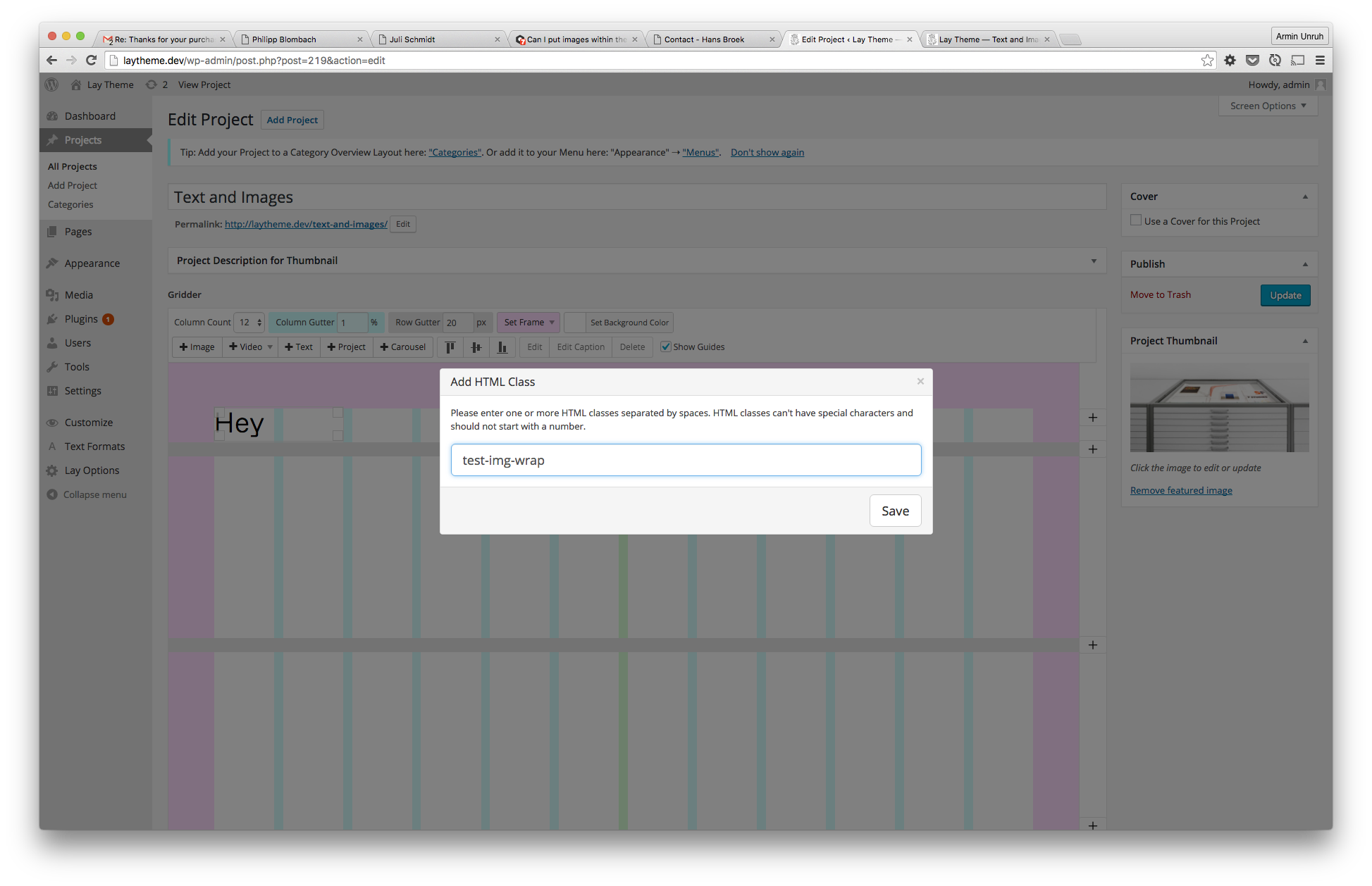
Now edit the text and put text and images into a textfield using the <> code button. I'm using the class "img-in-text" for every image
<p>Hello</p><img class="img-in-text" src="https://upload.wikimedia.org/wikipedia/en/d/d4/Mickey_Mouse.png" /><p>Hello</p><img class="img-in-text" src="https://upload.wikimedia.org/wikipedia/en/d/d4/Mickey_Mouse.png" /><p>Hello</p><img class="img-in-text" src="https://upload.wikimedia.org/wikipedia/en/d/d4/Mickey_Mouse.png" /><p>Hello</p><img class="img-in-text" src="https://upload.wikimedia.org/wikipedia/en/d/d4/Mickey_Mouse.png" />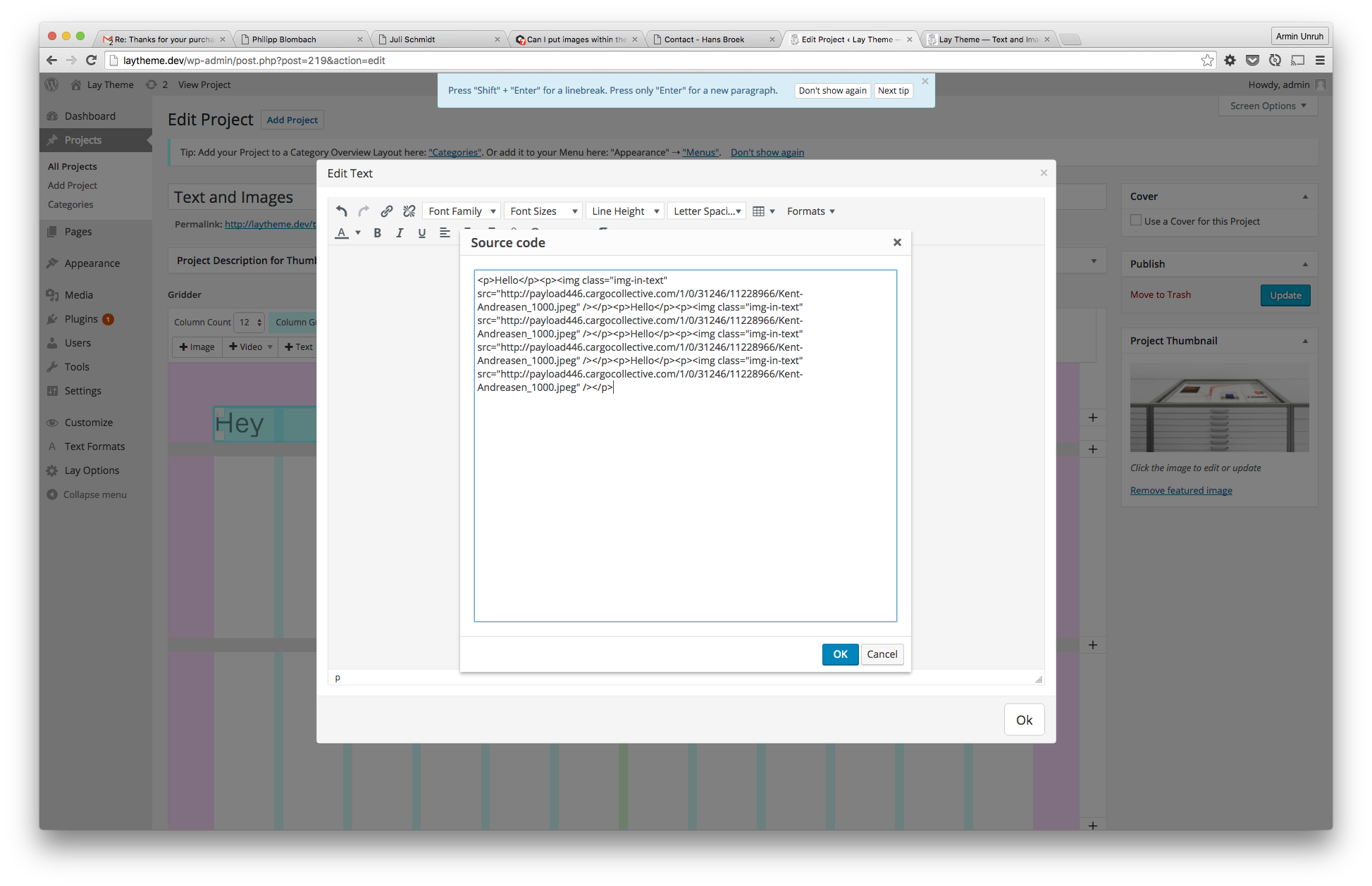
Now put some CSS into "lay-options" -> "custom css":
.col img.img-in-text{
    display: inline-block;
    height: 100px;
    width: auto;
    position: relative;
}

.test-img-wrap p{
    display: inline-block;
    vertical-align: middle;
}
And thats what it looks like:

-
Hello !
Thank's for this tutorial.
I have a question.
Is it possible to use the lightbox plugin with img in the text ?
I can not make it work.(sorry for my bad english)
Samuel
-
Hey Samuel, your english is great, don't worry. Unfortunately the lightbox works only with images that you add using the '+image' button.
-
Hey !
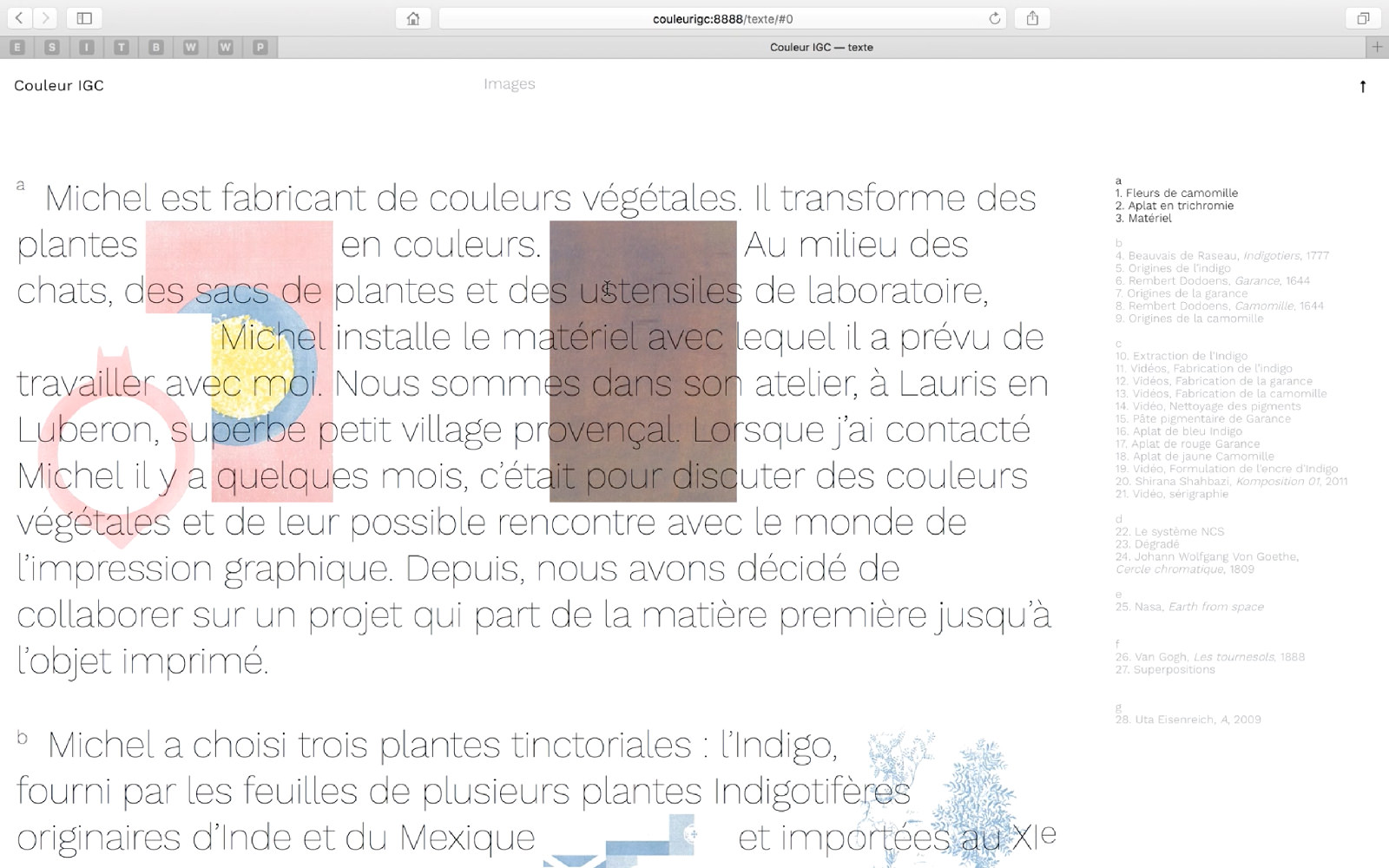
I managed to use lightbox plugin in the text after few hours of work. I've fiddling "app-min.js" and the plugin is almost OK. You can see the result on youtube. The website is not currently online.
Thanks anyway for your answer.Samuel
-
Oh wow great job!

Hello! It looks like you're interested in this conversation, but you don't have an account yet.
Getting fed up of having to scroll through the same posts each visit? When you register for an account, you'll always come back to exactly where you were before, and choose to be notified of new replies (either via email, or push notification). You'll also be able to save bookmarks and upvote posts to show your appreciation to other community members.
With your input, this post could be even better 💗
Register Login