How to remove excess space at the bottom of a page from adjusting content y-axis offset?
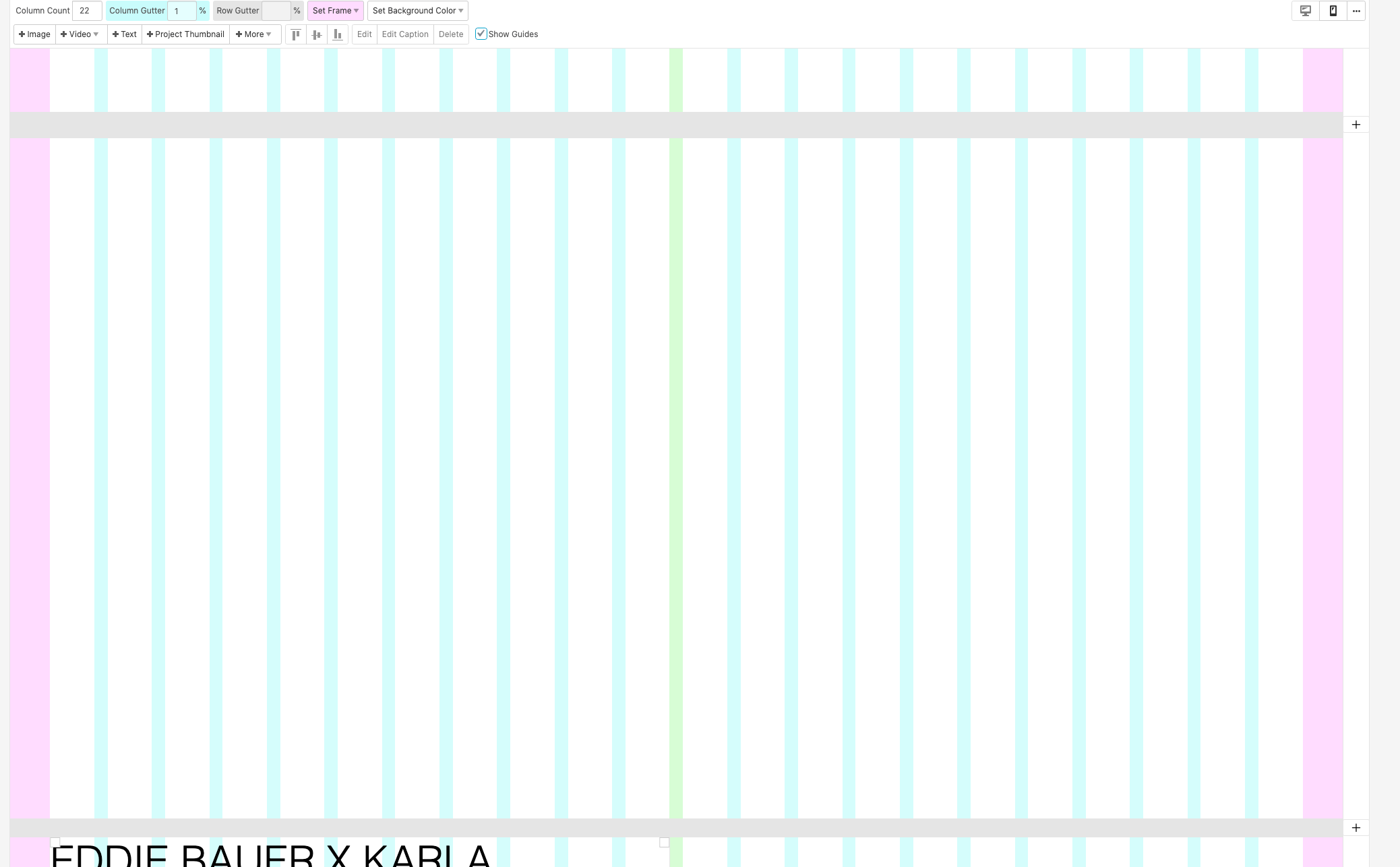
-
Here is the page I am struggling with: https://meritocracyprojects.com/eddiebauerxkarla
I want to remove the large amount of blank white space between the last image and the text at the bottom - this space is the result of adjusting the speed and y-axis offset of all of the images present to allow them to overlay, but after moving them all up to get the overlap, I'm left with a ton of blank space at the bottom. I can't remove what looks like an empty block from the edit page, because that block is actually attached to the last image in the project.
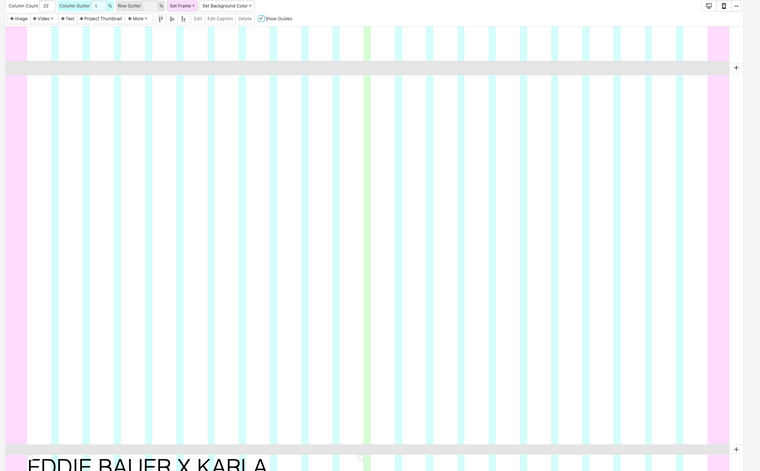
Hope that makes sense!
-
Ah now I understand
Sorry, Richard might have overlooked this post.
My advice would be not to use so much y offset for the bottom images and not use so much parallax for the bottom images
-
Dear @meritocracy
Sorry about this one slipping through!
I hope Armin's solution has provided a way forwards :)Sincerely
Richard


Hello! It looks like you're interested in this conversation, but you don't have an account yet.
Getting fed up of having to scroll through the same posts each visit? When you register for an account, you'll always come back to exactly where you were before, and choose to be notified of new replies (either via email, or push notification). You'll also be able to save bookmarks and upvote posts to show your appreciation to other community members.
With your input, this post could be even better 💗
Register Login