3 small questions: Hierarchy of overlapping images, Gritter problems and text turns?
-
Hey there!
First of all, thanks for this awesome theme, such a pleasure to work with it.
I have just recently started switching my homepage and 3 questions are:-
How would I define the hierarchy of overlapping pictures? there seems to be no logic in which to upload first in the gritter being the ones on top.
This would be especially important for me in combination with the carousel plugin. -
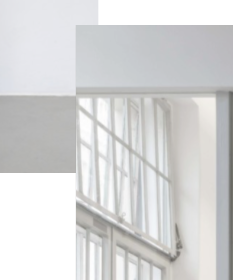
My Gritter layout is not representing my actual homepage size. When choosing x or y offsets to overlay pictures they are waaaaay of after publishing. How would I be able to fix that?
Backend:

Homepage:
-
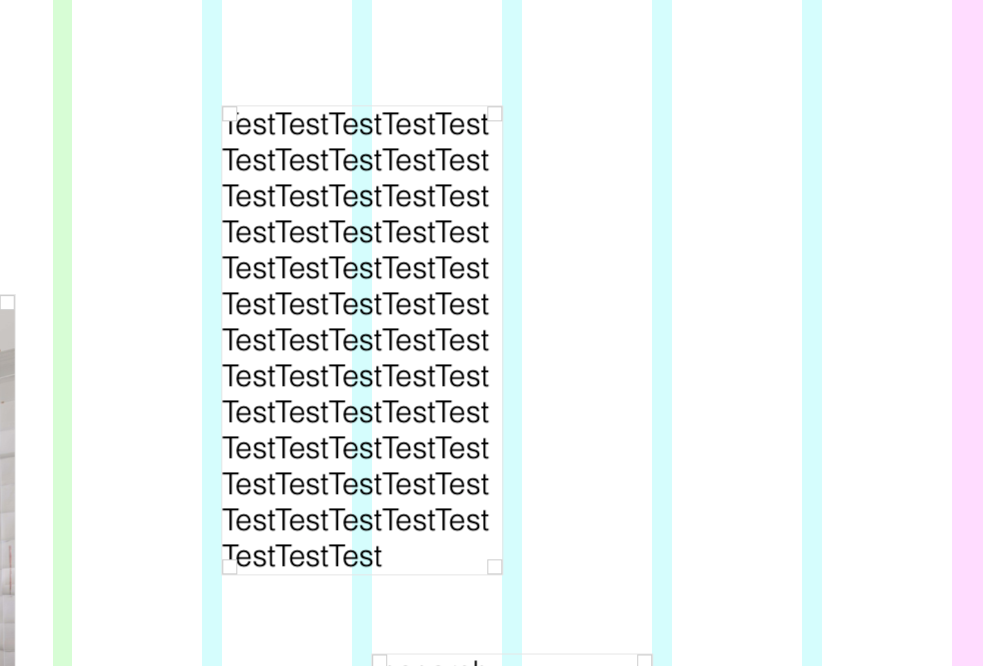
When I write text and put it in 2 grits, on the homepage the text is spread out as a one liner. How can I fix that and is it able to turn text 90 degrees easily?
Backend:
Homepage:

Thanks a lot!
-
-
Dear @philie
I will address question 3 first if that's ok:
The "testtesttesttest" in one row - The text content will take its information from how it was set in the "Text Editor"
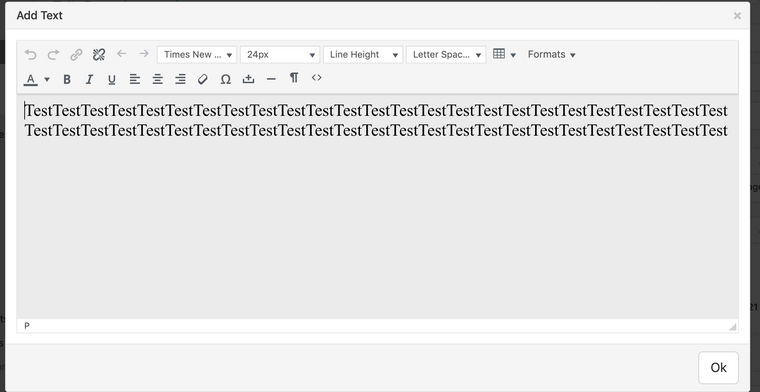
In the text editor its defined as an ongoing sentence with no break in its layout so it will be displayed this way in the front end.
There is no way to rotate the the text within the text editor - however you could apply Custom CSS to it via 'Lay options - Custom CSS & HTML"https://css-tricks.com/snippets/css/text-rotation/
Question 1 , i think i understand correctly, however what method would you need to set them on top? are you using a 'stack' element or using the X/Y Offset?
Question 2.. May need just a little bit more info sorry to be an inconvenience this way :)
Best wishes!
Richard

Hello! It looks like you're interested in this conversation, but you don't have an account yet.
Getting fed up of having to scroll through the same posts each visit? When you register for an account, you'll always come back to exactly where you were before, and choose to be notified of new replies (either via email, or push notification). You'll also be able to save bookmarks and upvote posts to show your appreciation to other community members.
With your input, this post could be even better 💗
Register Login