Dot cursor using Vanilla.js issue with carousel
-
Hello Laypeople, Layteam, @arminunruh and @Richard-K
Working on a custom dot cursor using vanillaJS. It works on my page https://baptisteperon.com except on the carousel where I would like to have the same animation as I have on my codepen : https://codepen.io/B02P16/pen/LYbjMYo
If someone have an idea of what I'm doing wrong it would be nice, thanks.
Best,
Baptiste -
-
Dear @Baptiste
Hey! thats really cool & the website looks great :)
It functions within the carousel for me?Best wishes & a wonderful day
Richard
Hey @Richard-K,
The two dots (black-blue) works but not the left/right cursor I would like to have.
If you compare my codepen and my website here a difference :The cursors should be like that:
Normal cursor :

Right cursor on carousel :
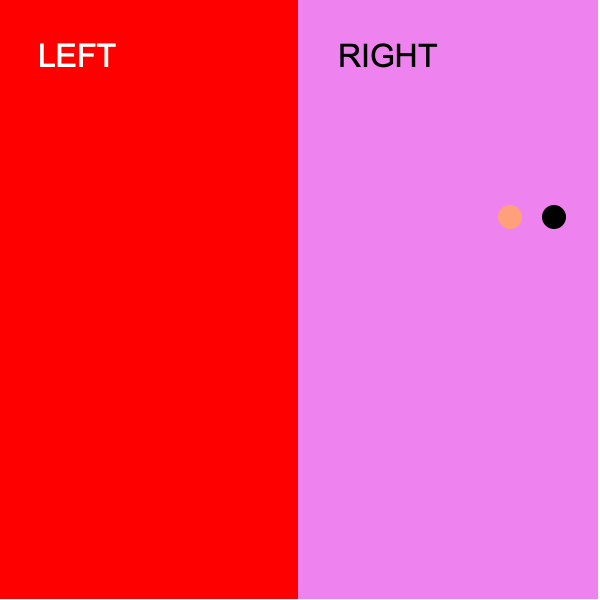
Left cursor on carousel :
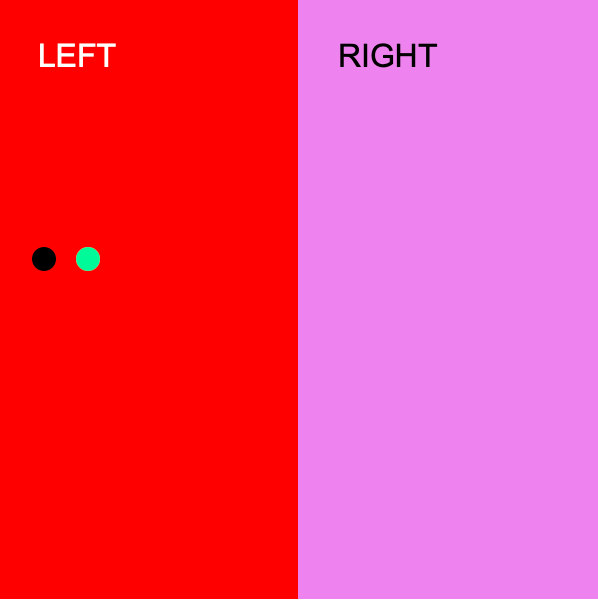
It works on the codepen, not on Lay, any idea why?
Best.
-
Dear @Baptiste
On the codepen example you have the left & right <div>'s
<div class="col">
  <div class="lay-carousel cursor-left">LEFT</div>
</div>

<div class="col">
  <div class="lay-carousel cursor-right">RIGHT</div>
</div>
The JQuery & CSS is applied to these - telling the Cursor to change colour - However i cant find these two <div> s within your Carousel on the website - so the effect cant function?
Talk soon & best wishes
Richard -
Dear @Baptiste
On the codepen example you have the left & right <div>'s
<div class="col">
  <div class="lay-carousel cursor-left">LEFT</div>
</div>

<div class="col">
  <div class="lay-carousel cursor-right">RIGHT</div>
</div>
The JQuery & CSS is applied to these - telling the Cursor to change colour - However i cant find these two <div> s within your Carousel on the website - so the effect cant function?
Talk soon & best wishes
RichardHey @Richard-K,
Maybe I'm doing something wrong but I target those div's on the codepen AND on my website by using that js code (you can see the complete code on the first message) :
var cleft = document.querySelectorAll('.col .lay-carousel.cursor-left');
var cright = document.querySelectorAll('.col .lay-carousel.cursor-right');
I'm trying to reach this part of native lay's code :
.col .lay-carousel.cursor-left {
    cursor: url("../img/cursor_prev.svg") 6 6, w-resize;
}

.col .lay-carousel.cursor-right {
    cursor: url("../img/cursor_next.svg") 6 6, e-resize;
}
To replace the native cursor as I do for the <a> elements
Do I target the wrong class?
Best,
Baptiste. -
Hello @arminunruh, any idea?
Thanks 🙏 -
hey baptiste!
you cannot do
var cleft = document.querySelectorAll('.col .lay-carousel.cursor-left');Because the classes "carousel-left" and "carousel-right" are set dynamically whenever your mouse enters the carousel and either moves to the left or right, when you select '.col .lay-carousel.cursor-left' on page load, it will not match any html element
Better do sth like:
jQuery(".lay-carousel").on("mousemove", function(){
	if( jQuery(this).hasClass("cursor-left") ){
		// use left cursors
	} else {
		// use right cursors
	}
});
jQuery(".lay-carousel").on("mouseleave", function(){
	// go back to normal cursors
});
Your prototype is rlly cool and i think its a rlly nice creative solution, congrats!
-



Hello! It looks like you're interested in this conversation, but you don't have an account yet.
Getting fed up of having to scroll through the same posts each visit? When you register for an account, you'll always come back to exactly where you were before, and choose to be notified of new replies (either via email, or push notification). You'll also be able to save bookmarks and upvote posts to show your appreciation to other community members.
With your input, this post could be even better 💗
Register Login