Menu Point (Desktop Version) in other corner
-
Hello,
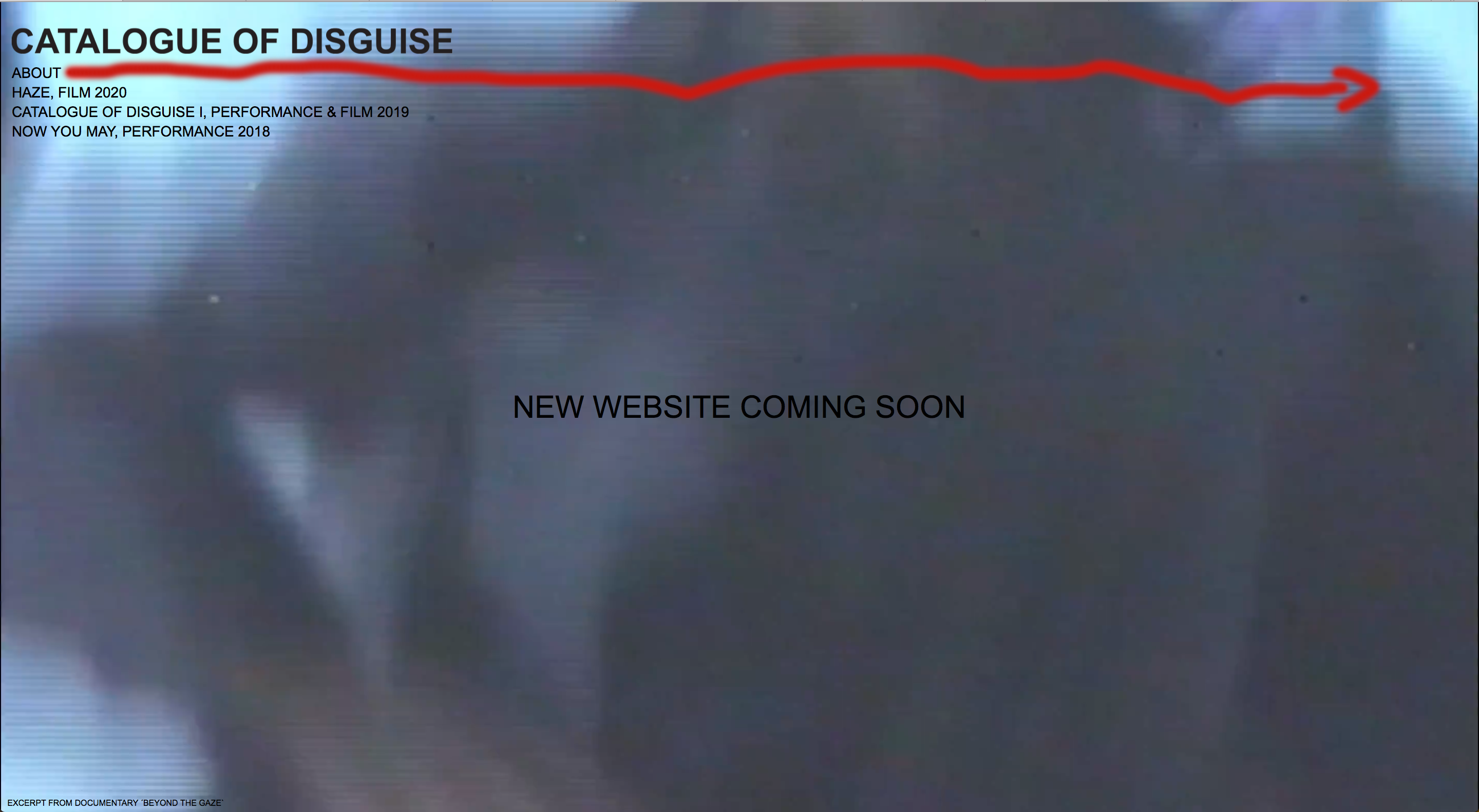
I wanted to ask if its possible to position on of the menu points in an other area of the website (desktop version). Like you see in the screenshot below.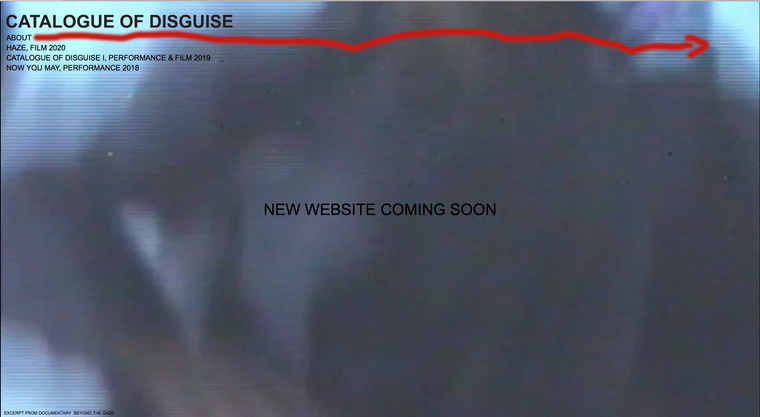
(The menu point ABOUT would be ideally on the other side same height)
Best wishes,
from a bloody beginner. -
http://www.catalogueofdisguise.de
and this is my website in case you need it
-
Dear @Laura-S
Just to be sure, hope i understand correctly -
In Customize ▸ Menu Style > Primary MenuYou have the option to position your menu points, but you are talking about this one menu point 'about?'
You would need to target it via CSS and position it across the page, the CSS code would need to be added either in Customize > CSS, or in 'Lay Options - Custom CSS & HTML'.
In your case the CSS would be something like:
#menu-item-527 {
    transform:translateX(93vw);
}
There are other ways of doing it, if this doesn't suit your design needs or website flow. ( '93' is a value you can change to suit - this could also be px or even calc() )
If you require further understanding of CSS - on Lay Theme's documentation page:
https://laytheme.com/documentation.html#custom-css-stylingAnd Google is the greatest freind to web developement you can have :)
Best wishes and have a wonderful day
Richard -
-
Dear @Laura-S
No worries! Good luck & have a wonderful day :)
Richard
-

Hello! It looks like you're interested in this conversation, but you don't have an account yet.
Getting fed up of having to scroll through the same posts each visit? When you register for an account, you'll always come back to exactly where you were before, and choose to be notified of new replies (either via email, or push notification). You'll also be able to save bookmarks and upvote posts to show your appreciation to other community members.
With your input, this post could be even better 💗
Register Login