Use the «+» and «-» for changing size when placing images
-
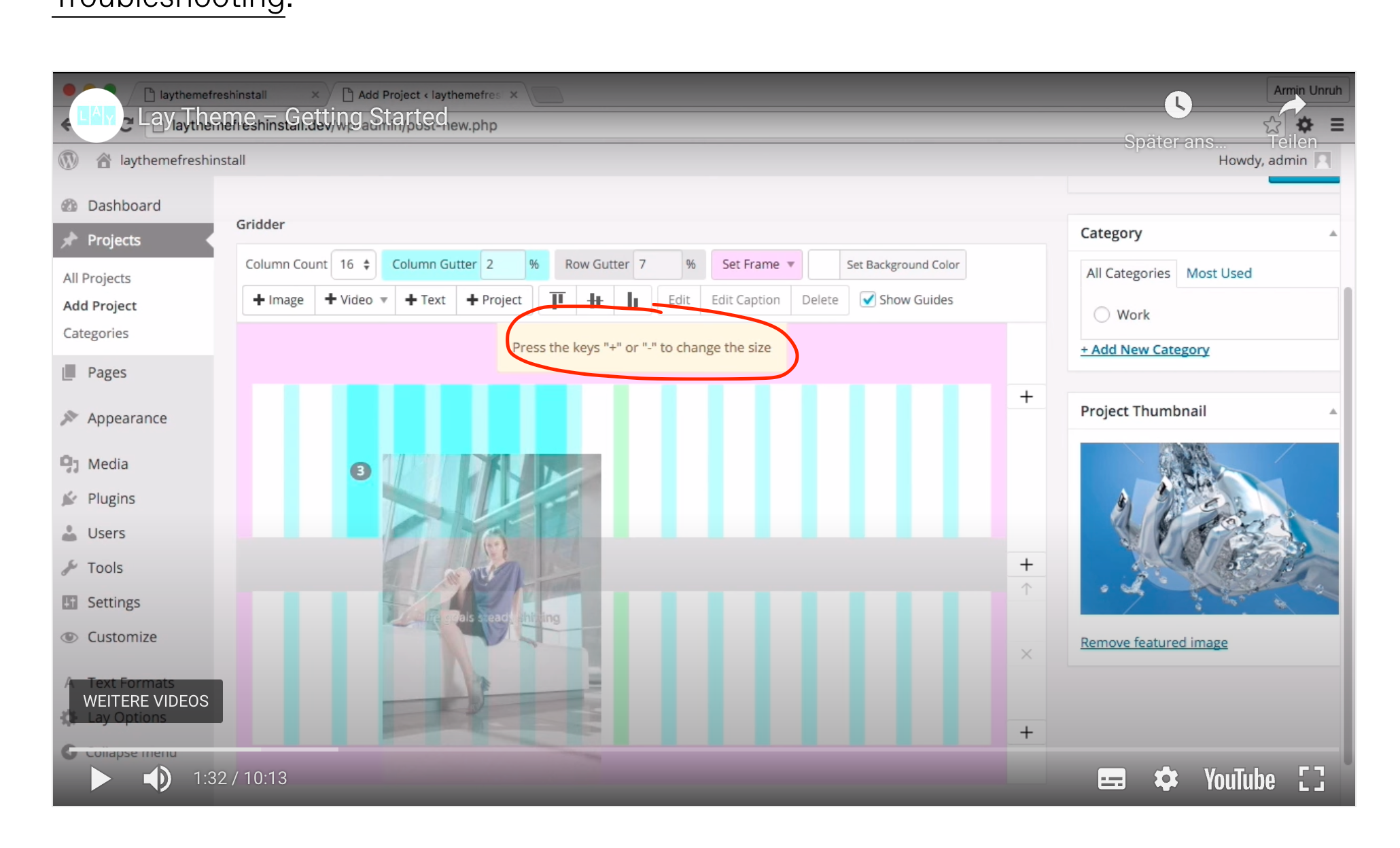
This question is probably a bit stupid but i not able to change the size of images when placing in a project. The help text says, «Press the keys "-" or "+" to change size»
Since i’m working with a macbook, i dont have designated keys for «+» or «-» like on a big keyboard.
does anyone know the key combination for this? I thought, its «shift»+«cmd»+«1» and «shift»+«cmd»+«-» but this is not really working.
-
@kasuma on what device are you working?
Hello! It looks like you're interested in this conversation, but you don't have an account yet.
Getting fed up of having to scroll through the same posts each visit? When you register for an account, you'll always come back to exactly where you were before, and choose to be notified of new replies (either via email, or push notification). You'll also be able to save bookmarks and upvote posts to show your appreciation to other community members.
With your input, this post could be even better 💗
Register Login