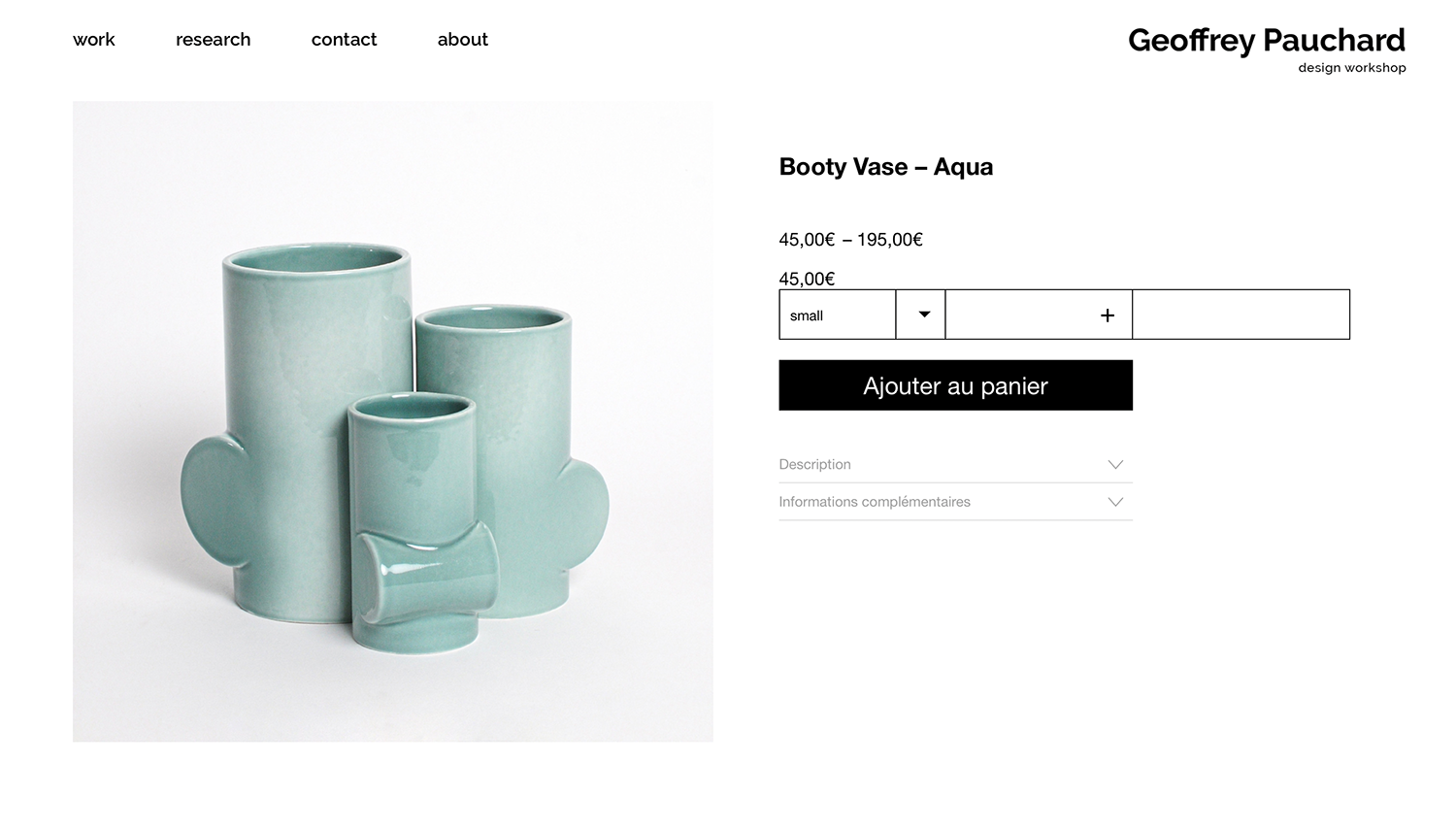
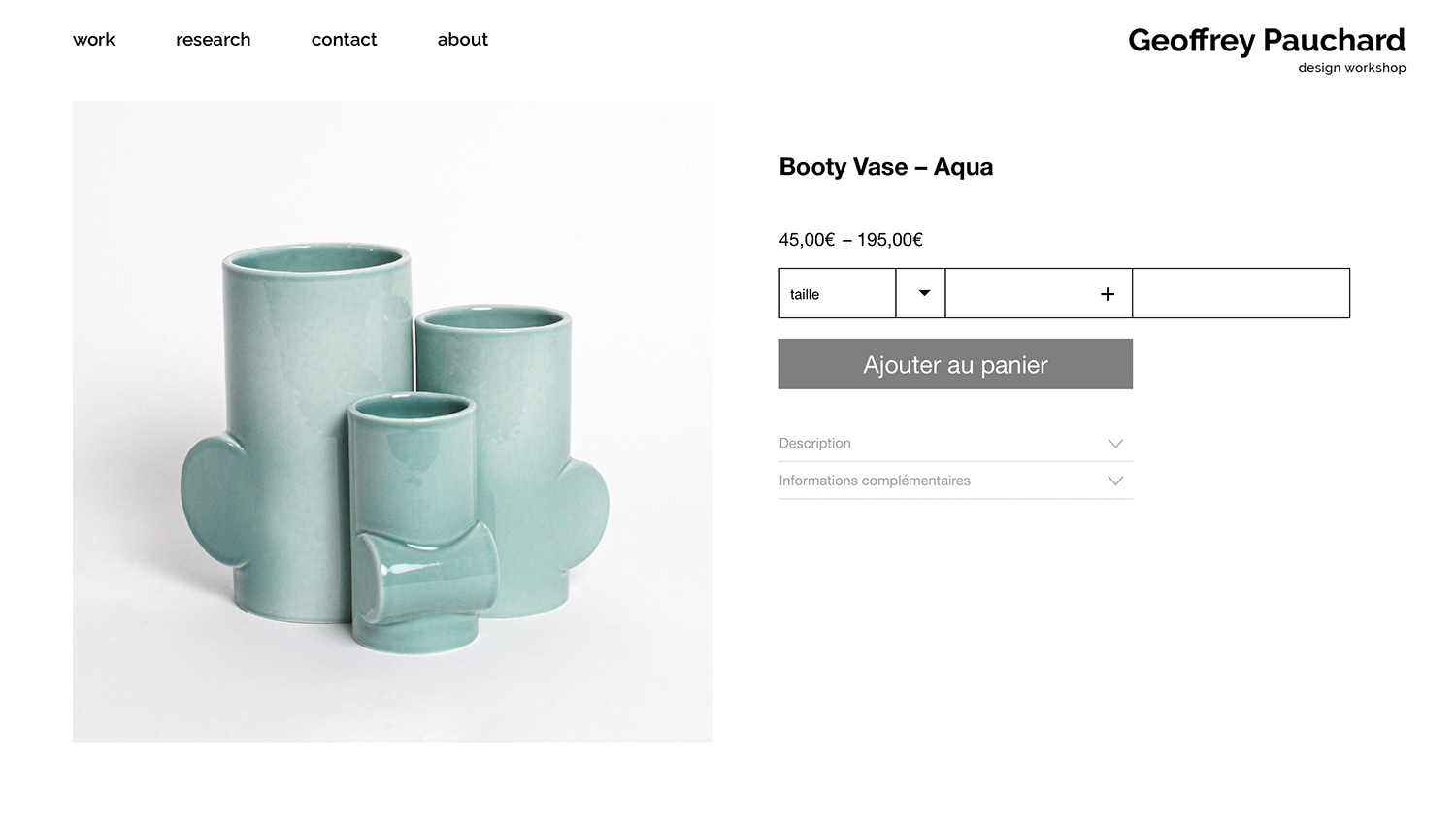
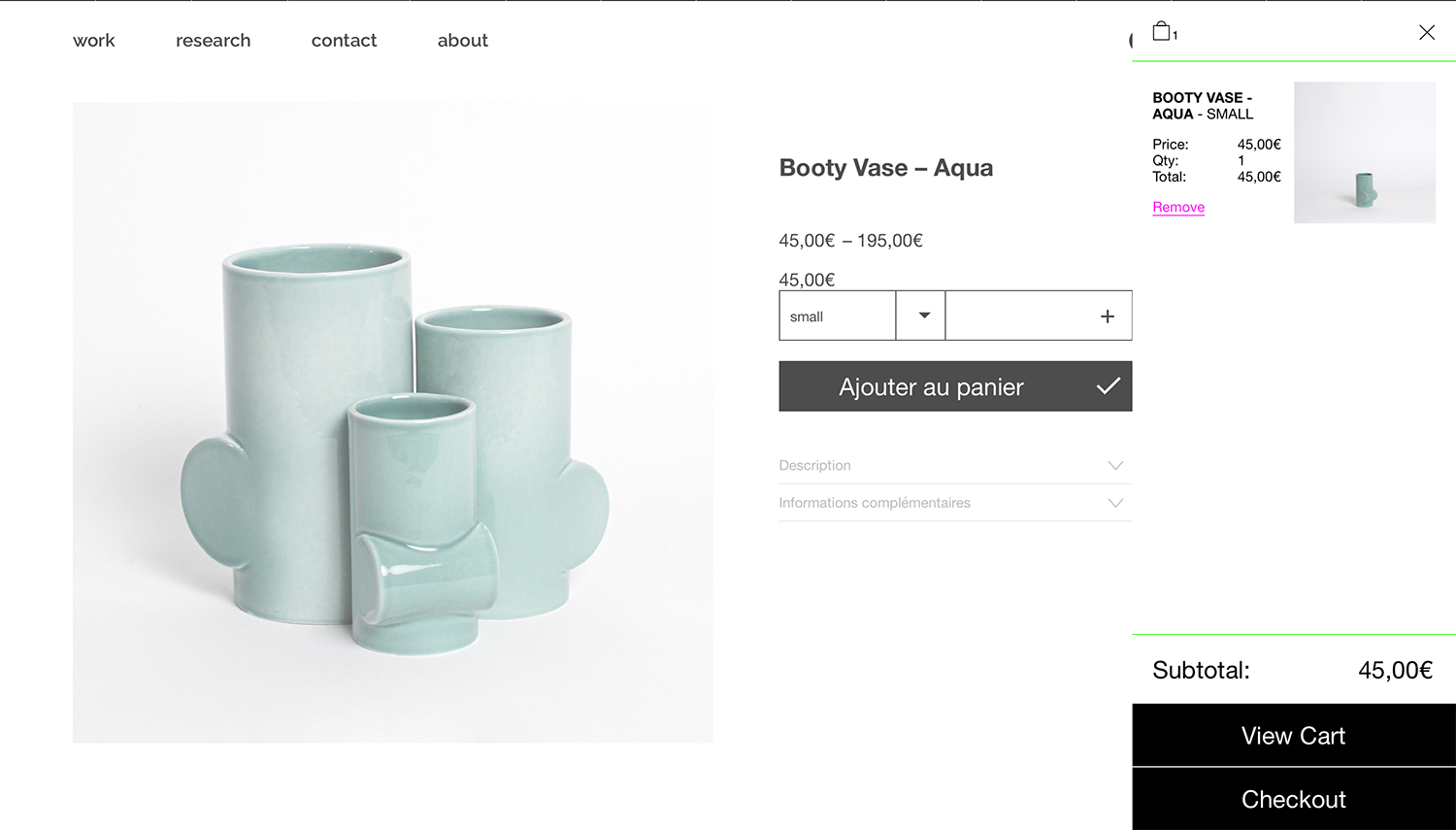
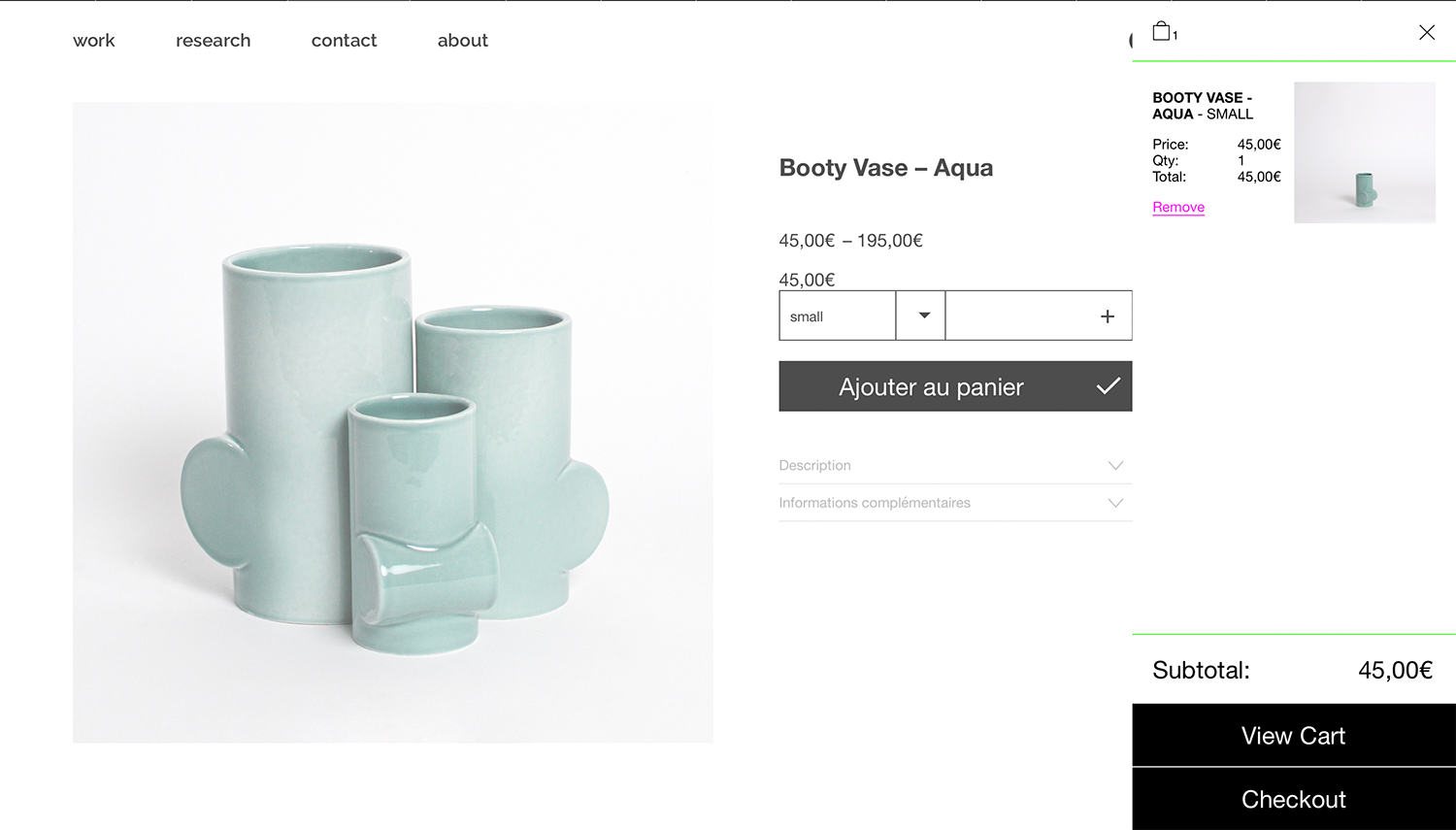
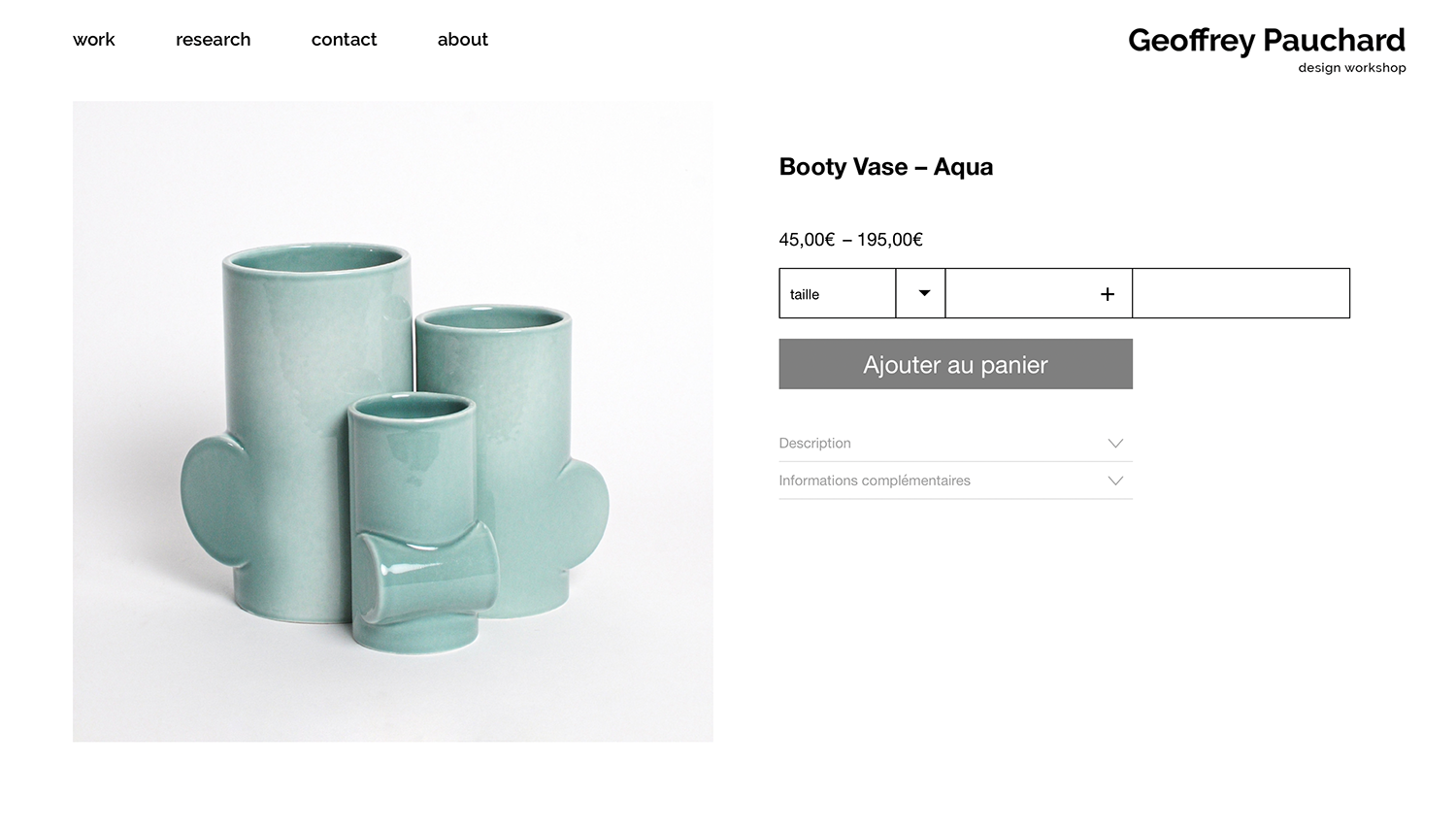
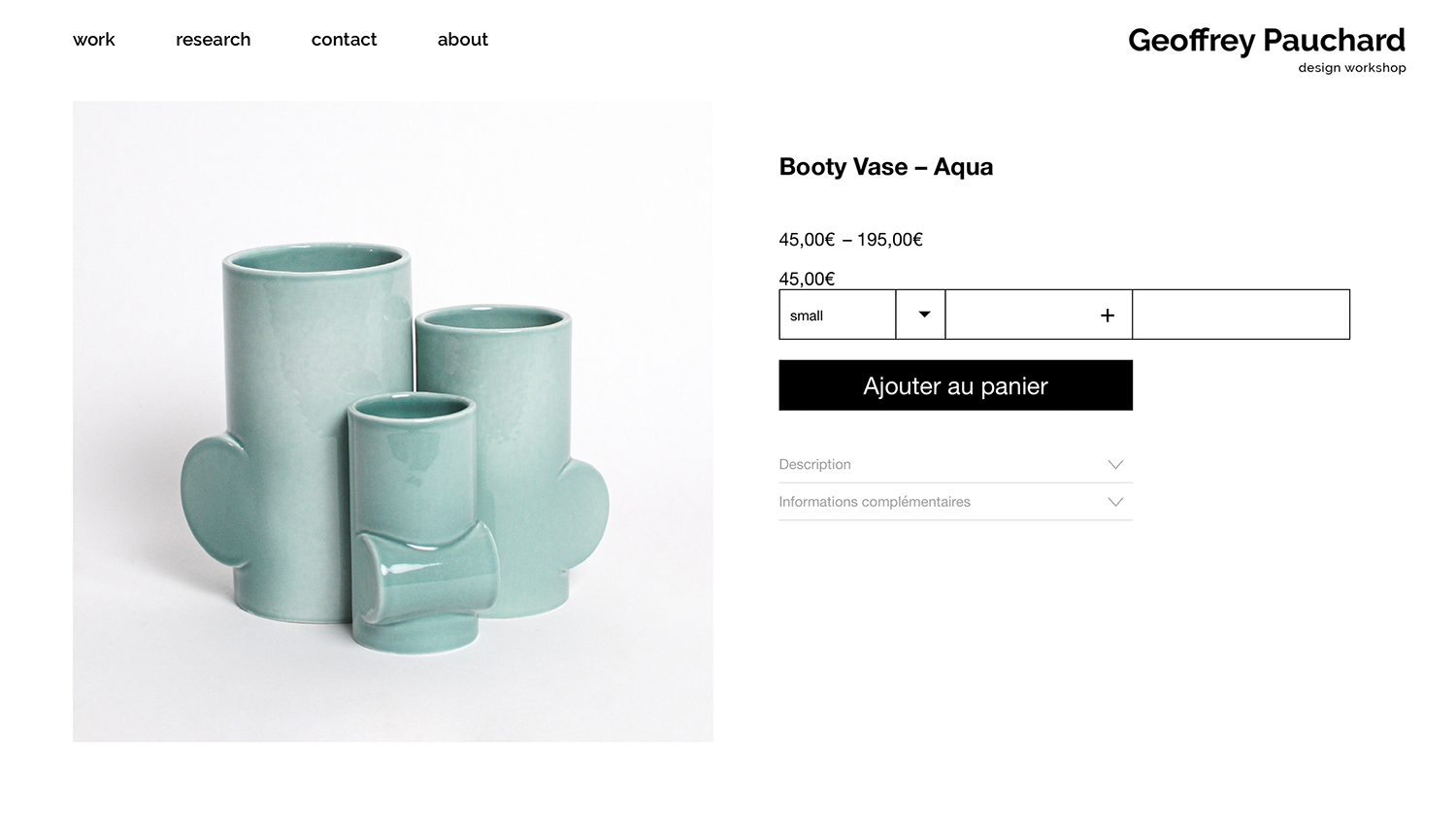
quantity number position in the shop & basket page don't look correct
-
-
Dear @jeff
https://www.geoffreypauchard.com/produit/booty-vase-aqua/ 🔍
Your custom code is causing the issue:
@media (min-width: 601px){.text{
    position:absolute;
    left:40%;
}}
When removed everything looks correct:
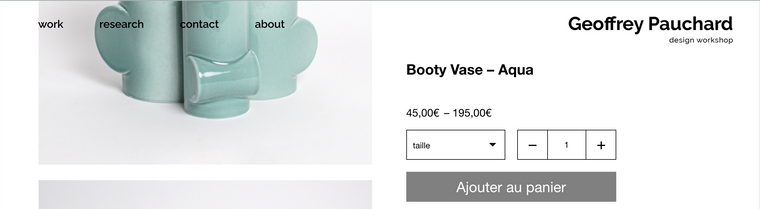
The custom code has no specific targeting its saying:
" Any elements with the class
textget a position absolute and left 40%.Did you give an element a custom class called 'text' and wish to apply custom css to it? if so i would suggest being more specific with your naming e.g
my-custom-text. That way you won't be in danger of applying this css to standard functions/elements.Hope i have understood correctly Jeff and have a great day!
Best wishes 🌝
Richard
-
-

Hello! It looks like you're interested in this conversation, but you don't have an account yet.
Getting fed up of having to scroll through the same posts each visit? When you register for an account, you'll always come back to exactly where you were before, and choose to be notified of new replies (either via email, or push notification). You'll also be able to save bookmarks and upvote posts to show your appreciation to other community members.
With your input, this post could be even better 💗
Register Login