Menu and images not showing up
-
Hello!
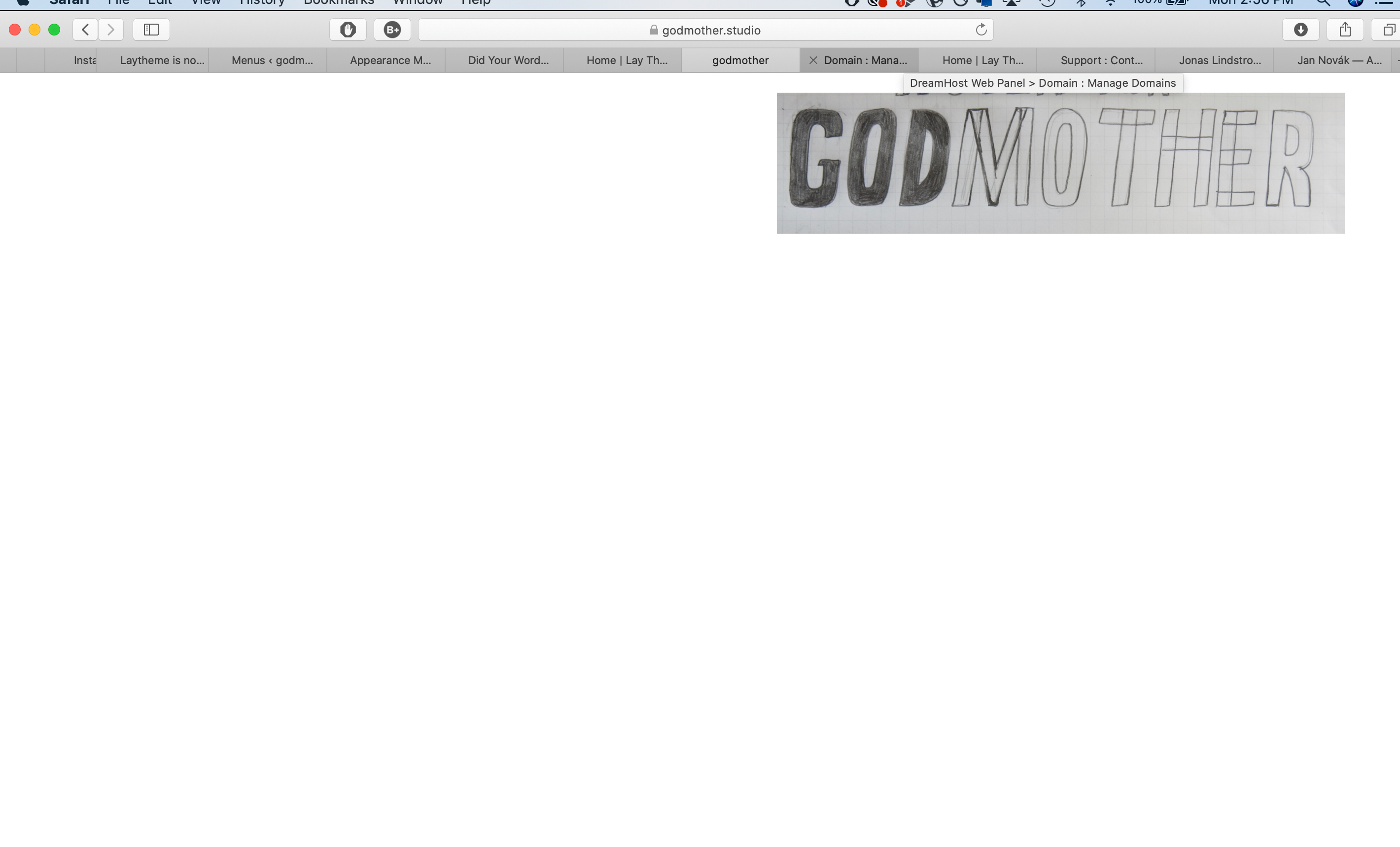
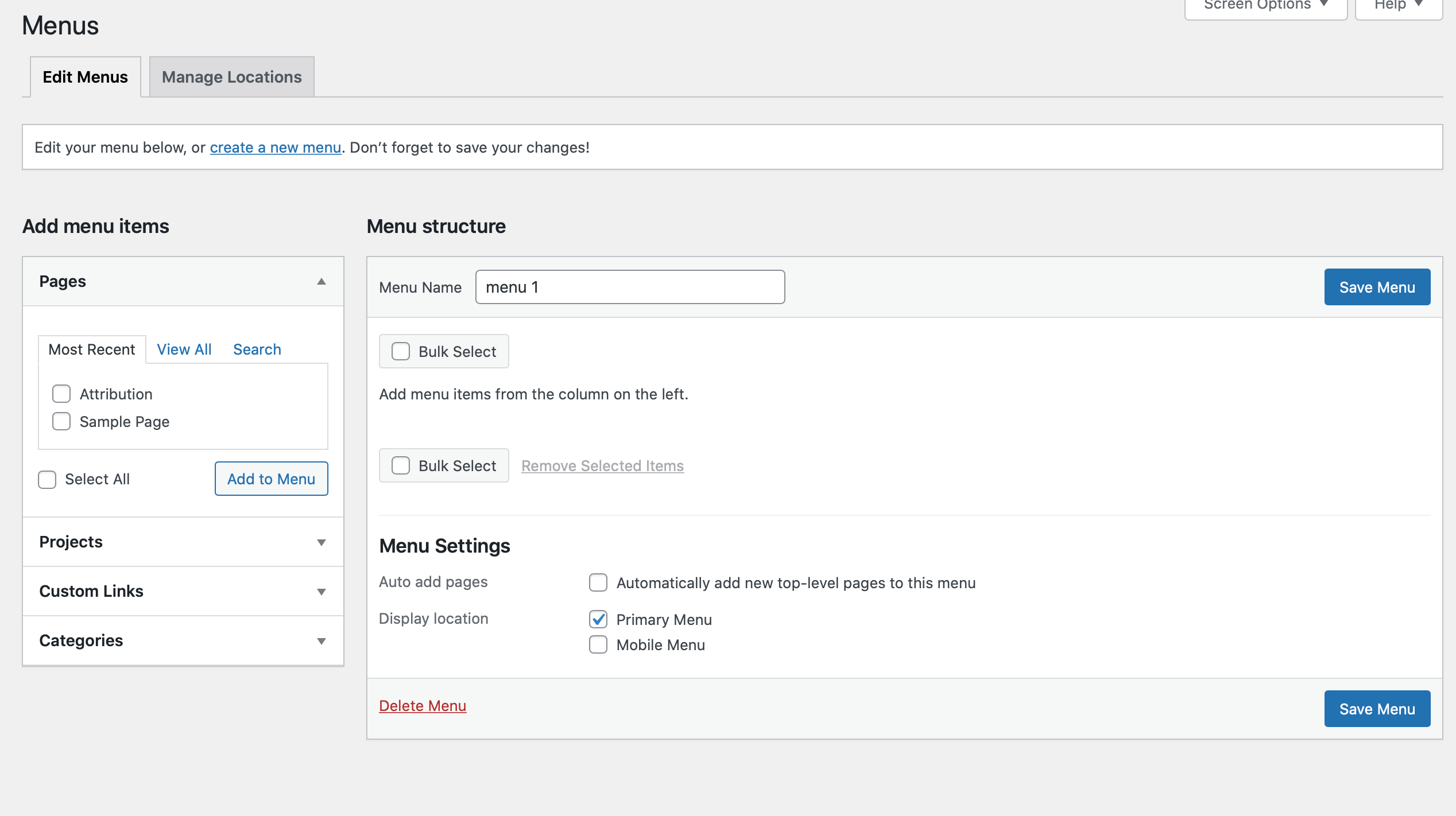
I have just downloaded Lay today and have followed the video tutorial step by step. Unfortunately though for some reason the menu bar will not show up... I am so confused and have been trying to fix all day to no avail. I would love some help! Thank you :) Scarlett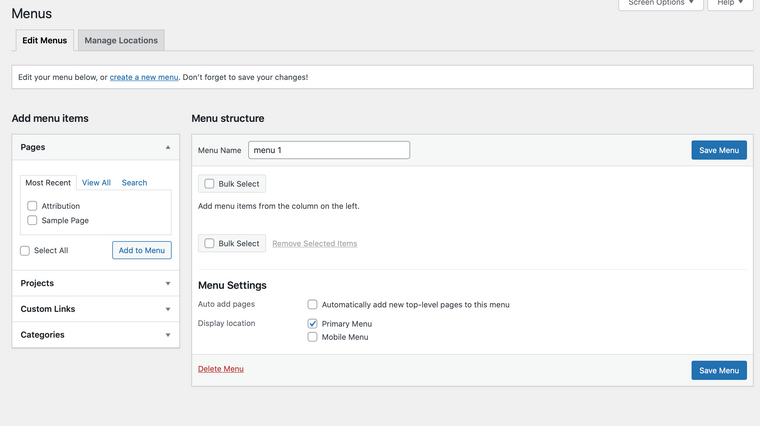

-
And apologies -- the url is https://www.godmother.studio/project-title/ and I use Safari
-
Dear Scarlett
@scarlettwyner
Currently i am able to see the menu bar:
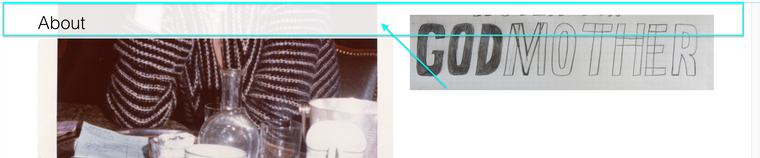
Is this the same for you? the problem is solved?
Talk soon & have a wonderful day 🌝
Richard
-
Hi Richard! Apologies, I sorted it by deactivating all the plugins which at first didn't seem to do anything but overnight it seemed to appear like a phantom. How strange! Thank you though :)
-

Hello! It looks like you're interested in this conversation, but you don't have an account yet.
Getting fed up of having to scroll through the same posts each visit? When you register for an account, you'll always come back to exactly where you were before, and choose to be notified of new replies (either via email, or push notification). You'll also be able to save bookmarks and upvote posts to show your appreciation to other community members.
With your input, this post could be even better 💗
Register Login