Reduce logo size on scroll
-
Hi all,
I'm trying to work out how I can reduce the size of the logo when scrolling down the page.
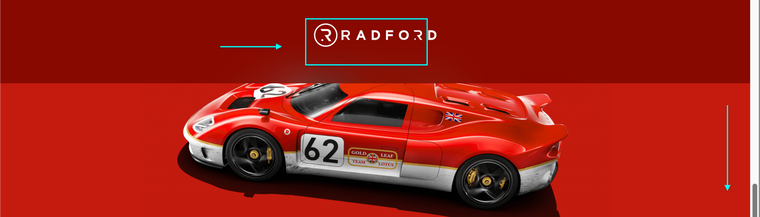
An example is this — https://radford.co
-
-
-
Dear @KingJut
There would be a difference based on what is needed.
Do you scroll and then i get's smaller once, E,g
Top of page > Logo=100px
25% down page > Logo=50px
Or does it shrink gradually in relation the the specific scroll E.g
Top of page > Logo=100px
1% further down > Logo=99px
1% further down > Logo =98px etc
This would need to be custom coded by you, adding the code within > Lay options > Custom CSS & HTML >
https://laytheme.com/documentation/custom-css-styling.html
https://www.w3schools.com/howto/howto_js_shrink_header_scroll.asphttps://stackoverflow.com/questions/28676253/changing-div-height-on-scroll
https://developer.mozilla.org/en-US/docs/Web/CSS/transform-function/scale()
For targeting the site title has a class called
sitetitle
E.g.sitetitle{ // insert CSS here }
Best
Richard 🌝

Hello! It looks like you're interested in this conversation, but you don't have an account yet.
Getting fed up of having to scroll through the same posts each visit? When you register for an account, you'll always come back to exactly where you were before, and choose to be notified of new replies (either via email, or push notification). You'll also be able to save bookmarks and upvote posts to show your appreciation to other community members.
With your input, this post could be even better 💗
Register Login