Vertical Lines
-
Hi,
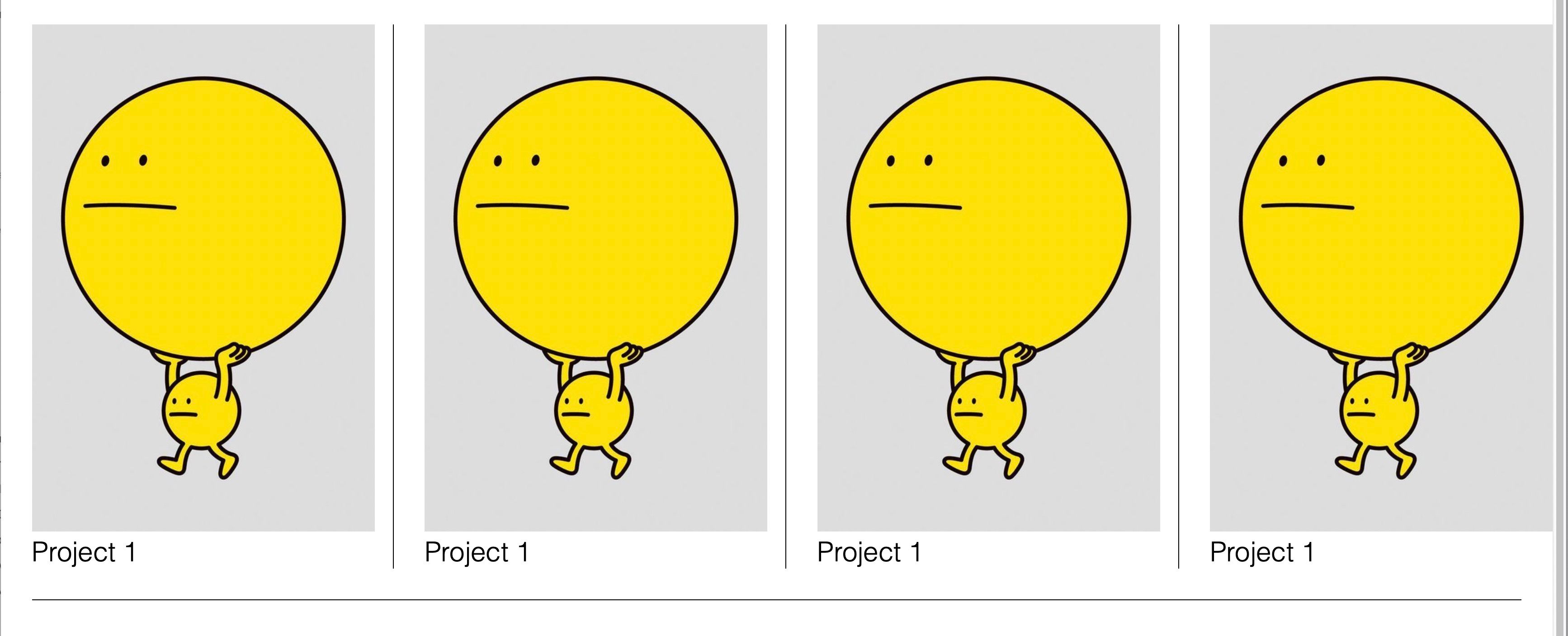
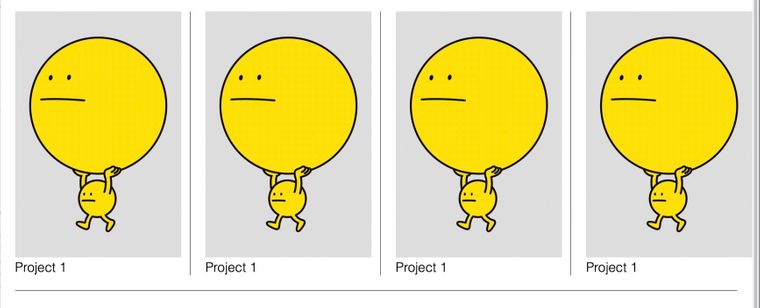
I'm trying to make use of all the posts about the vertical line and come to some kind of solution. I almost made it, but my solution pushes the layout a bit over the edge of the browser right border. Any help is more than welcome.
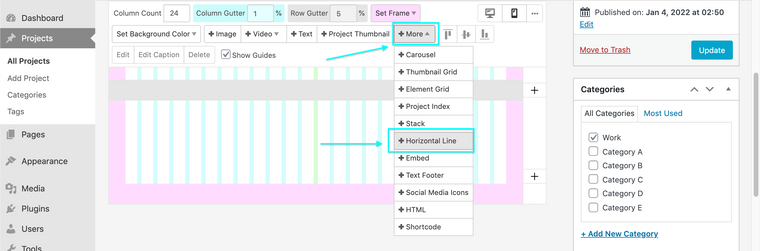
Secondly, is there a way to create a grid-like effect by possibly adding some css so that the project thumbnail also has a horizontal line below the project title?
Have a good day!
W.Custom CSS:
.vertLine {
border-right: 1px solid black;
padding-right: 20px;
}I then linked this to a project thumbnail by right clicking and adjusting the class to "vertLine".
See the image to see what I'm talking about.
-
Dear @wardh
I see, depends on what suits your design. If you are pushing 20px to the right 4 times (one for each image) then you may want to reduce the width of each image by 20px.
You may want to use
overflow-x:hidden;on the page but the image will still be up against the edge.You may want to apply a vertical line but instead of using
padding-rightwhich pushes, use the transform CSS property. You will need to test for bugs when using this.E.g
transform: translateX(20px);https://developer.mozilla.org/en-US/docs/Web/CSS/transform-function/translateX()
"possibly adding some css so that the project thumbnail also has a horizontal line below the project title?"
Below the the Text? Underline?
https://www.w3schools.com/cssref/pr_text_text-decoration.asp
Or for the whole element use the same Border idea but instead of
border-rightuseborder-bottom.Do these solutions suit your needs? 🌝
Best wishes @wardh for a happy 2022!
Richard
-
Thanks for the suggestions, Richard. I worked a bit more on the pages, but wasn't able to figure out how to do it. To complex for my non-coder brain. :-) However, I found a different method to approach the problem. I made a 27 column gridder layout: 4times a 8column-wide project thumbnails + 3 columns left for the vertical line, which I added as a div. I styled that div with custom css.
.vertLine {
 border-left: 3px solid black;
 position:absolute;
 left: 50%;
 height: 100px;
}and inline html:
<div style="font-size:8px;" class="vertLine"> </div>
(I added the font-size style because without inline css the <div> wouldn't show up. small workaround.)
The only problem now is the height of the vertical line. I'm trying to grab the height of a "project thumbnail" element. But I'm not really succeeding. Any suggestions?Many thanks!
-
-
Hey Richard,
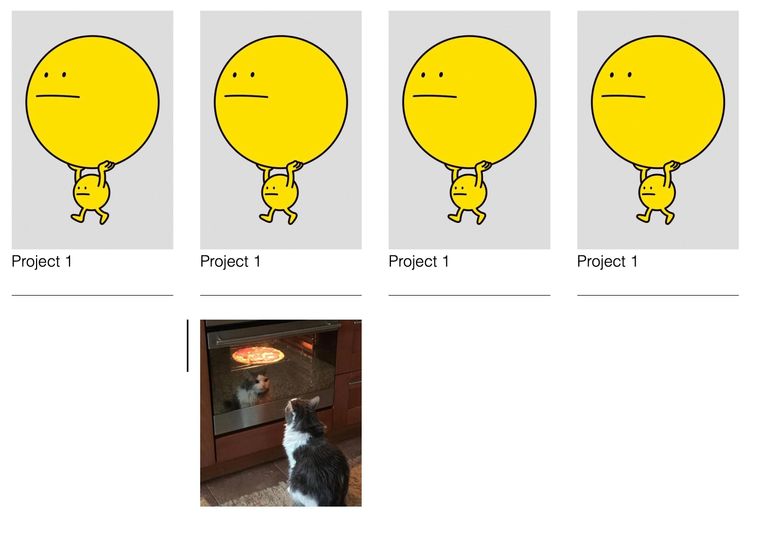
I'm working locally so I can't really share a link. I'll try to explain it a bit more clear. I'm trying to get hold of the height of the image of the pizzacat and possible text below. (This is what I was referring to with as "project thumbnail") The reason is that I would like to add vertical lines between the project-thumbnails so I can give it the .vertLine css style, where normally there would be "height: 100%".
Now I created that line next to the pizzacat by adding a border on its left site of the element and I gave it 100px height.Does this help? I hope so.
-
Dear @wardh
Sorry for my delayed reply, let's do this! 💥
- 27 column gridder layout:
- 4 x times 8 column-wide project thumbnails
- 3 columns left for the vertical line, which I added as a div.
- Inline HTML
<div style="font-size:8px;" class="vertLine"> </div>
I styled that div with custom css.
.vertLine { border-left: 3px solid black; position:absolute; left: 50%; height: 100px; }
I created a similar (not exact) setup so we are on a similar page.
I added my Custom CSS directly to Project Thumbnail parent container:
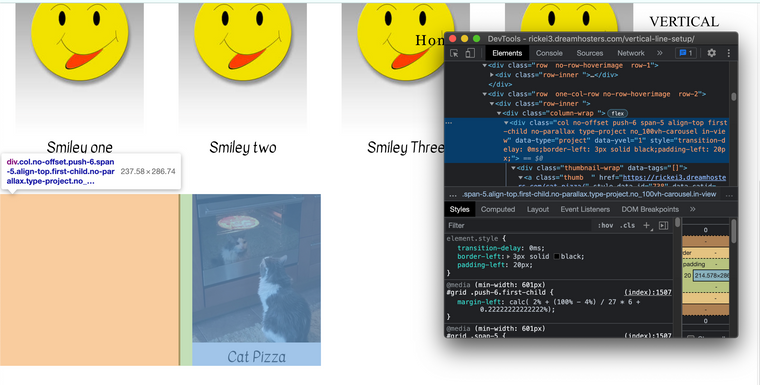
Result:

I guess the problem is that we get pushed 20px to the right, right?
border-left: 3px solid black;
padding-left: 20px;
But what if we use
transform: translateX(-20px);to reset it back to the correct place?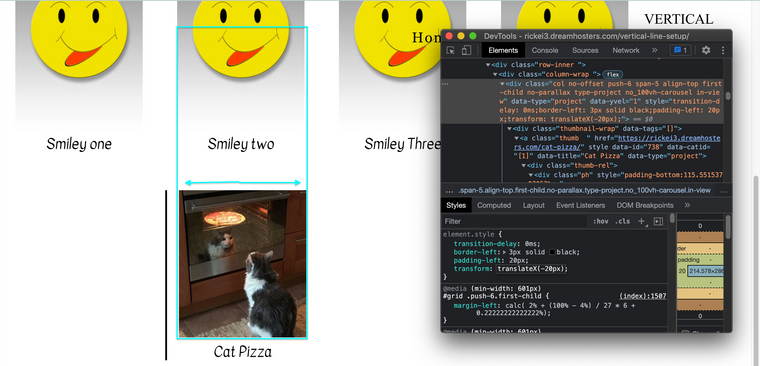
Maybe i'm way off the mark @wardh but hope we are getting closer 🌝
Best
Richard
-
-
Dear W
@wardh
This was done with the developer tools of the browser, they are extremely helpful for testing things before hard-coding.
Any custom code would be added to your website via:
Lay Options > Custom CSS & HTML > Custom CSS
The documentation page will really help you with this (there is also help with developer tools):
Best wishes
Richard


Hello! It looks like you're interested in this conversation, but you don't have an account yet.
Getting fed up of having to scroll through the same posts each visit? When you register for an account, you'll always come back to exactly where you were before, and choose to be notified of new replies (either via email, or push notification). You'll also be able to save bookmarks and upvote posts to show your appreciation to other community members.
With your input, this post could be even better 💗
Register Login