Project thumbnail grid 'default' parent category
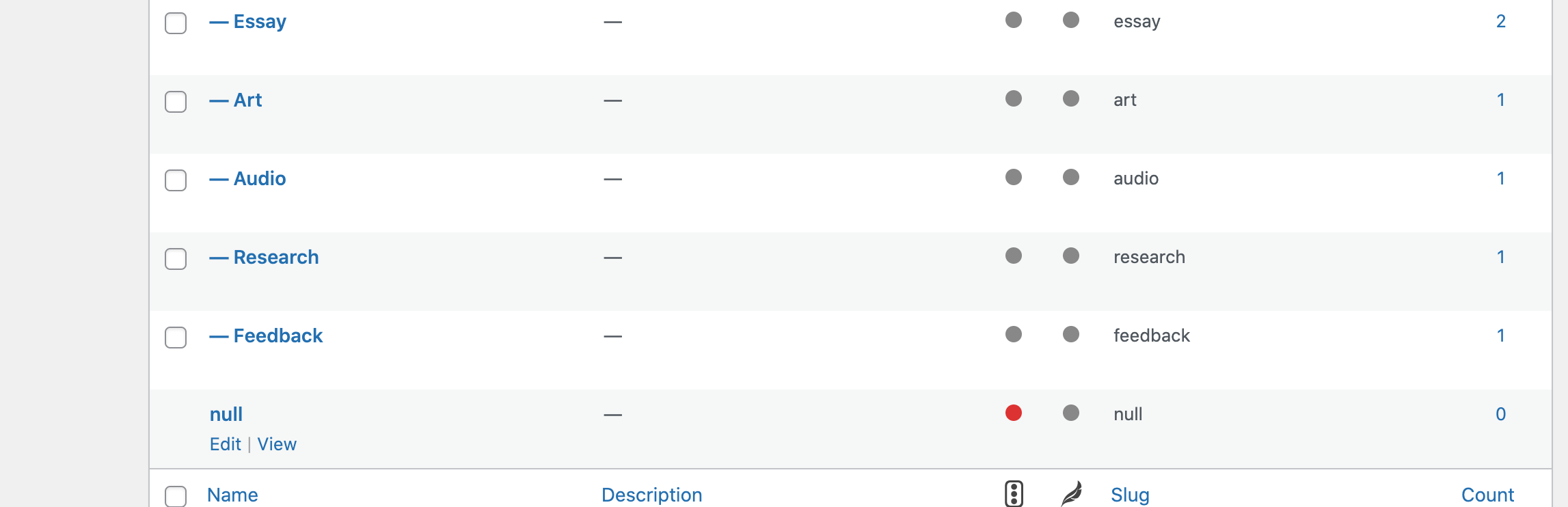
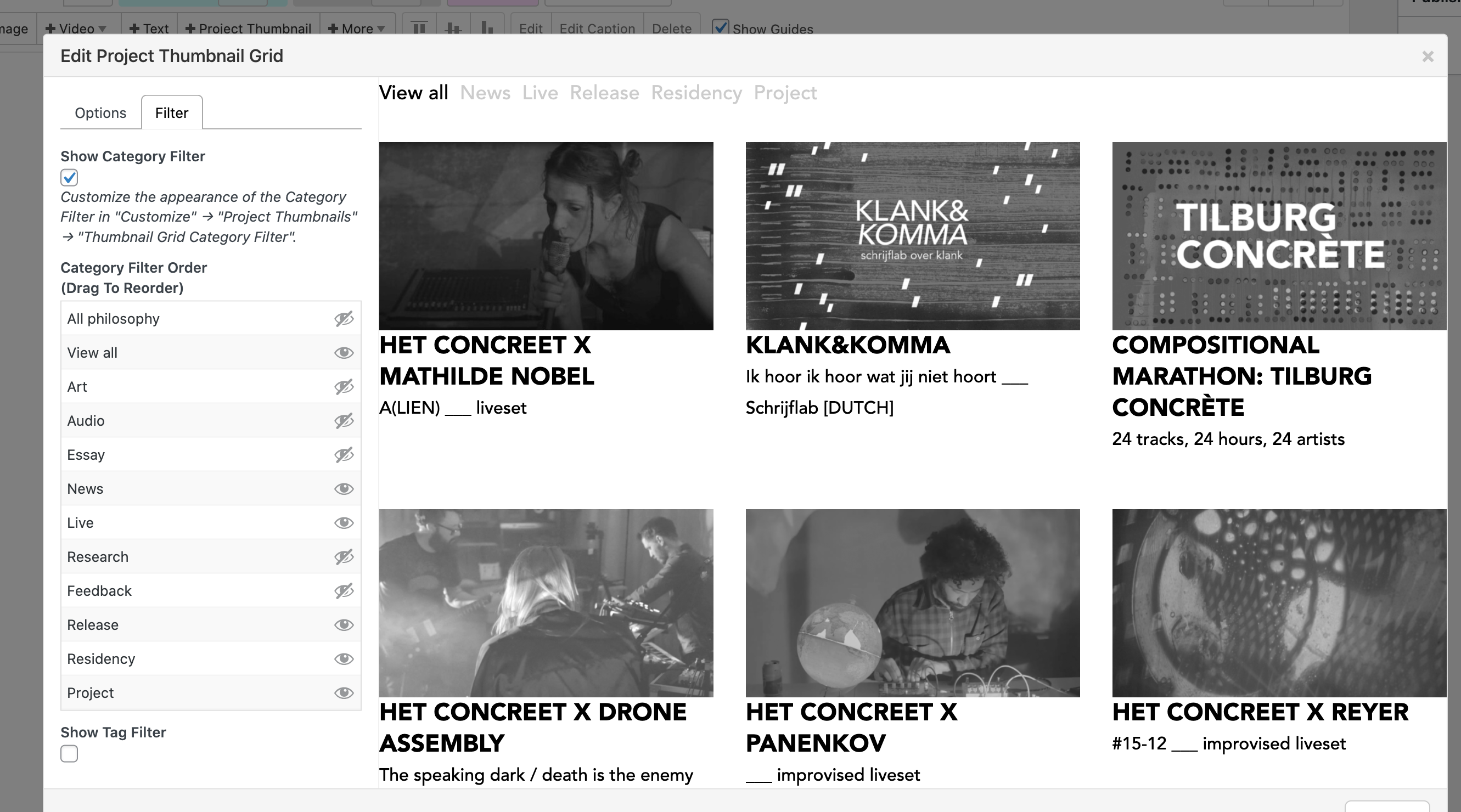
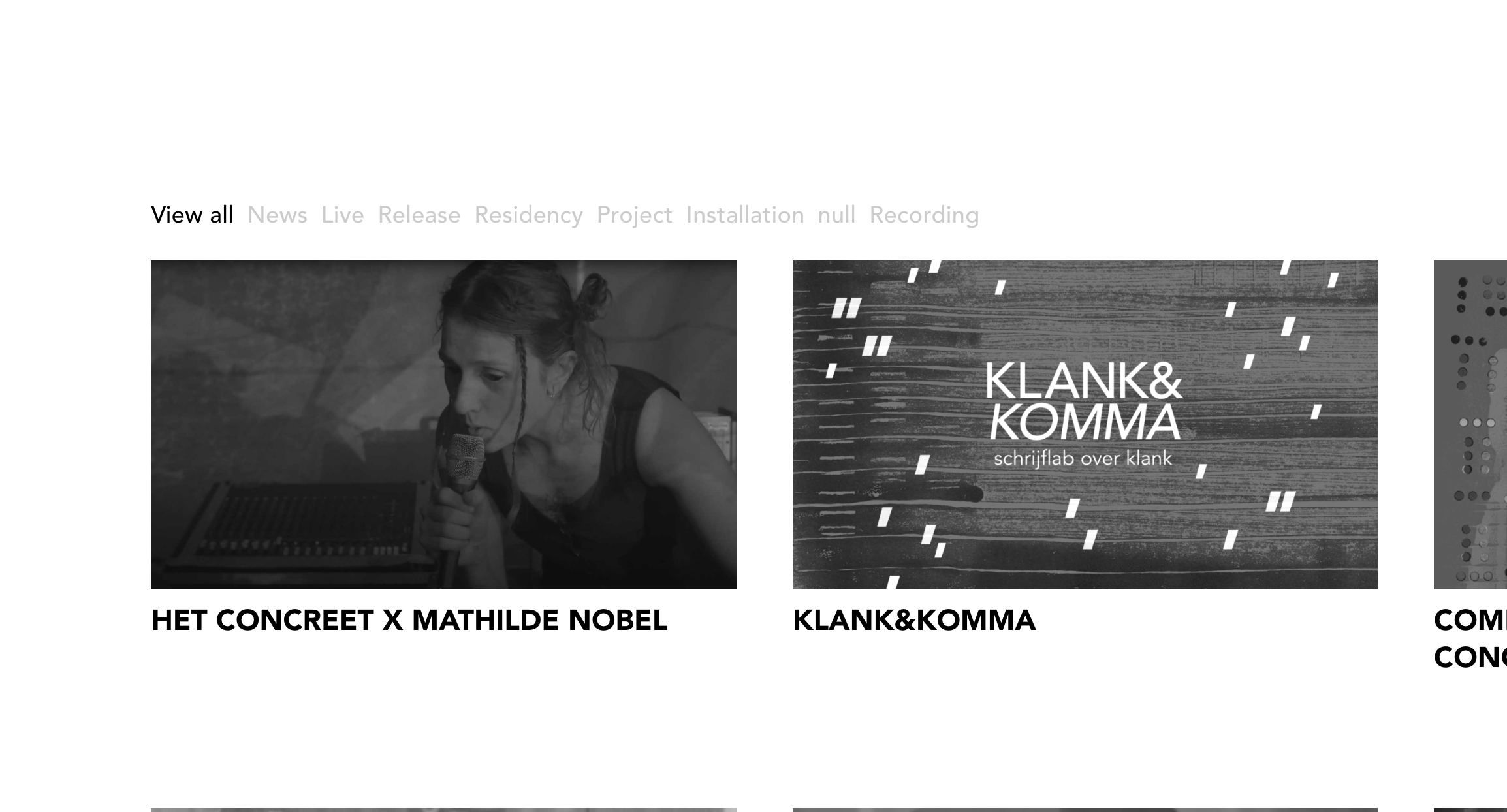
-
Hi!
I'm wondering if theres something wrong with the structure I've built for the 2 project thumbnail grids I have on 1 website?
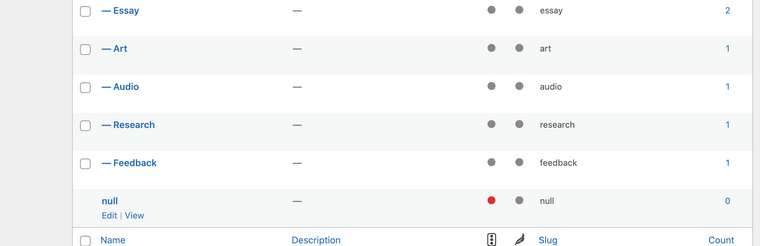
Two of the pages have a grid on them, and both keep showing the 'default' category I've called null for this demonstration. I can't delete this category but it also doesn't show up in the filter overview when editing the grid?
Is this a bug? Or just set up the wrong way? I thought about making it the parent category for one of the grids but that would mean it still shows up in the other grid.
Wouldn't it be easiest if you'd be able to delete any category if > 1?
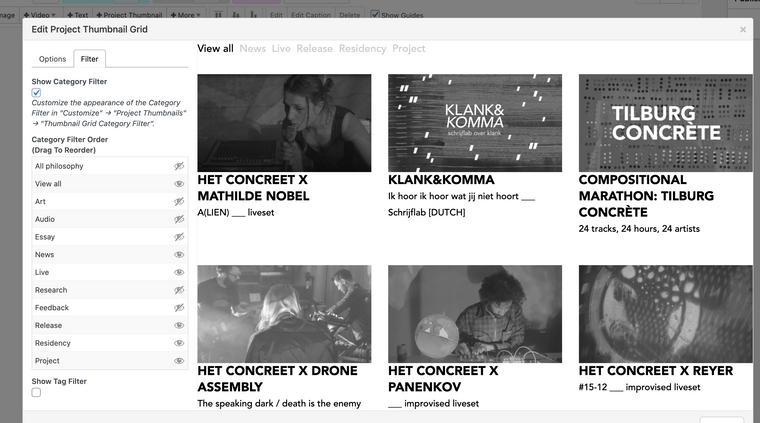
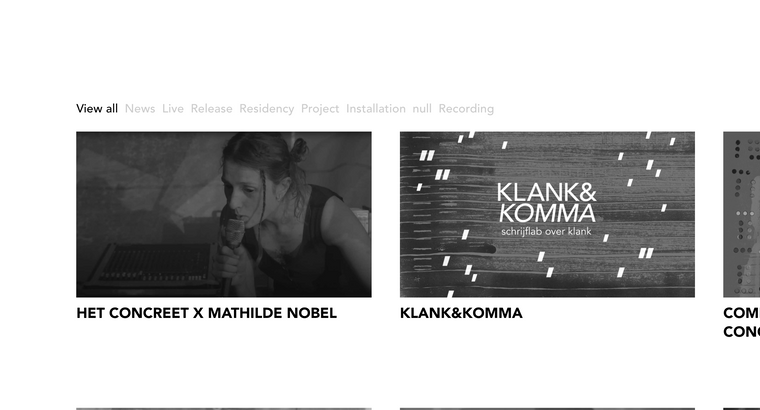
-
hey the default category cannot be deleted.
you renamed the default category to nullmaybe rename it to "Research"
then delete the other Research category -
Thanks for your reply Armin, I must not have seen the notification.
I also thought about changing it to one of the used categories but this would mean it still shows up in both grids, so also the one it shouldn't with other subjects. Which would be out of my control.
Luckily!!! it seems to be fixed since the last WP update? It no longer shows in the overview, and the filter selection is identical to what I've set up in the gridder. So all good for now!

Hello! It looks like you're interested in this conversation, but you don't have an account yet.
Getting fed up of having to scroll through the same posts each visit? When you register for an account, you'll always come back to exactly where you were before, and choose to be notified of new replies (either via email, or push notification). You'll also be able to save bookmarks and upvote posts to show your appreciation to other community members.
With your input, this post could be even better 💗
Register Login