Theme broke: Stylesheet is missing after updating
-
My site is gone after the last update. I can't find any Lay Theme controls in Wordpress anymore and when going to the theme it shows an error: “Stylesheet is missing." / Version: false. How can I fix this?
Thanks a lot!
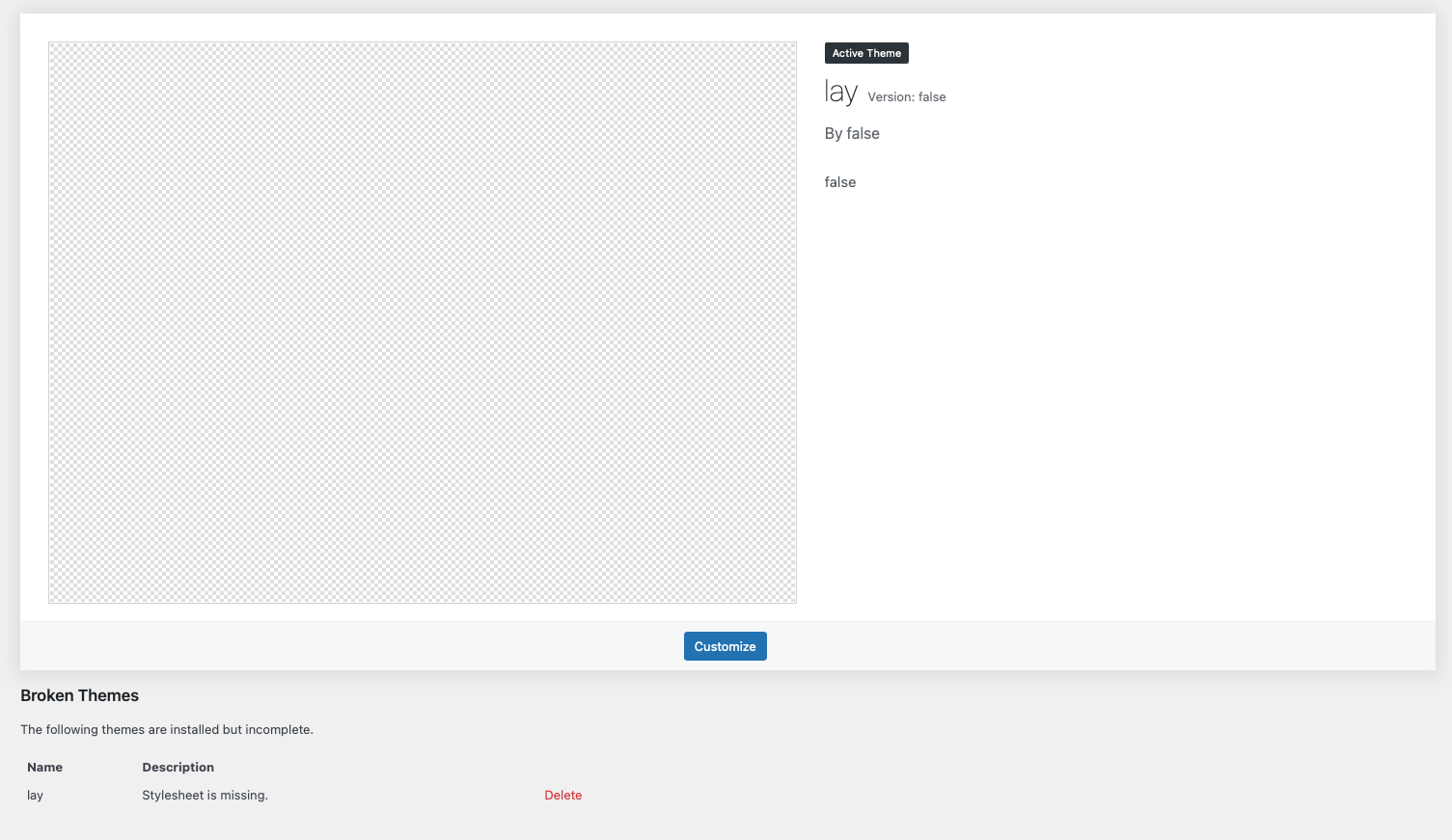
-
damn
can you just download the latest version:
https://kernl.us/api/v2/public/temporary-download/6380e9fd13cfd6c2103751f8and then upload it, like you would install the theme normally:
step3 https://laytheme.com/installation.html -
your website should just show up like before no content should be missing
-
Thank you, it worked. Now it looks just like it should again

Hello! It looks like you're interested in this conversation, but you don't have an account yet.
Getting fed up of having to scroll through the same posts each visit? When you register for an account, you'll always come back to exactly where you were before, and choose to be notified of new replies (either via email, or push notification). You'll also be able to save bookmarks and upvote posts to show your appreciation to other community members.
With your input, this post could be even better 💗
Register Login