Set different home page for mobile
-
Hey @arminunruh ! I'd like to set a different home page for mobile than for desktop. This topic was addressed in 2020 here but no "perfect" solution was really found. Maybe you have a better idea?
Best!
-
hey i think you need to use the custom phone layout feature
-
Hey @arminunruh thanks for answering!
This is also the idea I had. If my home page is the "Home" page and the "A" page is the page I would like to have on mobile instead of the "Home" page, I can create a mobile layout "Home - Mobile" that has the same design as my "A - Mobile" page and make sure that the "A" page does not appear in the mobile menu. But it requires my client to edit the "Home-Mobile" page manually every time he edits/changes the content of the "A" page. This is quite annoying.
Isn't there a code solution where simply the Home page does not appear on mobile, and an existing page replaces it? That would be really ideal :=)
-
how about this
<script>
if( jQuery('body').hasClass('slug-frontpage') && jQuery('html').hasClass('is-touchdevice') ){
window.location.replace("http://www.google.com");
}
</script>
make sure you use the correct slug for 'slug-frontpage'
and you use the correct url to redirect to instead of http://www.google.com -
how about this
<script>
if( jQuery('body').hasClass('slug-frontpage') && jQuery('html').hasClass('is-touchdevice') ){
window.location.replace("http://www.google.com");
}
</script>
make sure you use the correct slug for 'slug-frontpage'
and you use the correct url to redirect to instead of http://www.google.com@arminunruh thank you very much for getting back to me!
I tried the code, for some reason it doesn't work yet but I'll try again tomorrow. Here is what I tried:
<script>
if( jQuery('body').hasClass('https://www.ludwigschoepfer.de') && jQuery('html').hasClass('is-touchdevice') ){
window.location.replace("https://www.ludwigschoepfer.de/index");
}
</script>Homepage is called "https://www.ludwigschoepfer.de", replace page should be "https://www.ludwigschoepfer.de/index" (by the way, the website is now online). I also tried as a slug-frontpage only '/home' without success.
If you see at first glance what went wrong, don't hesitate to let me know :)
Best!
-
@Ilina-Catana said in Set different home page for mobile:
if( jQuery('body').hasClass('https://www.ludwigschoepfer.de') && jQuery('html').hasClass('is-touchdevice') ){
nono this is wrong hehe :D
go here:
https://laytheme.com/documentation/custom-css-styling.htmlsee this video:
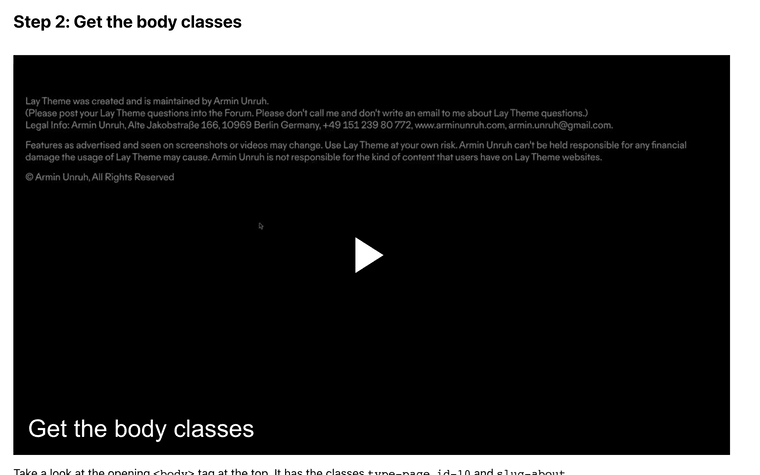
u need to get the body class "slug-*" and use that, not te URL :D

Hello! It looks like you're interested in this conversation, but you don't have an account yet.
Getting fed up of having to scroll through the same posts each visit? When you register for an account, you'll always come back to exactly where you were before, and choose to be notified of new replies (either via email, or push notification). You'll also be able to save bookmarks and upvote posts to show your appreciation to other community members.
With your input, this post could be even better 💗
Register Login