Carrousel: Changing colour depending upon project category
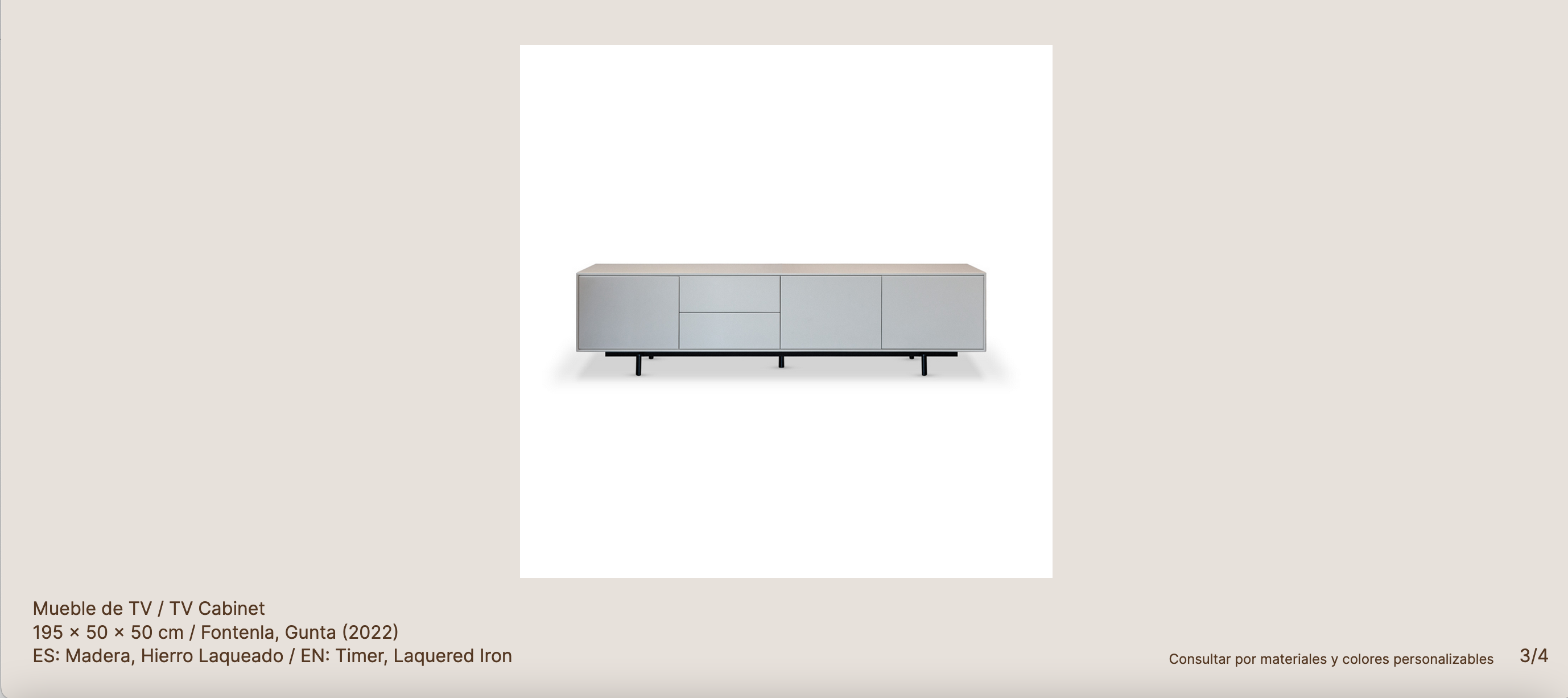
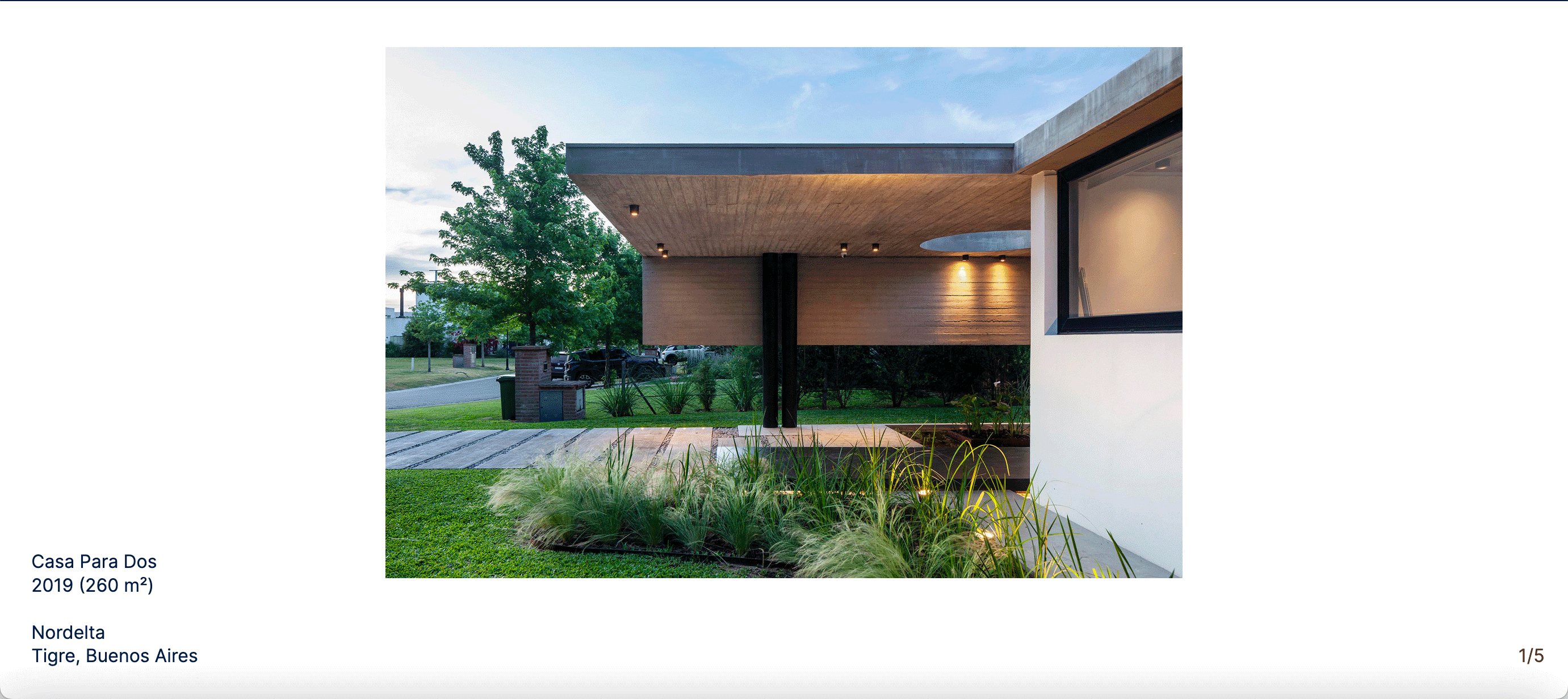
-
I'm designing a website for some Architects (which also design furniture). We have two 'twin' project templates:
● Architecture – White BKG / Blue Typography
● Furniture – Tan BKG / Brown Typography
Both with the (carrosuel) numbers pushed into the corner of the viewportI would like to make the numbers blue in one / brown on another... Is there a a way to target all the items in a given category?
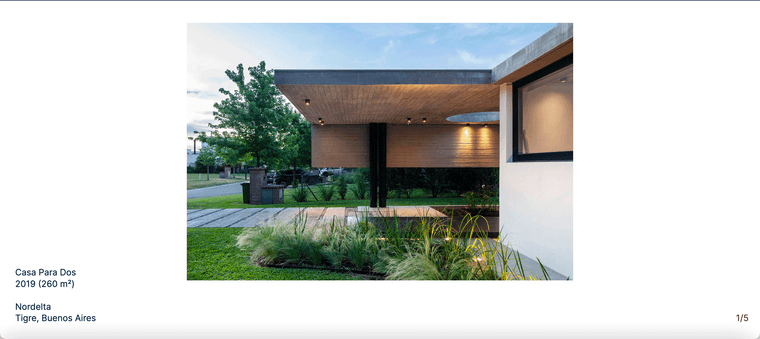
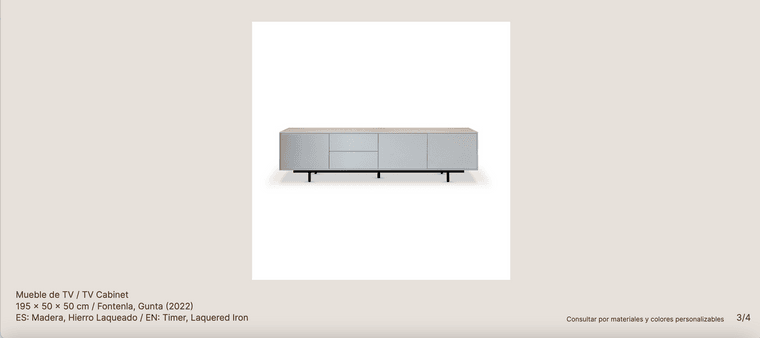 BKG
BKG -
I'm designing a website for some Architects (which also design furniture). We have two 'twin' project templates:
● Architecture – White BKG / Blue Typography
● Furniture – Tan BKG / Brown Typography
Both with the (carrosuel) numbers pushed into the corner of the viewportI would like to make the numbers blue in one / brown on another... Is there a a way to target all the items in a given category?
BKG@marcos
I tried this to change the colour of all the Carrousel Numbers (an dit worked).lay-carousel-sink-parent span.numbers._Default_no_spaces { color: #543823; }Then I tried this to try this (which is far from ideal) and oddly enough changed the colour of the numbers in the given page... but not to the given HEX code (?)
.slug-casaparados span.numbers._Default_no_spaces { color: #011e41; } -
hi sorry for the wait!!
if you look at the body html classes,
the body has a class of category-*i think furniture has: category-1
so your css would be:
body.category-1 .lay-carousel-sink-parent span.numbers._Default_no_spaces {
  color: #543823;
}
and the other is category-6
body.category-6 .lay-carousel-sink-parent span.numbers._Default_no_spaces {
  color: #011e41;
}
not sure if i used the correct colors in my css code above
very beautiful work and website!

Hello! It looks like you're interested in this conversation, but you don't have an account yet.
Getting fed up of having to scroll through the same posts each visit? When you register for an account, you'll always come back to exactly where you were before, and choose to be notified of new replies (either via email, or push notification). You'll also be able to save bookmarks and upvote posts to show your appreciation to other community members.
With your input, this post could be even better 💗
Register Login