WOocommerce outdated templates
-
Hey people,
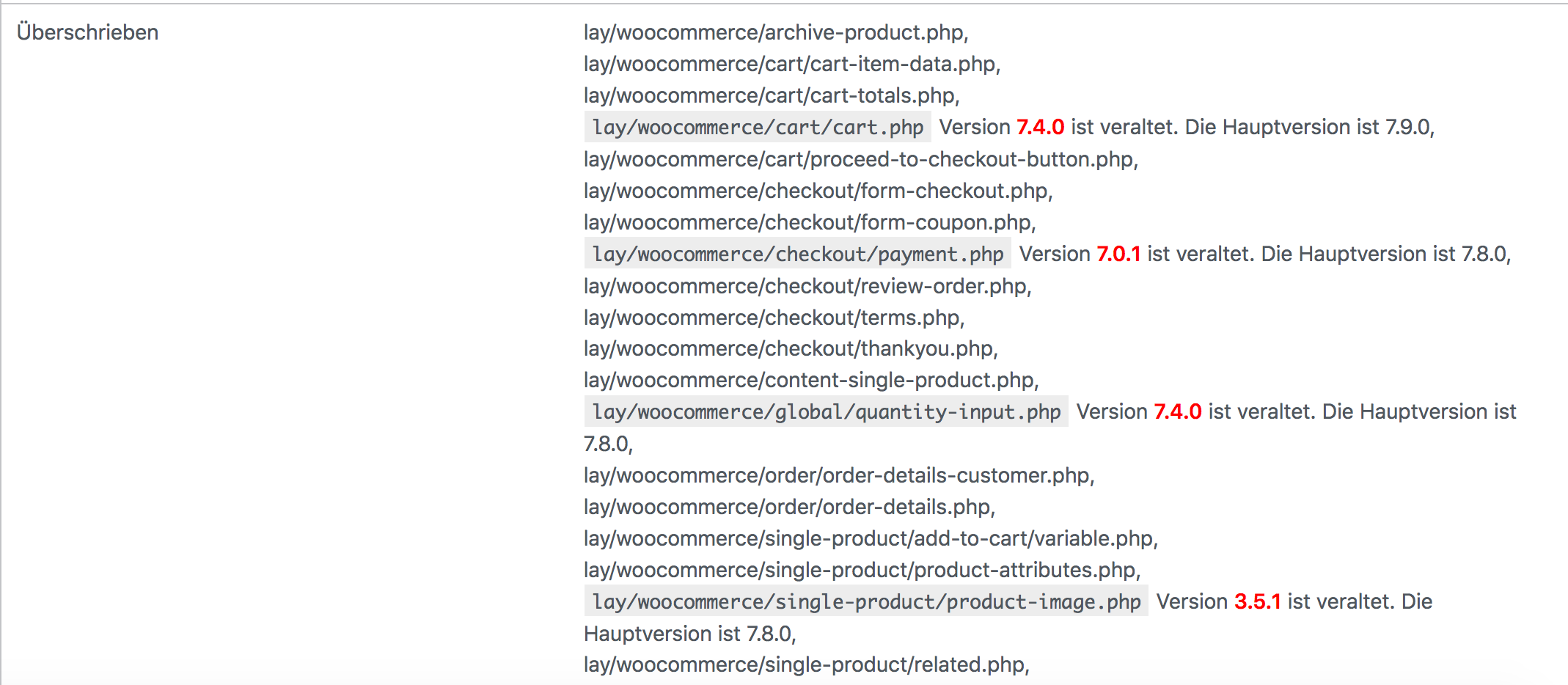
i need some help with updating or fixing the outdated templates. Iam not a coder and i dont understand how i can update the templates. There is a link from woocommerce but i dont want to change the code. For me it's too hot to change anything in the code because I don't want my website to stop working afterwards.
Is there a way to fix this of what do I need to do? :)
- WooCommerce-Version is: 8.0.3
- Lay Theme Version is: 6.1.9
All help is appreciated!!

-
you dont need to do anything
will release an update later today that fixes this
woocommerce should still work tough -
you dont need to do anything
will release an update later today that fixes this
woocommerce should still work tough@arminunruh okay, thats good to hear. Thanks for the fast reply. Then i will wait :)
-
-
which font issues exactly are you experiencing?
can u show a screenshot, do u have a link?usually these woocommerce outdated templates never really break anything but i'll update it soon
-
i think i need to update the woocommerce tutorial, because i think the checkout now looks totally different right

can you go to pages -> checkout
then in the texteditor,
click the <> button,
then remove everything in the code there,
then in the textfield enter:[woocommerce_checkout]
does that fix it?
-
and the next update will include the updated woocommerce template
i just looked at the code of the updated template and it was almost no changes theres
-
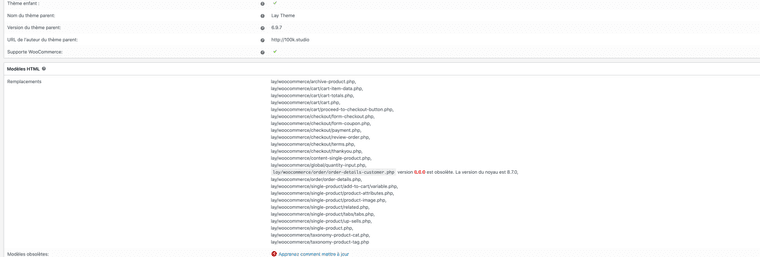
Hello @arminunruh !! i've recently had this problem as well while updating woocommerce, should I follow the suggestion of woocommerce and change the code 😅 or it's an update of Lay Theme ?
-
no u dont need to do anything
this will come up again and again, its normal!
usually it will never interfere too much, usually the shops will keep working
i think it never happened that an outdated template broke a shop -
but yea once this happens i will then always release a lay theme update that fixes this
so i will release an update soon
-
D'accord !!
Thank you for your response :)
-
sure! i haven't updated the templates yet :/ but everything should still work as usual
-
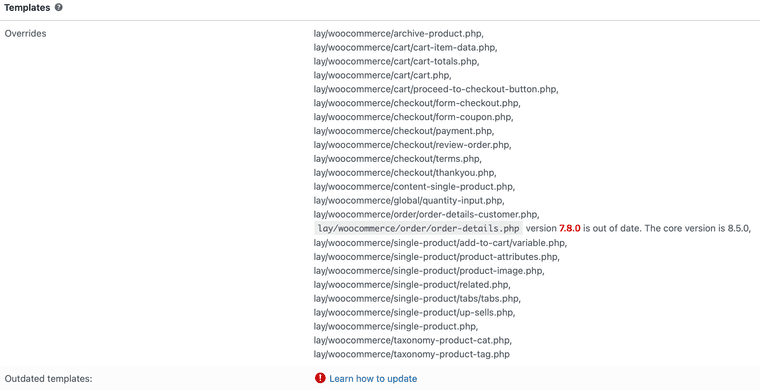
Hey I updated to the latest version of the theme and the latest version of woocommerce but i am getting this error
-
yes i haven't updated the template yet.
usually this won't affect any functionality though! everytime this came up it never really changed anything about the functionality


Hello! It looks like you're interested in this conversation, but you don't have an account yet.
Getting fed up of having to scroll through the same posts each visit? When you register for an account, you'll always come back to exactly where you were before, and choose to be notified of new replies (either via email, or push notification). You'll also be able to save bookmarks and upvote posts to show your appreciation to other community members.
With your input, this post could be even better 💗
Register Login