Skip to content

Shop / WooCommerce

Shop related questions and issues

253 Topics 1.2k Posts
  • Prepare Product editing

    3
    3
    0 Votes
    3 Posts
    1k Views
    arminunruhA
    Hello! Jetpack Modern Image Formats Performance Lab Speculative Loading W3 Total Cache it seems you use these plugins. maybe it works if you disable them. i think one or two caching / performance plugins is enough
  • This topic is deleted!

    2
    2
    0 Votes
    2 Posts
    15 Views
  • single product page Woo commerce

    3
    1
    0 Votes
    3 Posts
    111 Views
    R
    thank so much!
  • This topic is deleted!

    16
    0 Votes
    16 Posts
    41 Views
  • filters not working on product grid

    4
    0 Votes
    4 Posts
    86 Views
    P
    it just happened lol, so maybe was the update!
  • Limit the number of products per page in the product grid

    4
    0 Votes
    4 Posts
    86 Views
    arminunruhA
    sure, i have worked on this yesterday and today and might release it this week
  • This topic is deleted!

    2
    0 Votes
    2 Posts
    2 Views
  • Polylang for WooCommerce - work properly with LayTheme?

    10
    0 Votes
    10 Posts
    290 Views
    ondrejricicaO
    @arminunruh yes, the footer for other languages was not showing up for last couple days. but today it's all there somehow. this is silly, seems like some funky stuff is going on
  • Plugin Deprecated / unable to log in

    2
    0 Votes
    2 Posts
    85 Views
    arminunruhA
    hey!! mh these are all warnings that are shown if in wp-config.php DEBUG_LOG is set to true. these are not errors, so its weird that the wp-login doesnt work can u try this: in your ftp, go to your wordpress folder. find a file called wp-config.php find the line that says: define( 'WP_DEBUG', true ); and change it to define( 'WP_DEBUG', false);
  • change out of stock text on product page

    4
    1
    0 Votes
    4 Posts
    160 Views
    B
    Hi Armin thank you so much, i ve solved! :)
  • order notes

    3
    0 Votes
    3 Posts
    102 Views
    arminunruhA
    OR you may be able to find a plugin that does what you want cause now i see youre talking about order notes, which should theoretically be a feature many other people would also wanted or need with woocommerce shops i was just more like looking at your points about thoughts on how to code this but i bet theres a plugin for this if you can find it or maybe even a standard feature that is shipped with woocommerce https://wordpress.org/plugins/woo-order-notes/ how about this
  • Shop Category pages are blank

    6
    1
    0 Votes
    6 Posts
    885 Views
    arminunruhA
    can you send your website address, /wp-admin/ username and password and a link to this topic to info@laytheme.com? i will try and find some time this evening to take a look. now i need to go to this university and give a lay theme workshop :O
  • account endpoints are empty?

    10
    1
    0 Votes
    10 Posts
    1k Views
    M
    @arminunruh yes i can do that - sorry i did only see this - on it next week
  • WooCommerce: Product images not displayed in Orders/Emails with Lay Theme

    11
    0 Votes
    11 Posts
    1k Views
    arminunruhA
    [image: 1760950500577-be83ef0b-a6d9-4e72-92fc-a0b588db97ee-image.png] i went here, and clicked send test email: [image: 1760950523919-acfc2e0e-8389-4033-9240-39be1730efa9-image.png] and i got it: [image: 1760950560870-9ee9e4ef-8f84-4daa-b99f-59a21ac1dda1-image.png] it has to be enabled here: [image: 1760950593218-66e6fd68-1def-496a-b53e-a74cda3d0bc0-image.png] when i logout of the admin area and order an item, i also get the email: [image: 1760950703945-5c7cfbf1-0706-4768-9a33-59e7887b57ab-image-resized.png] even when im logged in i get the email: [image: 1760950795767-514b6c92-3d17-42b3-9225-60fbe7d32278-image-resized.png] maybe you dont have it enabled, or your emails dont work? I use FluentSMTP for email sending: [image: 1760950836196-0da4fec9-8451-449b-8d55-af2bbe47a1d4-image.png] if you enable this plugin: [image: 1760950891059-cb43718f-e975-49a9-8f36-a579c9c4d6ca-image.png] and enable debug mode, then buy a product, in the debug logs, do you see any errors related to emails? [image: 1760950929244-e05fdc6f-ca33-4df9-ae3d-a7a4d2fec904-image.png] if u still have issues with it: Can you please send: a link to this forum topic your website address /wp-admin/ username and password to: info@laytheme.com
  • FAKE USERS ARE BEING REGISTERED EVERY DAY

    6
    0 Votes
    6 Posts
    925 Views
    arminunruhA
    what do you mean with gateway? you mean payment gateway? which payment methods do you use? do you mind sending me your wp-admin login, you could also just create a new admin user just for me. i want to see which anti spam plugin you use and if it works correctly with lay theme Can you please send: a link to this forum topic your website address /wp-admin/ username and password to: info@laytheme.com
  • on single product page: carousel in mobile shows dots instead of numbers

    3
    0 Votes
    3 Posts
    737 Views
    C
    well that is unlucky, but thanks for the clarification!
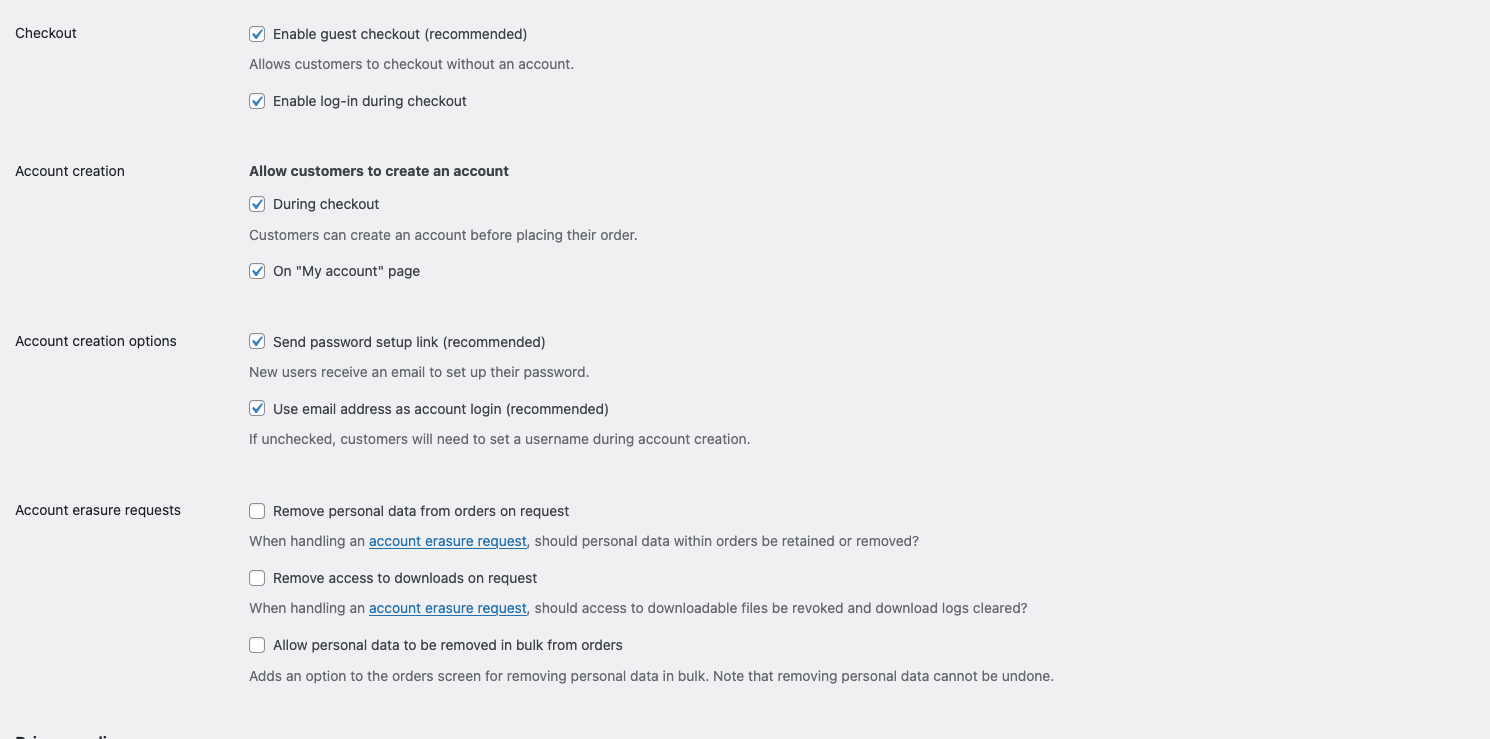
  • BUG: not possible ot register during checkout

    5
    1
    0 Votes
    5 Posts
    221 Views
    L
    @arminunruh fantastic!
  • province/state field not showing any text at all

    4
    1
    0 Votes
    4 Posts
    870 Views
    arminunruhA
    i will fix it, can you: Can you please send: a link to this forum topic your website address /wp-admin/ username and password to: info@laytheme.com
  • 0 Votes
    5 Posts
    970 Views
    A
    Hi, sorry I didn’t get an alert that you messaged. Just saw it now. I had a recent updated version but after I wrote I did another new recent update and now it is working! Thanks!
  • how to achieve a woocommerce products minimal list + image hover on each?

    10
    0 Votes
    10 Posts
    1k Views
    arminunruhA
    sure! whats cool about qtranslate is you dont need to duplicate posts into another language so its less work the downside is u cant have images in another language its only the text that can be changed

I also code custom websites or custom Lay features.
💿 Email me here: 💿
info@laytheme.com

Our Web Development company: 100k.studio

Want to tip me? https://www.paypal.com/paypalme/arminunruh

Before you post:
  1. When using a WordPress Cache plugin, disable it or clear your cache.
  2. Update Lay Theme and all Lay Theme Addons
  3. Disable all Plugins
  4. Go to Lay Options → Custom CSS & HTML, click "Turn Off All Custom Code", click "Save Changes"

This often solves issues you might run into

When you post:
  1. Post a link to where the problem is
  2. Does the problem happen on Chrome, Firefox, Safari or iPhone or Android?
  3. If the problem is difficult to explain, post screenshots / link to a video to explain it
Online Users
Forgot your key, lost your files, need a previous Lay Theme or Addon version? Go to www.laykeymanager.com