single product images lightbox does not work
-
Hello can I activate
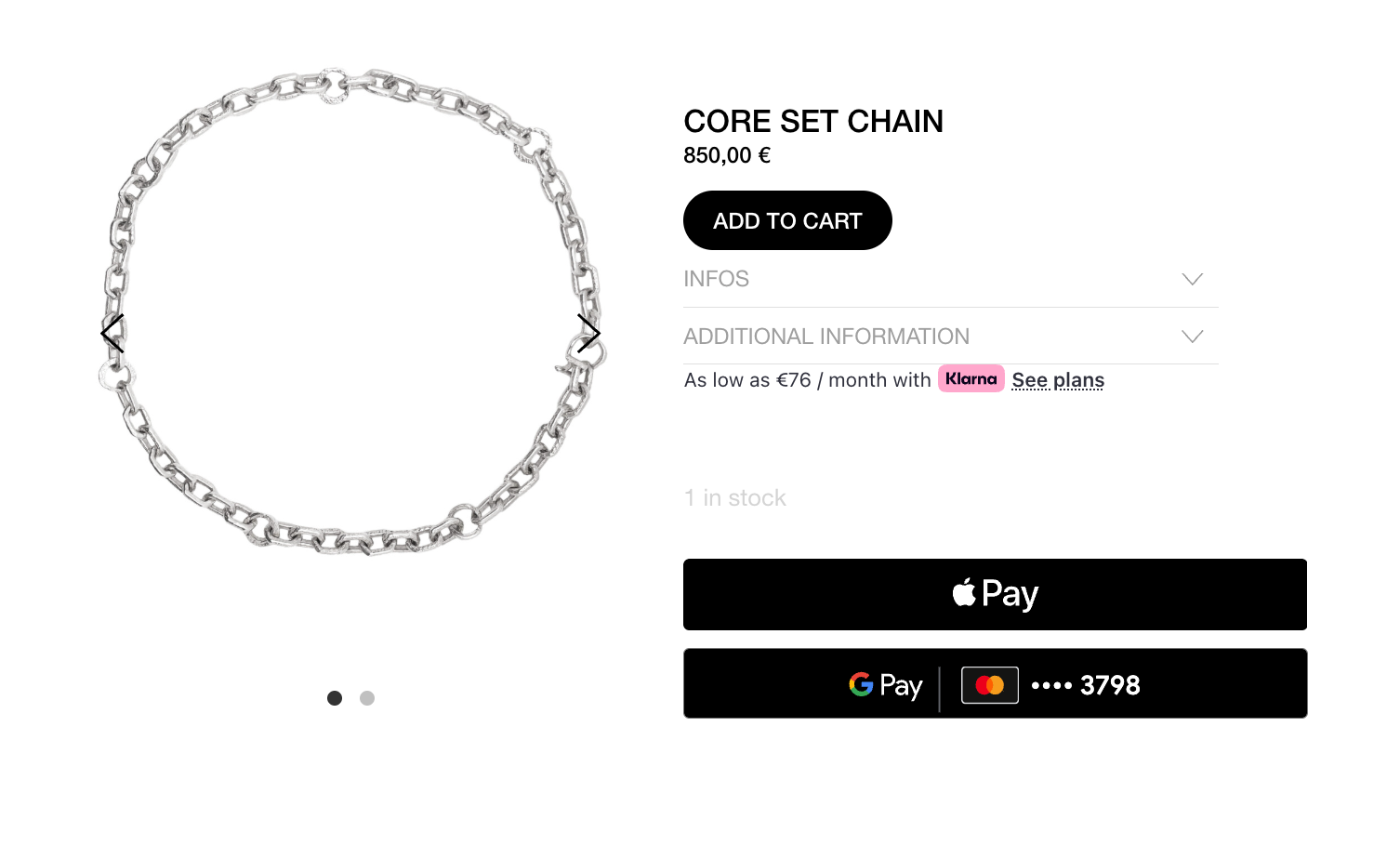
a lightbox for mobile and web for images here if I click on them? This is way to small for customers!And can I make the images larger without cropping them?
Thx
-
hello!
ok i wrote it down as an idea, but not sure when i will have time to work on it.
for now, if you want, you can create a normal page, insert image(s) and use the lightbox addon.
then use woocommerce -> add to cart buttonto basically turn a normal page into a page with a buyable product.


Hello! It looks like you're interested in this conversation, but you don't have an account yet.
Getting fed up of having to scroll through the same posts each visit? When you register for an account, you'll always come back to exactly where you were before, and choose to be notified of new replies (either via email, or push notification). You'll also be able to save bookmarks and upvote posts to show your appreciation to other community members.
With your input, this post could be even better 💗
Register Login