Submenu anchor not clickable when on another page + on mobile menu !
-
Hi,
Here is the website I am working on www.artefax.ch
I have a few issues with the system of anchor on my menu:1. When on dekstop: if i am on on "main" menu (like "à propos") and i click on submenus ("association", "musique" or "ateliers") it works. BUT, when I am on another page, for example "actualités" and I want to go straight to another submenu (hover "à propos" and click on the submenu "musique"), it doesn't work.
2. On mobile menu, submenus and the menu that include submenus are not clickable at all. How can I manage it?
I followed the steps Armin explained on this http://laythemeforum.com/topic/2863/link-to-anchor-from-another-page/5
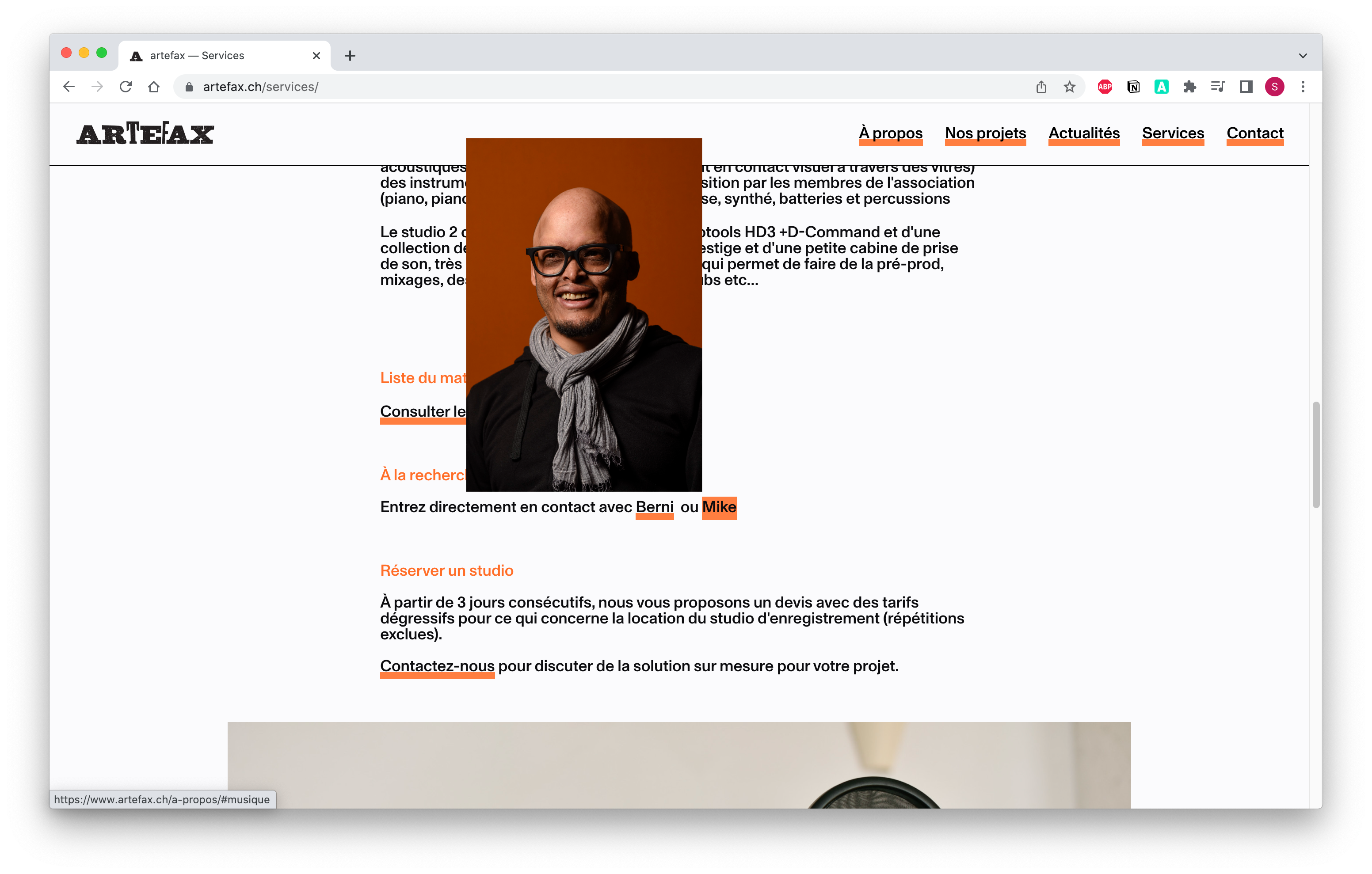
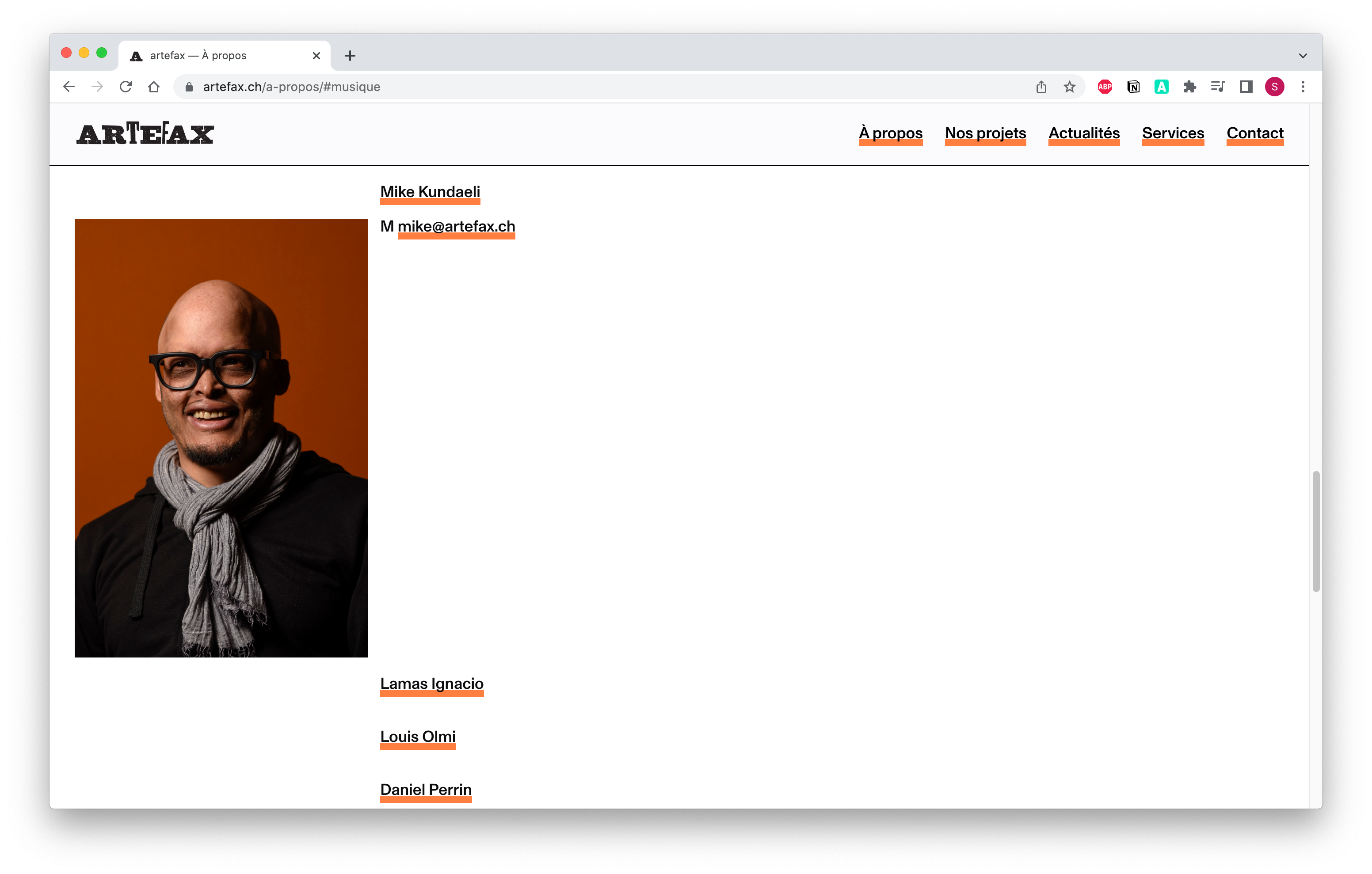
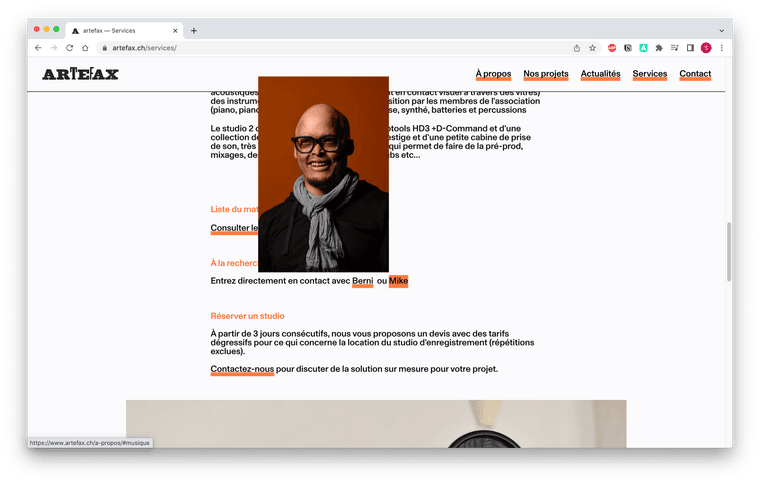
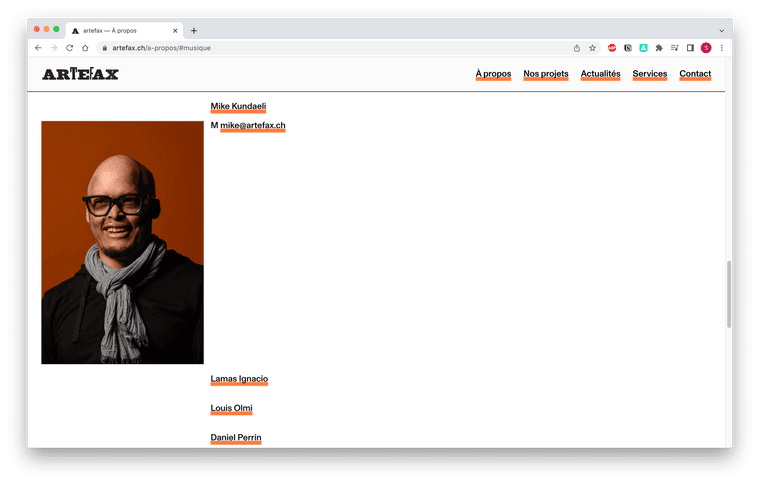
In my custom head content, I have this script:<script> jQuery(document).on( 'click', 'a[href^="#"]', function(e){ e.preventDefault(); var hash = jQuery(this).attr('href'); var el = jQuery(hash); var top = el.offset().top; jQuery('html, body').animate({ scrollTop: top }, 300, 'swing', function() { window.location.hash = hash; } ); } ); window.laytheme.on('newpageshown', function(){ var hash = window.location.hash; var el = jQuery(hash); if(el.length > 0) { var top = el.offset().top; window.scroll(0, top); } }); </script> <script> window.laytheme.on("newpageshown", function(layoutObj, type, obj){ jQuery("body").append('<div class="pointer"></div>'); jQuery("body").on("mousemove", function(e) { jQuery("nav.laynav .menu-item>a span").css({ top: e.clientY + "px", left: e.clientX + "px" }); }); }); </script> <script> jQuery(document).ready(function(){ jQuery('li.menu-item a').addClass('scrollTo'); }); </script>3. Last question : I am here https://www.artefax.ch/services/, when I click on the link of Mike, I want to open automatically the anchor of Mike's profile in "à propos" menu > "musique" submenu > Mike Kundaeli anchor. Is it possible? Otherwise I'll create simple page for each profile. See image below.
A bit urgent cause I need to present the website on tuesday 😰 If someone could help me before that, would be incredible ❤️
Thanks a lotSofia
-
@sofiapapa08 said in Submenu anchor not clickable when on another page + on mobile menu !:
jQuery(document).on( 'click', 'a[href^="#"]', function(e){
e.preventDefault();
var hash = jQuery(this).attr('href');
var el = jQuery(hash);
var top = el.offset().top;
jQuery('html, body').animate({
scrollTop: top
}, 300, 'swing',
function() {
window.location.hash = hash;
}
);
} );Hi!
I solved the question 1 and 2 by removing some things in the custom head content, here is my new code<script> window.laytheme.on('newpageshown', function(){ var hash = window.location.hash; var el = jQuery(hash); if(el.length > 0) { var top = el.offset().top; window.scroll(0, top); } }); </script> <script> window.laytheme.on("newpageshown", function(layoutObj, type, obj){ jQuery("body").append('<div class="pointer"></div>'); jQuery("body").on("mousemove", function(e) { jQuery("nav.laynav .menu-item>a span").css({ top: e.clientY + "px", left: e.clientX + "px" }); }); }); </script> <script> jQuery(document).ready(function(){ jQuery('li.menu-item a').addClass('scrollTo'); }); </script>For the question 3 I am still open to suggestions or any help :)
Thanks have a great week-end!
Sofia -
@sofiapapa08 said in Submenu anchor not clickable when on another page + on mobile menu !:
- Last question : I am here https://www.artefax.ch/services/, when I click on the link of Mike, I want to open automatically the anchor of Mike's profile in "à propos" menu > "musique" submenu > Mike Kundaeli anchor. Is it possible? Otherwise I'll create simple page for each profile. See image below.
im not sure what u mean "open automatically the anchor of Mike's profile"
-
@sofiapapa08 said in Submenu anchor not clickable when on another page + on mobile menu !:
- Last question : I am here https://www.artefax.ch/services/, when I click on the link of Mike, I want to open automatically the anchor of Mike's profile in "à propos" menu > "musique" submenu > Mike Kundaeli anchor. Is it possible? Otherwise I'll create simple page for each profile. See image below.
im not sure what u mean "open automatically the anchor of Mike's profile"
Hi @arminunruh
When you are on "À propos" page, the row of Mike's profile (with bio+image) is collapsed and you need to click on his name so that it expands.
So when you are on another page, like "Services" and you click on a link of "Mike", I want it to dedirect on "À propos" page directly on the expanded row of "Mike Kundaeli" profile.But I don't know if it is possible?
Thanks for the answer and have a great week-end :))
-
oh yea i understand
mmh i think theres no way to do that at the moment!
-
@sofiapapa08 said in Submenu anchor not clickable when on another page + on mobile menu !:
jQuery(document).on( 'click', 'a[href^="#"]', function(e){
e.preventDefault();
var hash = jQuery(this).attr('href');
var el = jQuery(hash);
var top = el.offset().top;
jQuery('html, body').animate({
scrollTop: top
}, 300, 'swing',
function() {
window.location.hash = hash;
}
);
} );Hi!
I solved the question 1 and 2 by removing some things in the custom head content, here is my new code<script> window.laytheme.on('newpageshown', function(){ var hash = window.location.hash; var el = jQuery(hash); if(el.length > 0) { var top = el.offset().top; window.scroll(0, top); } }); </script> <script> window.laytheme.on("newpageshown", function(layoutObj, type, obj){ jQuery("body").append('<div class="pointer"></div>'); jQuery("body").on("mousemove", function(e) { jQuery("nav.laynav .menu-item>a span").css({ top: e.clientY + "px", left: e.clientX + "px" }); }); }); </script> <script> jQuery(document).ready(function(){ jQuery('li.menu-item a').addClass('scrollTo'); }); </script>For the question 3 I am still open to suggestions or any help :)
Thanks have a great week-end!
Sofia@sofiapapa08 Thanks a lot this also helped me solve a similar issue with anchors on mobile.
-
as far as i understood the issue:
-
on desktop a menupoint has a submenu
-
on mouseover, the submenu is shown, but the menupoint can be clicked too
-
on touchdevices, when the menupoint is clicked, it shows the submenu
-
on touchdevices the menupoint can't be clicked to navigate to its page. clicking it only expands the submenu
this is by design. on nike.com on touchdevices, they solved it like this:
for example:
you click on shoes: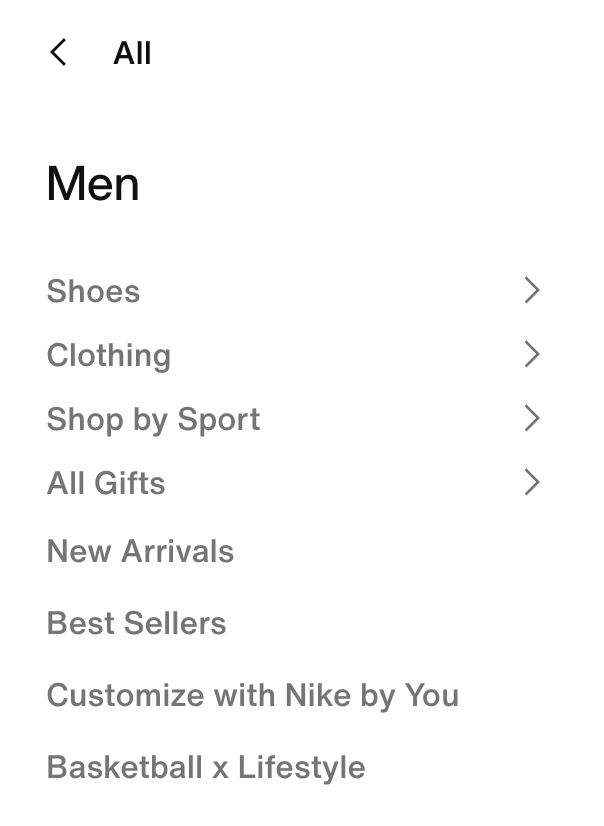
then the submenu shows and inside it is "all shoes".
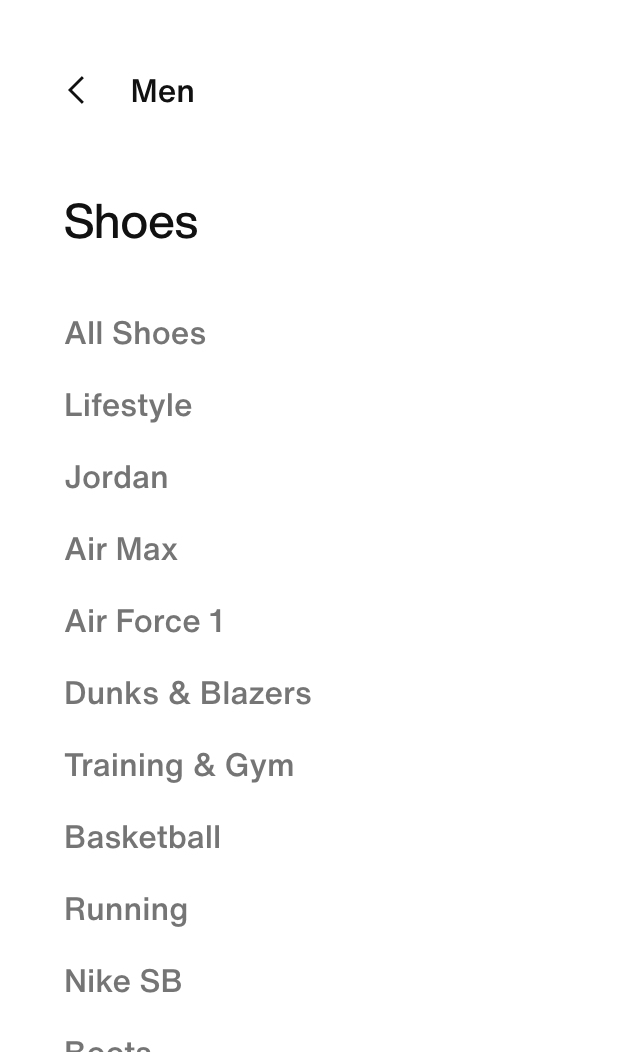
so in the submenu there is another menupoint that would lead you to the page that the parent menupoint is linked to.
so what i think you could do is:
in appearance → menus, choose:
mobile menu
here, create a mobile menu.
then add one mobile menu point twice. once as the parent menu item, and once again as the top submenu item: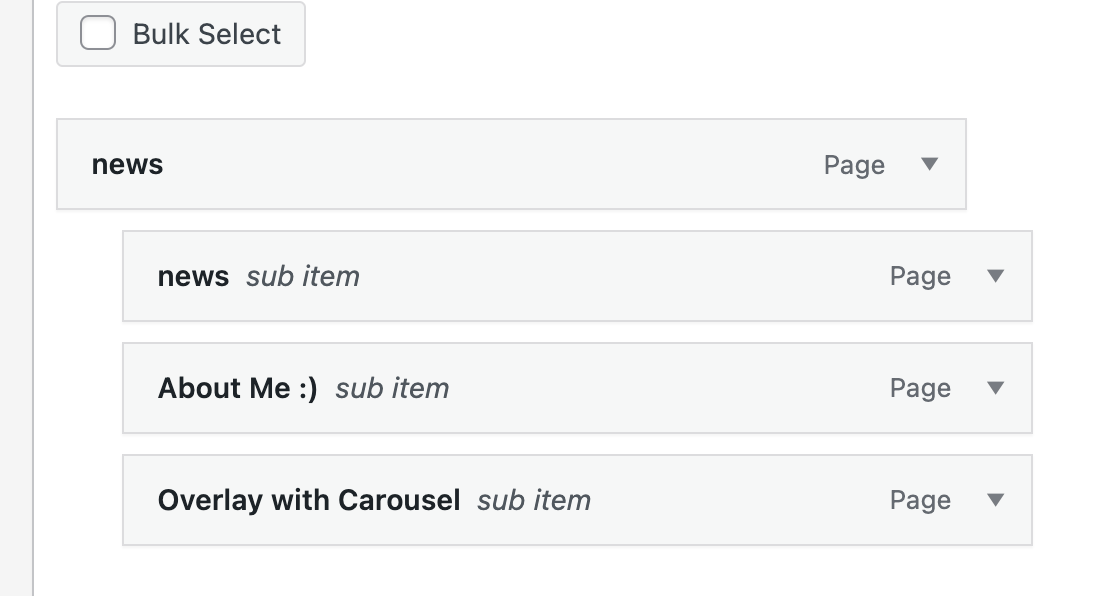
this way, the parent mobile menu point is used to extend the submenu when its clicked on. but you can still go to its page, by clicking the same menu point that is within the submenu
-

Hello! It looks like you're interested in this conversation, but you don't have an account yet.
Getting fed up of having to scroll through the same posts each visit? When you register for an account, you'll always come back to exactly where you were before, and choose to be notified of new replies (either via email, or push notification). You'll also be able to save bookmarks and upvote posts to show your appreciation to other community members.
With your input, this post could be even better 💗
Register Login