Change SVG path for arrows in Carousel
-
Hi,
I'm looking for a way to change the default svg path for the arrows used in the carousel add on.
I have the new path info (see below) I'm just not sure on where I should be going to edit the existing path.
<path d="M0 48 L0 52 L93 52 L62 84 L65 87 L100 50 L65 13 L62 16 L93 48 Z" />
I've also uploaded a screenshot just to clarify the code I'm looking to edit.
Cheers
Sam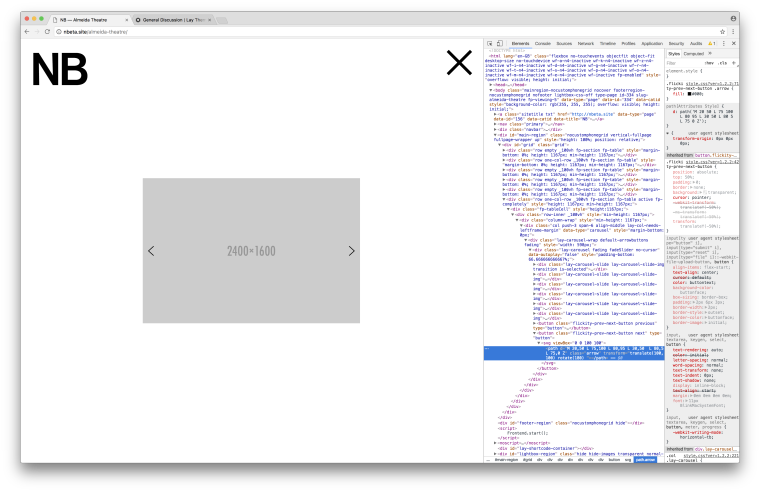
-
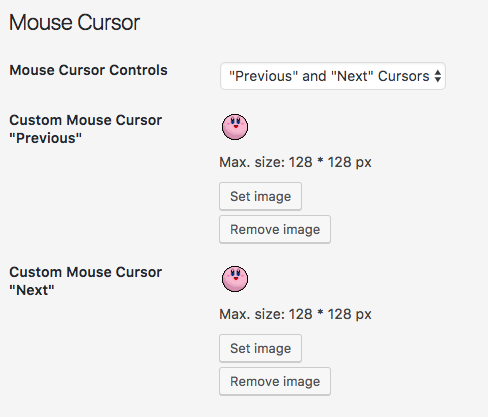
Hey, why not use custom arrows? In "Lay Options" -> "Carousel Addon"
-
Hey, why not use custom arrows? In "Lay Options" -> "Carousel Addon"
@arminunruh Hi Armin, thanks for the reply. I've thought about using your suggestion but would like the arrows to not be images. Is there a way I can replace the svg path?

Hello! It looks like you're interested in this conversation, but you don't have an account yet.
Getting fed up of having to scroll through the same posts each visit? When you register for an account, you'll always come back to exactly where you were before, and choose to be notified of new replies (either via email, or push notification). You'll also be able to save bookmarks and upvote posts to show your appreciation to other community members.
With your input, this post could be even better 💗
Register Login