javascript changes values on mobile
-
hey there :)
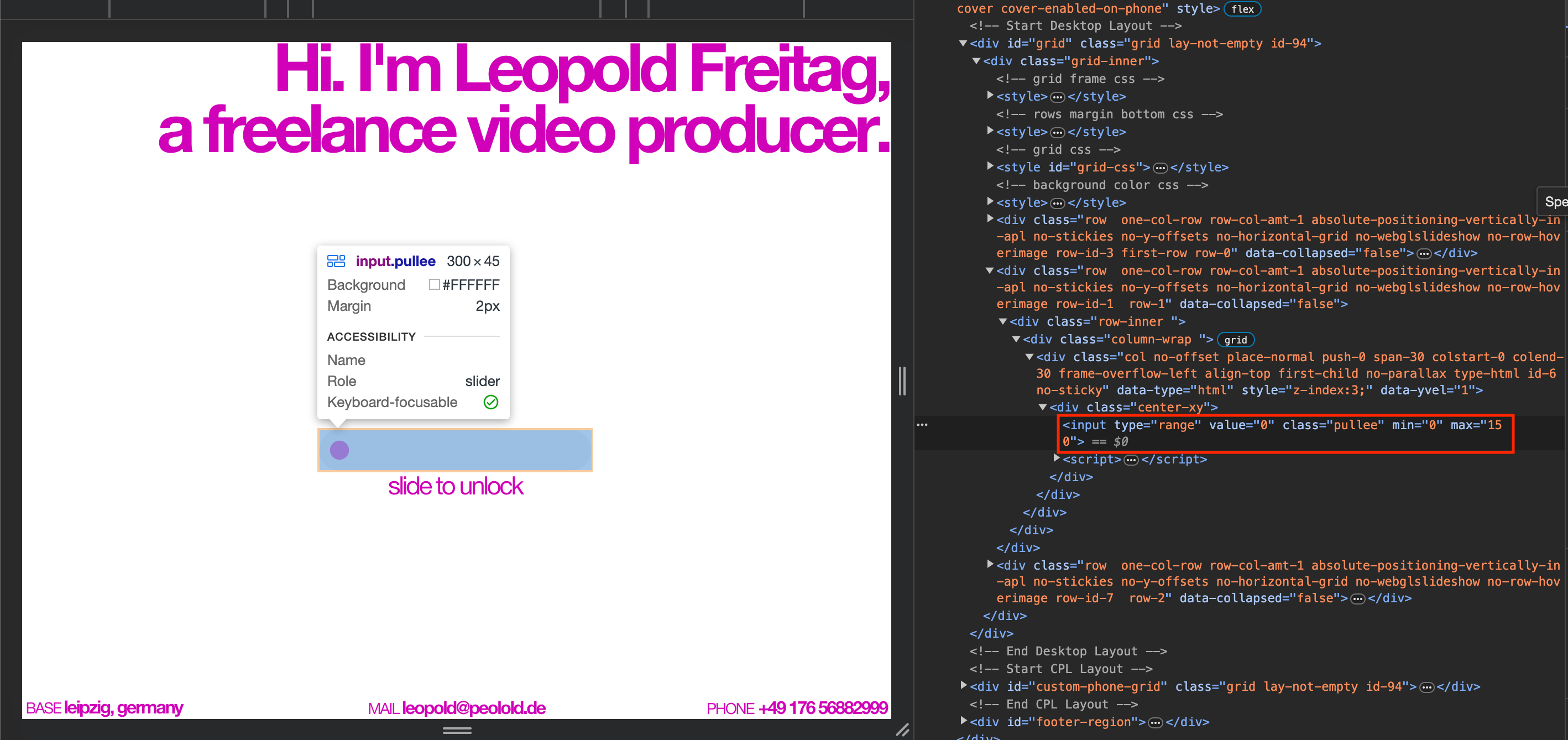
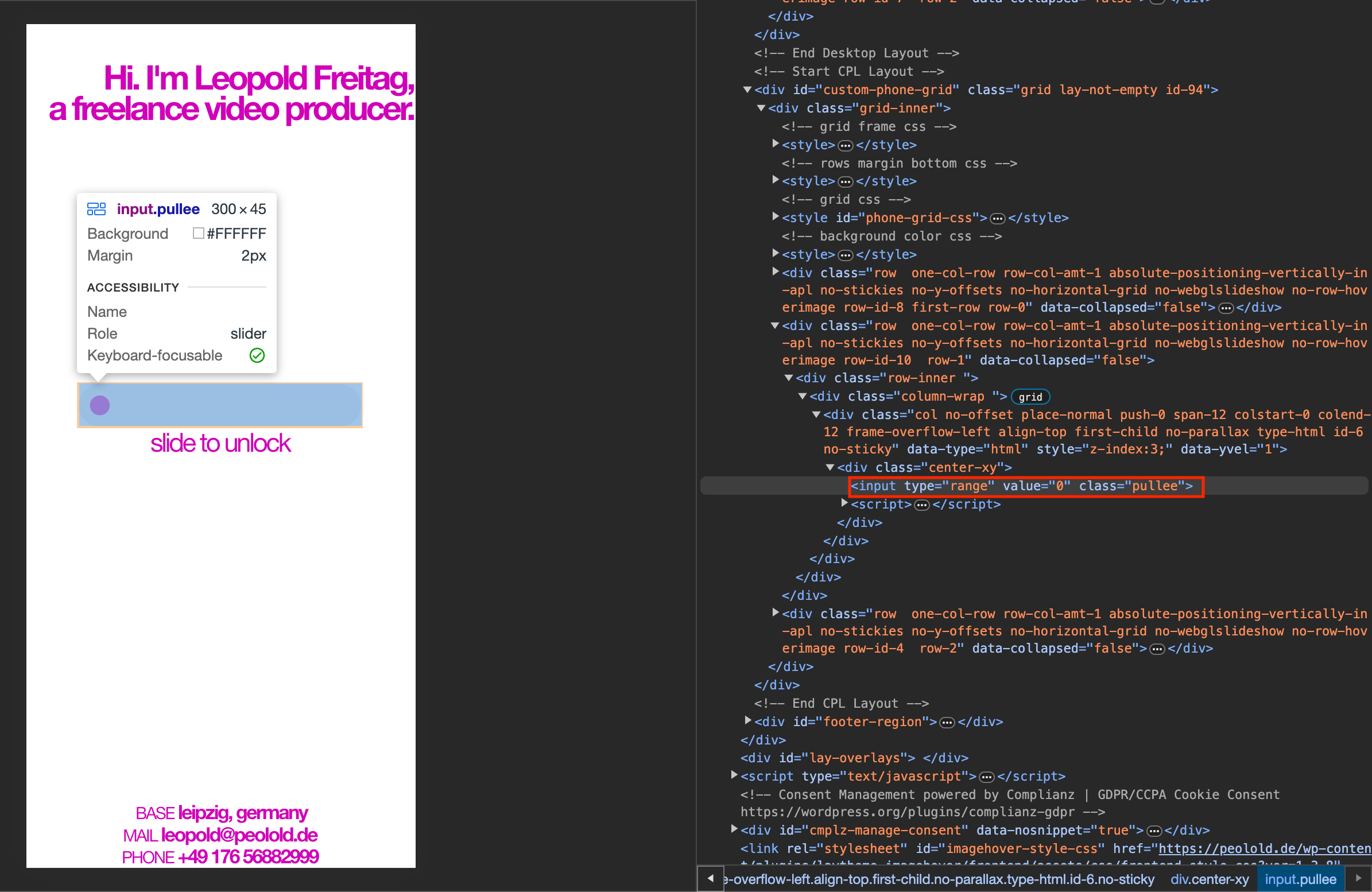
i've successfully implemented a "slide to unlock"-feature via some custom javascript on the frontpage of this website: https://peolold.de
it works fine on desktop & tablet devices, hence as long as it's not the mobile version.
i've noticed that two relevant javascript values automatically disappear when in mobile mode. i can't find a way to avoid that and it might be the reason that it doesn't work on mobile:
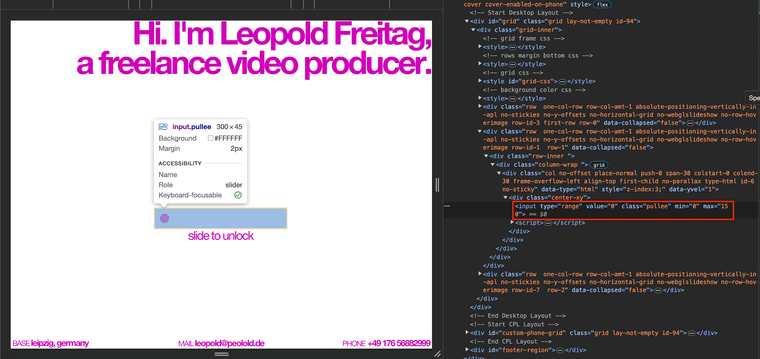
<input>-tag on desktop with min & max values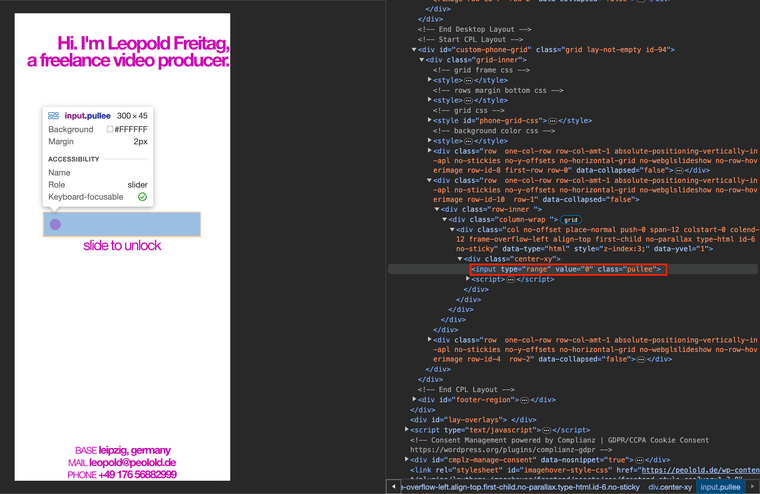
<input>-tag on mobile with missing min & max valuesdoes anyone have an idea why this could happen?
-
nice!
you use a custom phone layout. and in it, your input element doesnt have the min and max values
you can just delete the custom phone layout
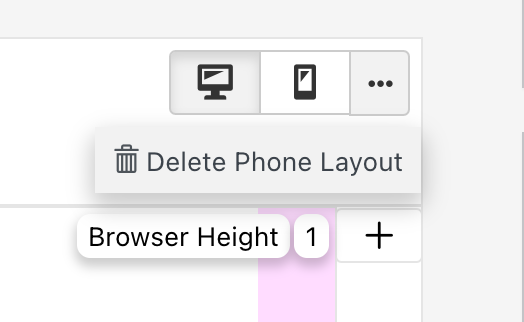
or just change the input html in your custom phone layout to include the min and max values
-
thanks for your quick reply!
i use the custom phone layout on purpose for design reasons. the html-element is synched between desktop & phone layout though, so it's the exact same code. still, different code is shown when i open the website and view it via inspector.
that's the piece of code used in both desktop & mobile:
<div class="center-xy"> <input type="range" value="0" class="pullee" /> <script>var inputRange = document.getElementsByClassName('pullee')[0], maxValue = 150, speed = 12, currValue, rafID; inputRange.min = 0; inputRange.max = maxValue; function unlockStartHandler() { window.cancelAnimationFrame(rafID); currValue = +this.value; } function unlockEndHandler() { currValue = +this.value; if(currValue >= maxValue) { successHandler(); } else { rafID = window.requestAnimationFrame(animateHandler); } } function animateHandler() { inputRange.value = currValue; if(currValue > -1) { window.requestAnimationFrame(animateHandler); } currValue = currValue - speed; } function successHandler() { var link = "https://peolold.de/portfolio"; window.location.href = link inputRange.value = maxValue; }; inputRange.addEventListener('mousedown', unlockStartHandler, false); inputRange.addEventListener('mousestart', unlockStartHandler, false); inputRange.addEventListener('mouseup', unlockEndHandler, false); inputRange.addEventListener('touchend', unlockEndHandler, false); </script> </div> -
hey please put your javascript in lay options → custom css & html
then
<script>…</script>
put it in custom content for <head>
and use https://laytheme.com/documentation/custom-javascript.html#newpage-events

Hello! It looks like you're interested in this conversation, but you don't have an account yet.
Getting fed up of having to scroll through the same posts each visit? When you register for an account, you'll always come back to exactly where you were before, and choose to be notified of new replies (either via email, or push notification). You'll also be able to save bookmarks and upvote posts to show your appreciation to other community members.
With your input, this post could be even better 💗
Register Login