Text with background image
-
Hey,
how can i create a block with image + centered txt ?
ex. http://www.ruggierodesantis.com/site/wp-content/uploads/2017/01/bg-trees-4.jpgis it possible with lay features?
Best -
hey pizzarrone
I'm writing your idea down and will work on making it a feature one day.
Right now you could do this with some css.
Go to your gridder and right click your textblock where you have your centered text.
By resizing the element in the gridder, give it a good width so your text has a lot of space in that box. Now right click your textbox and for "space top" and "space bottom" enter "20" for example.Now your textbox will look kind of like this:
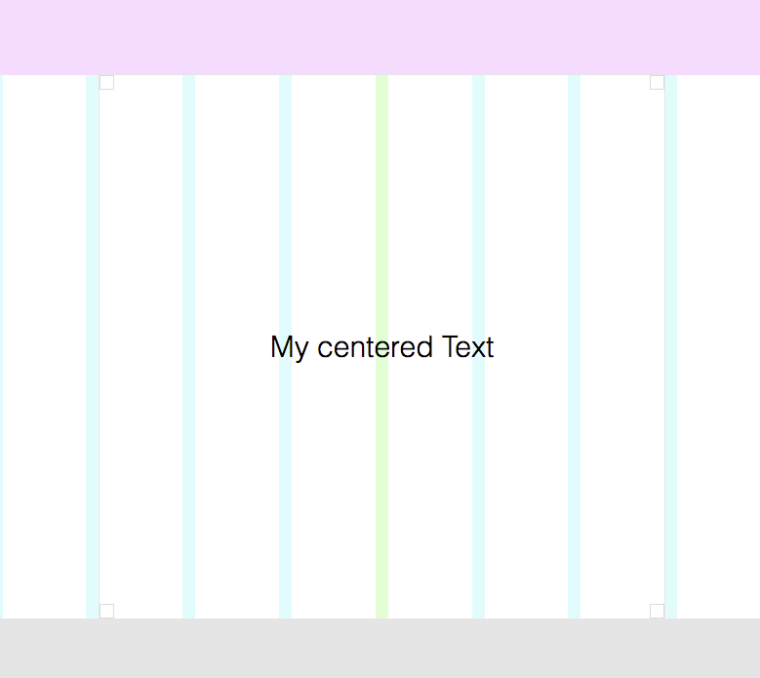
Now right click the textbox and choose "Set HTML class and id". As the "class" enter: textbox1
Save your project.
Go to your media library, click on an image and copy the url from the info box that has opened.Now go to "Lay Options" -> "Custom CSS & HTML"
In "Custom <head> content" enter:
<style>
    .textbox1{
        background-image: url("http://laytheme.dev/wp-content/uploads/2017/01/ruine_recens_L7_1104.jpg");
        background-size: cover;
    }
</style>
Of course my url to my image http://laytheme.dev/wp-content/uploads/2017/01/ruine_recens_L7_1104.jpg should be replaced by your url to your image.
-
-



Hello! It looks like you're interested in this conversation, but you don't have an account yet.
Getting fed up of having to scroll through the same posts each visit? When you register for an account, you'll always come back to exactly where you were before, and choose to be notified of new replies (either via email, or push notification). You'll also be able to save bookmarks and upvote posts to show your appreciation to other community members.
With your input, this post could be even better 💗
Register Login