Overlay Burger svg icon – change on specific page
-
Hello!
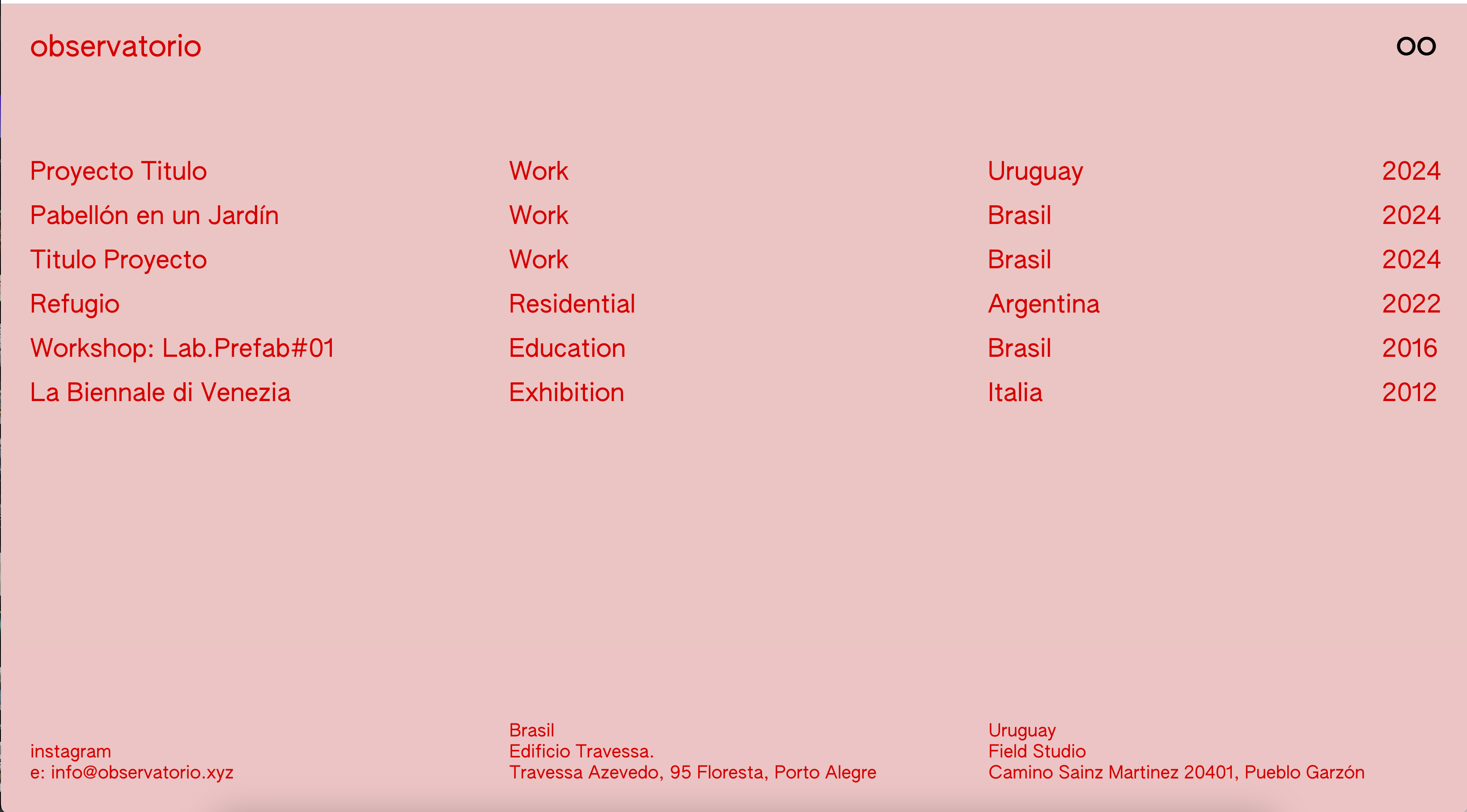
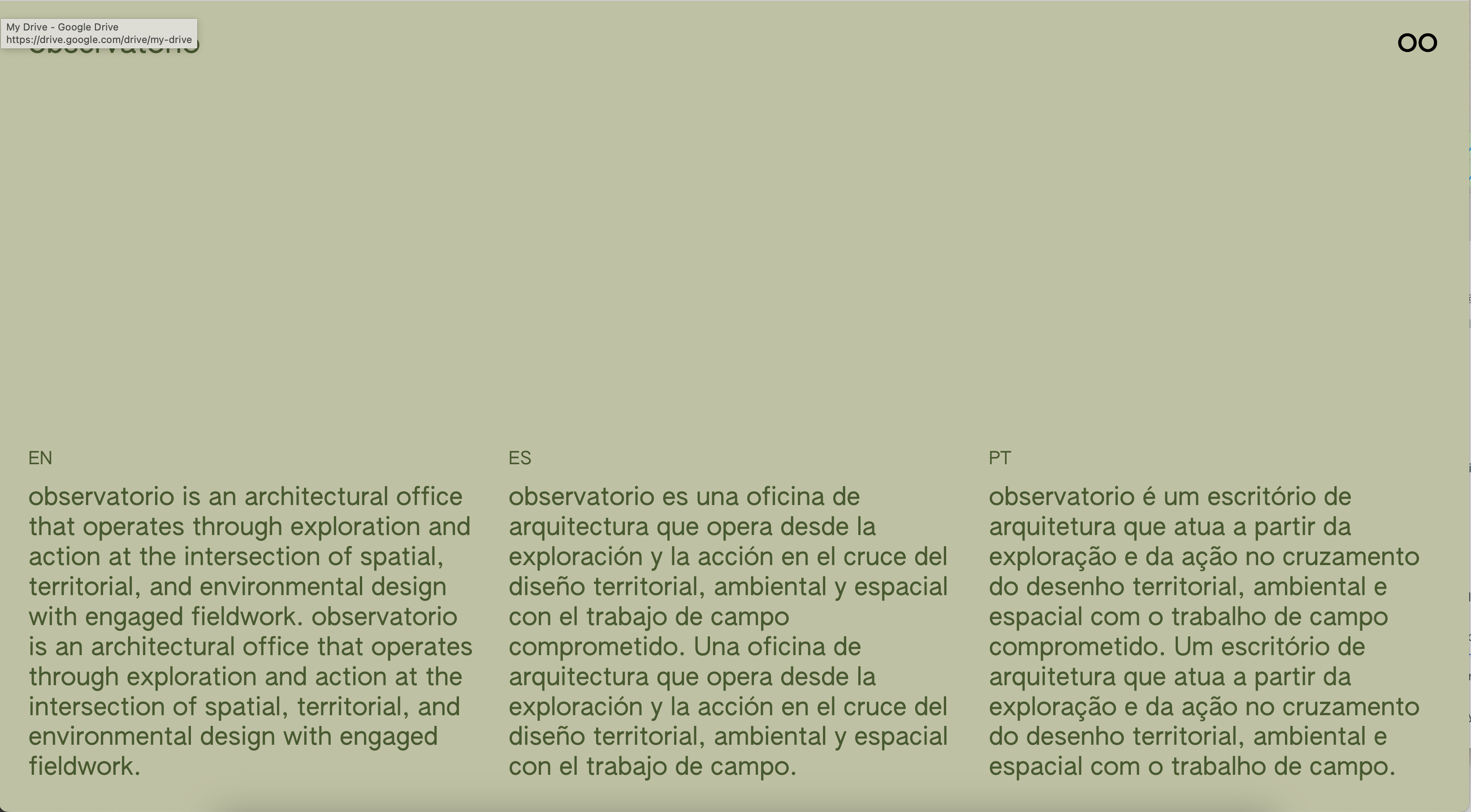
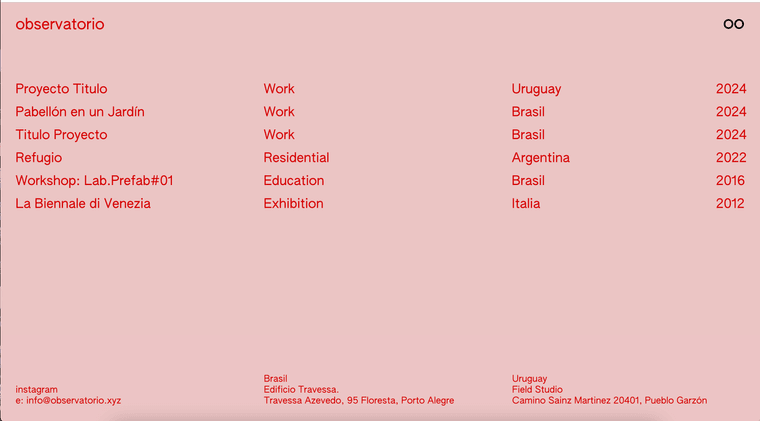
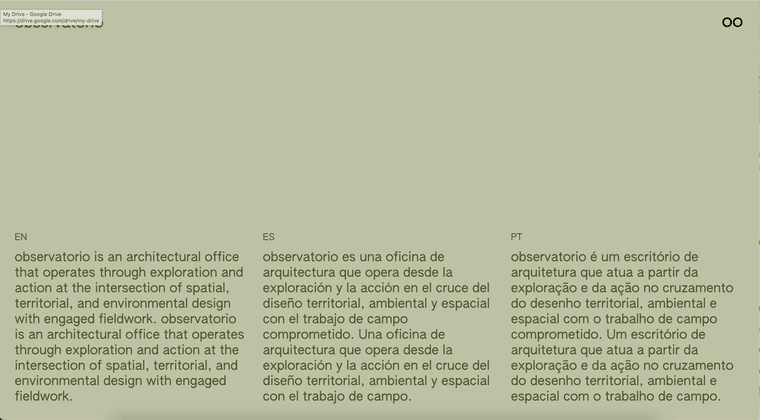
I'm designing a website (WIP: https://villalba.studio/website_2fa0b3db/) for an architectural studio and I'm trying to get the title and custom burger (= binoculars) to change color in certain pages... For instance
Green on the 'about' https://villalba.studio/website_2fa0b3db/info/
Red in the index https://villalba.studio/website_2fa0b3db/index/I succesfully managed to change the site title logo color with this CSS
.slug-info  .sitetitle-txt-inner {
    color: #47592f !important;
}
BUT I'm struggling to change the icon... We cannot simply change the colour (as is an png – or svg – file) so I thought I could create an alternative icon to be used – as custom overlay burger – only in that particular page.
I think I need something along this lines, but the right syntax
.slug-home  .custom-overlay-burger {
   <img src="https://villalba.studio/website_2fa0b3db/wp-content/uploads/2024/10/oo_Identificador_blanco.png">
}
Thanks in advance
-
oh, maybe u can use a css filter:
https://developer.mozilla.org/en-US/docs/Web/CSS/filter.slug-home .custom-overlay-burger { <img src="https://villalba.studio/website_2fa0b3db/wp-content/uploads/2024/10/oo_Identificador_blanco.png"> }this wont work, this is not valid css
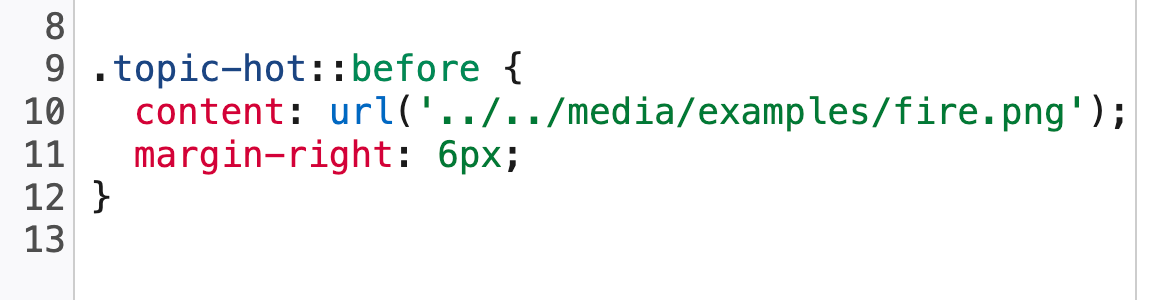
maybe u can use css content:
https://developer.mozilla.org/en-US/docs/Web/CSS/content

Hello! It looks like you're interested in this conversation, but you don't have an account yet.
Getting fed up of having to scroll through the same posts each visit? When you register for an account, you'll always come back to exactly where you were before, and choose to be notified of new replies (either via email, or push notification). You'll also be able to save bookmarks and upvote posts to show your appreciation to other community members.
With your input, this post could be even better 💗
Register Login