Spacing on top of social media icons
-
Hello friends,
I am using the social media icon for a specific real estate logo. It works great but there is some weird spacing happening above the logo. Is there a way around this. Any help would be amazing!
Here is the link:
https://thomasalbrighton.com/4843-college-highroad/
See MLS reciprocity logo ....... I had to add 1.5% space above it to align with the type but this is not a great solution .
Thanks,
Thomas
-
-
hey sorry about the late reply, nice website!
-
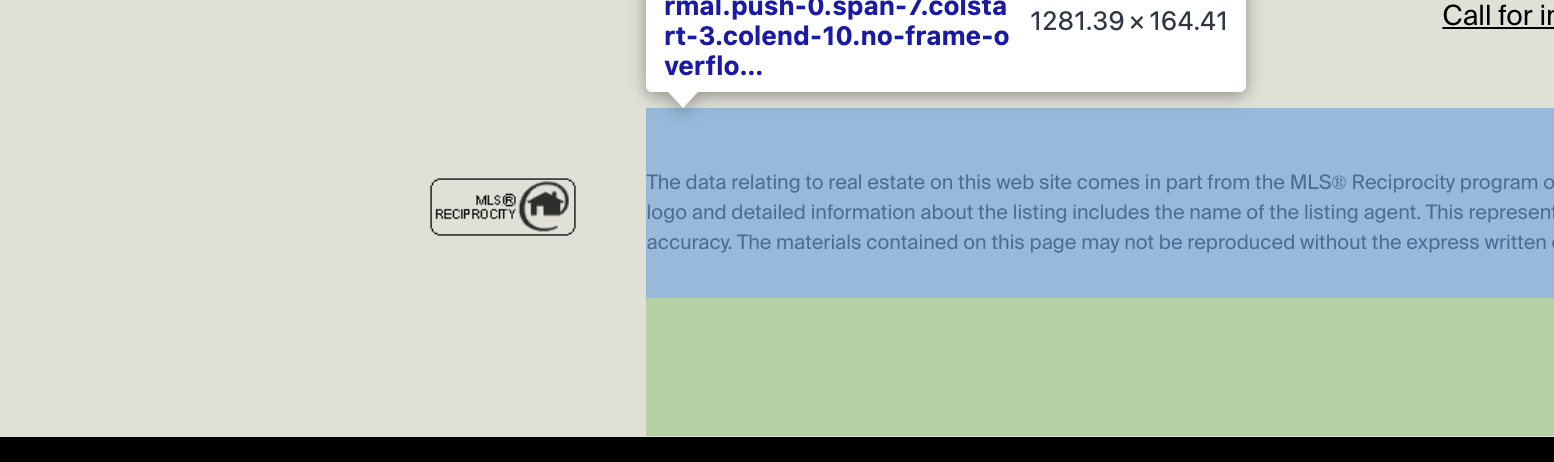
if i look at your textbox, it seems that the text element has additional spacing (blue gap on top)
the reason for this is your text element doesnt just contain text, but it contains addition html markup:

<div class="flex flex-col gap-2 items-start…"
you may have copied the text from another website and pasted it into the texteditor.
however, this also copies over the HTML, not just the text.so i would go to this textbox in /wp-admin/, edit the text, click the <> code button:
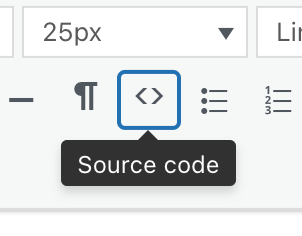
and remove the outer div, so we only have the inner <p tag
so basically you just want this part inside the code:
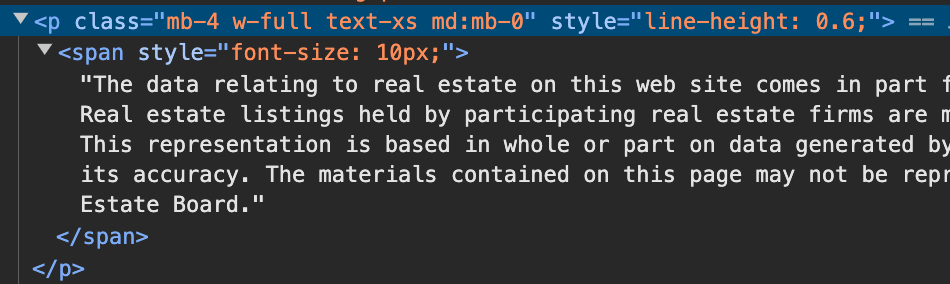
next time you copy text from a website or pdf, if you want to make sure theres not extra HTML, you can first paste it into a texteditor, then copy it from there and then paste it into the gridder textbox

Hello! It looks like you're interested in this conversation, but you don't have an account yet.
Getting fed up of having to scroll through the same posts each visit? When you register for an account, you'll always come back to exactly where you were before, and choose to be notified of new replies (either via email, or push notification). You'll also be able to save bookmarks and upvote posts to show your appreciation to other community members.
With your input, this post could be even better 💗
Register Login