Enable mobile version on one page and page content only?
-
I disabled the mobile version on my entire website via "smartphone breakpoint" in the lay options. And I'm very happy with it, however I would like to enable it for one page only, where multiple text elements are arranged horizontally next to each other in the desktop version. This renders unreadable on a phone, so I'd love these elements to stack on top of each other. I can choose that on the page settings of course, but since I disabled the mobile version all together, it's not active. Note: I'd like to keep the menu and everything desktop style. I really only want the content of the page to switch to a mobile layout when viewed on a phone.
Here's a link to the page: https://peterhauer.com/cv/
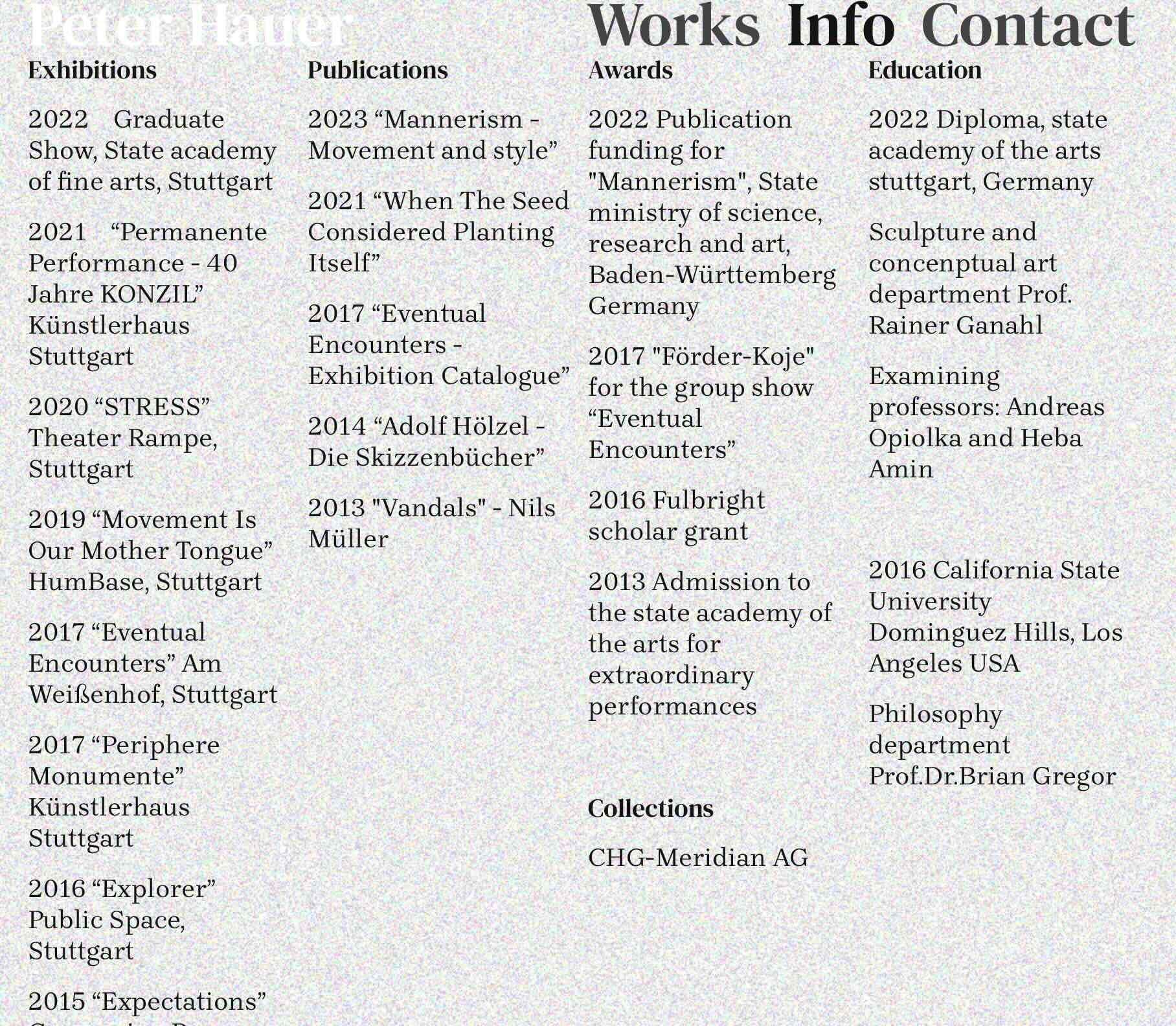
And some screenshots (mobile view top, desktop bottom)
First time posting on the forum, thanks a lot in advance!
#mobileversion -
hey, if you reenable the mobile layouts option and then delete the mobile layout from every other page but keep that page with the mobile layout. Hope that makes sense!
-
hey, if you reenable the mobile layouts option and then delete the mobile layout from every other page but keep that page with the mobile layout. Hope that makes sense!
@alasdair17 Thanks! That does make a lot of sense. I didn't see the delete phone layout button because I hadn't created one to begin with, and also I can just choose the copy same layout option. Thanks again!
Hello! It looks like you're interested in this conversation, but you don't have an account yet.
Getting fed up of having to scroll through the same posts each visit? When you register for an account, you'll always come back to exactly where you were before, and choose to be notified of new replies (either via email, or push notification). You'll also be able to save bookmarks and upvote posts to show your appreciation to other community members.
With your input, this post could be even better 💗
Register Login