Reactive/negative text – text reacting to the background
-
Hey Everyone,
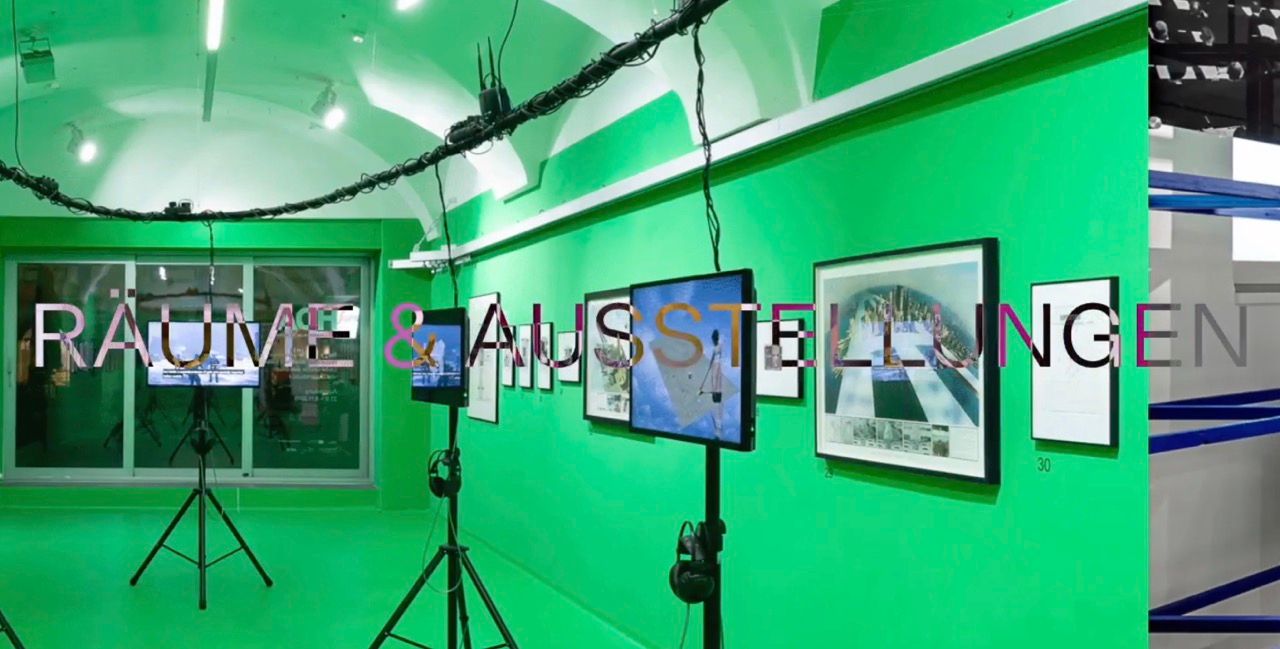
I saw some websites using text that reacts to what is behind.
Additional to that, i once also saw cursors doing that.Do you have any clue on how to achieve that effect?
I'd like to implement it to my menu and some text.
https://visual-space-agency.com/overview/
Thank you in advance :)

-
Hi there
I implemented it in my menu, have a look here:
http://laythemeforum.com/topic/10673/menu-text-color-change-when-overlapping-with-images
Don't know how to do it to the cursor though
-
Hey there, so what happens here is people use CSS called mixed blend mode difference, and the text has to be white for it to work.
https://www.instagram.com/p/Cjm8eHkjiXA/
I once did a reel about this that you can see here.
-
If people use cursors with this effect, then they are using an HTML element as a cursor. This HTML element is white and needs to use the mix-blend-mode effect too. It uses JavaScript to update its position.
For example, if you go to ChatGPT and use this prompt:
"Can you tell me the HTML code, the CSS code and the JavaScript code I need to have a cursor that uses Mix Blend Mode Difference? The cursor should be an HTML element that updates its position using JavaScript. "You will get a pretty good answer
This is from that answer, and I'm just changing the answer a little to make it more applicable to Lay Theme. Go to Lay Theme Custom CSS and HTML. And then in HTML at the top insert:
<div class="custom-cursor" id="customCursor"></div>In Custom CSS insert:
body {
  cursor: none; /* Hide the default cursor */
}
/* Custom cursor styling */
.custom-cursor {
  position: fixed;
  top: 0;
  left: 0;
  width: 20px;
  height: 20px;
  background-color: white;
  border-radius: 50%;
  pointer-events: none;
  mix-blend-mode: difference;
  transition: transform 0.05s ease-out;
  z-index: 9999;
}
In Custom HTML at Bottom, Insert:
<script>
const cursor = document.getElementById('customCursor');

document.addEventListener('mousemove', (e) => {
  cursor.style.transform = `translate(${e.clientX - 10}px, ${e.clientY - 10}px)`;
});
</script>
How it works:
The default cursor is hidden (cursor: none).A white circular div follows the mouse.
mix-blend-mode: difference causes the white cursor to invert the background color underneath it — this creates a dynamic effect against light or dark backgrounds.
-
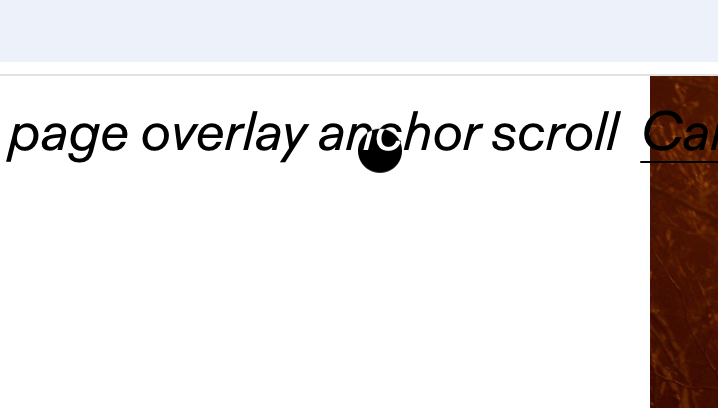
Here you can see the result.
-
http://laythemeforum.com/topic/6161/cursor-invert-color-black-white-text/19
Actually, I already wrote a tutorial for this in the link above.
-

Hello! It looks like you're interested in this conversation, but you don't have an account yet.
Getting fed up of having to scroll through the same posts each visit? When you register for an account, you'll always come back to exactly where you were before, and choose to be notified of new replies (either via email, or push notification). You'll also be able to save bookmarks and upvote posts to show your appreciation to other community members.
With your input, this post could be even better 💗
Register Login