Project index – categories separator
-
Hello,
looking for an implementation of a replacement in the "category" column – separator. By default it is "," but for the design it seems like it could be a "–".Is this possible to replace? As it is generated within a single div .lay-projectindex-col-categories .lay-projectindex-col ?
Best regards for Warsaw!
-
-
-
you can change it in lay options -> imagehover addon
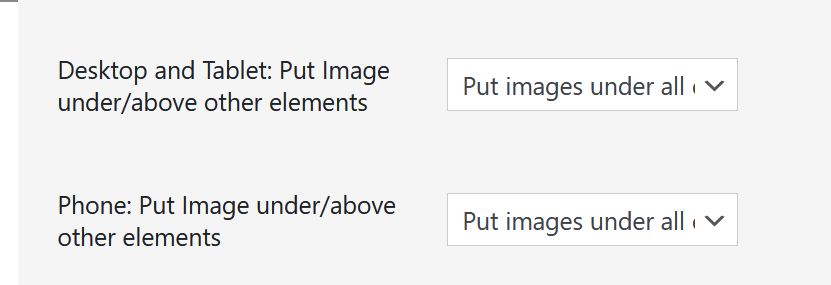
-
if u want to do it with css:
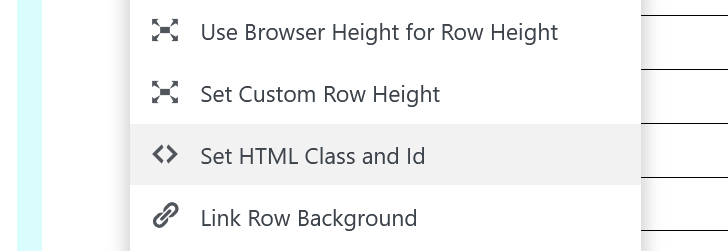
Right click an empty part of a row in the Gridder that contains your project index element.
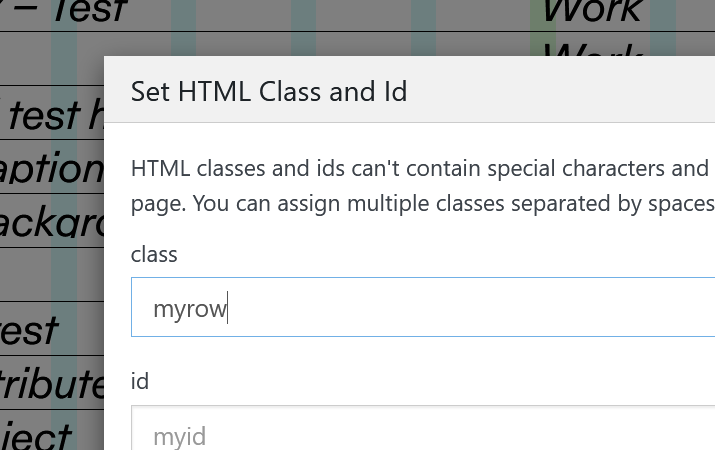
Click "Set HTML Class & Id"Then for class enter:
myrowadd this in:
lay options -> custom css & html -> custom css.myrow .lay-imagehover-on-element{ z-index: 99; } -
Perfect, thanks!
Also, maybe an idea for a feature – I was looking at implementing a gallery.
Would be amazing to have Thumbnail Grid features – Filters, Tags, Categories in Elementor Grid – gallery of images with Lightbox – and not separate project pages.For a preview:
A website currently built on Elementor Grid + Lightbox:
https://polczynski.info/paintingsA website I'm building up using Thumbnail Grid:
https://polczynski.info/paintings_test/ -
ah i thought ure talking about the elementor plugin
https://elementor.com/you want filtering for a lightbox?
im not sure if i understand -
-
ah
so you want to be able to filter images -
-
Being able to filter images would be so amazing!
Would happily pay for this feature.
-
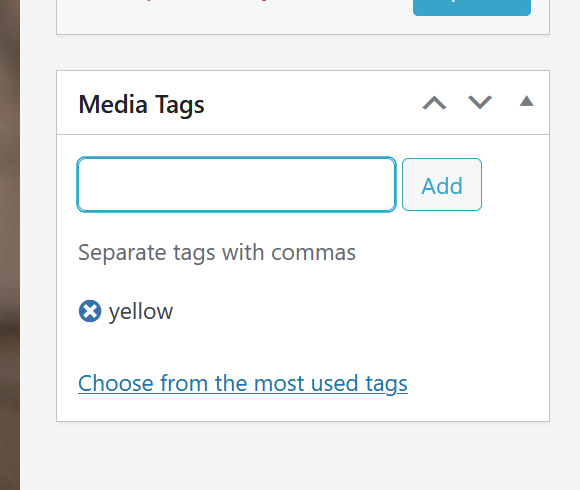
it seems that i can pretty easily add a tag box to a media library item edit page.
would tag filtering be enough or would you also need categories, like we have for thumbnailgrid? -
it seems that i can pretty easily add a tag box to a media library item edit page.
would tag filtering be enough or would you also need categories, like we have for thumbnailgrid?@arminunruh If it can work with images inside an element grid that would be amazing, categories would be great but just tags would do a good job too.
-
ok!! i understand
-
-
ah you mean you would like a search bar in here?

so its easier to find projects?
-
-
next update will include a searchbar:

Thank you!
-
ah you mean you would like a search bar in here?
so its easier to find projects?
@arminunruh also you could maybe change selecting multiple? Now it just grabs the whole row (when using shift)
-
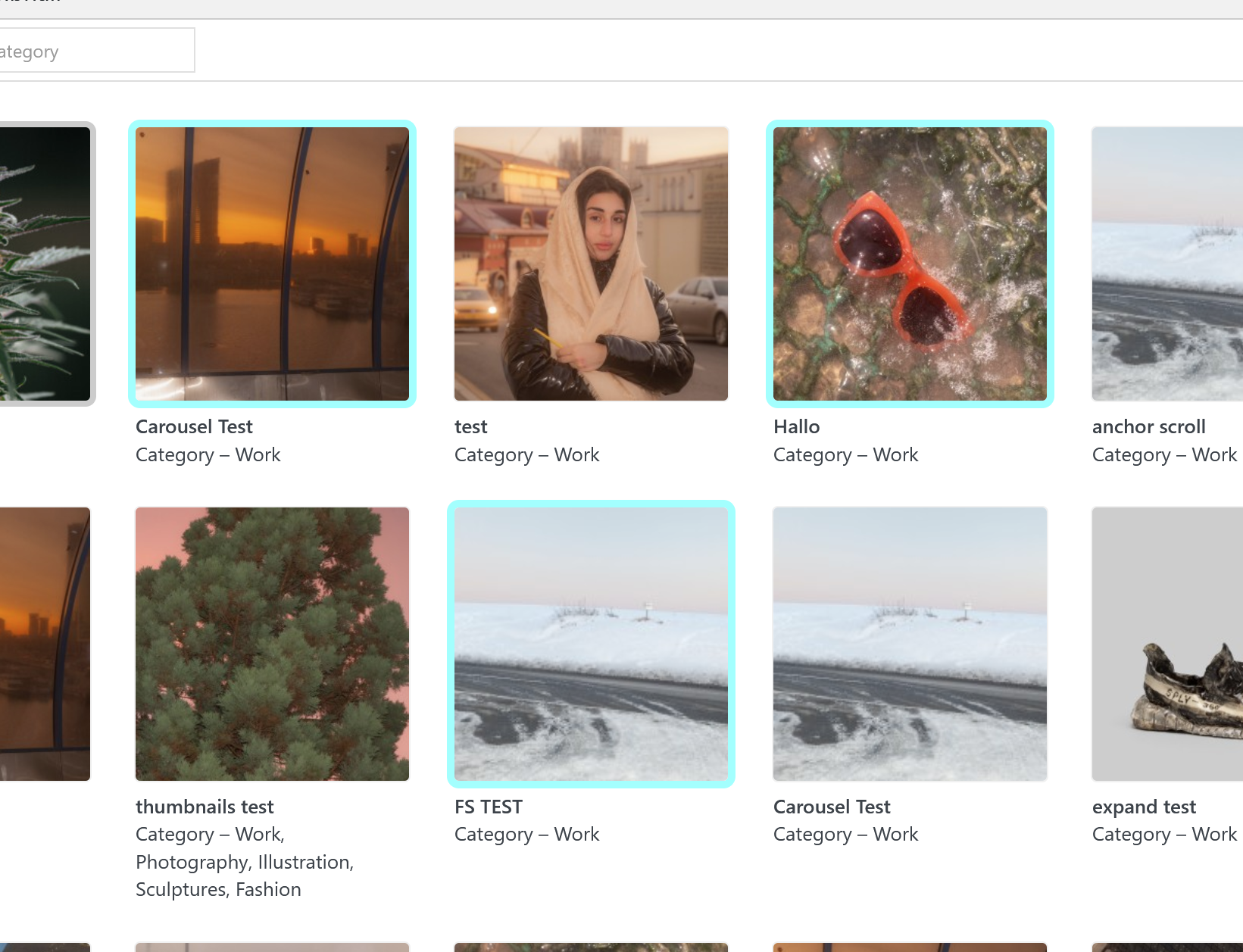
you can press ctrl on windows
or cmd on macthen you can choose multiple projects without selecting a whole row of project as you would when using shift
thats the normal way it works even in finder on mac and explorer on windows


Hello! It looks like you're interested in this conversation, but you don't have an account yet.
Getting fed up of having to scroll through the same posts each visit? When you register for an account, you'll always come back to exactly where you were before, and choose to be notified of new replies (either via email, or push notification). You'll also be able to save bookmarks and upvote posts to show your appreciation to other community members.
With your input, this post could be even better 💗
Register Login