Mobile Homepage wider than browser window and background video is not autoplaying?
-
The homepage I'm making at the moment (https://2025-website.er-sc.com/) has a thumbnail grid, but the width of the homepage in the mobile version is wider than the browser window. How can I avoid this?
Also, I put a video at the top, which is not autoplaying as it should, also in the mobile version. Any ideas how to solve this?
Thanks!
-
great looking website!!
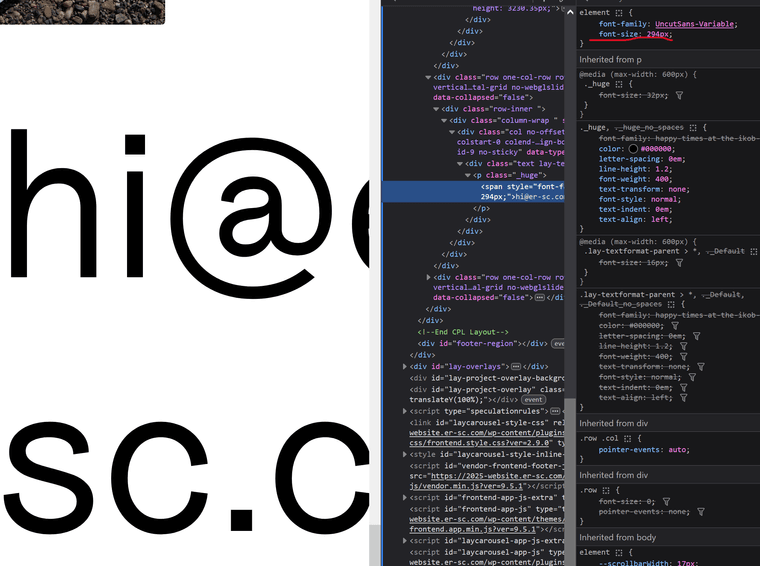
it seems to be this text, that has a large font-size applied to it.
please go to where this text is in the gridder, and edit it.
select the text and click "clear formatting"
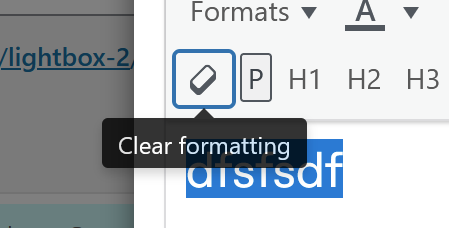
now apply a textformat, that has a smaller font-size for mobile.
my guess is you want your email address to be full width.
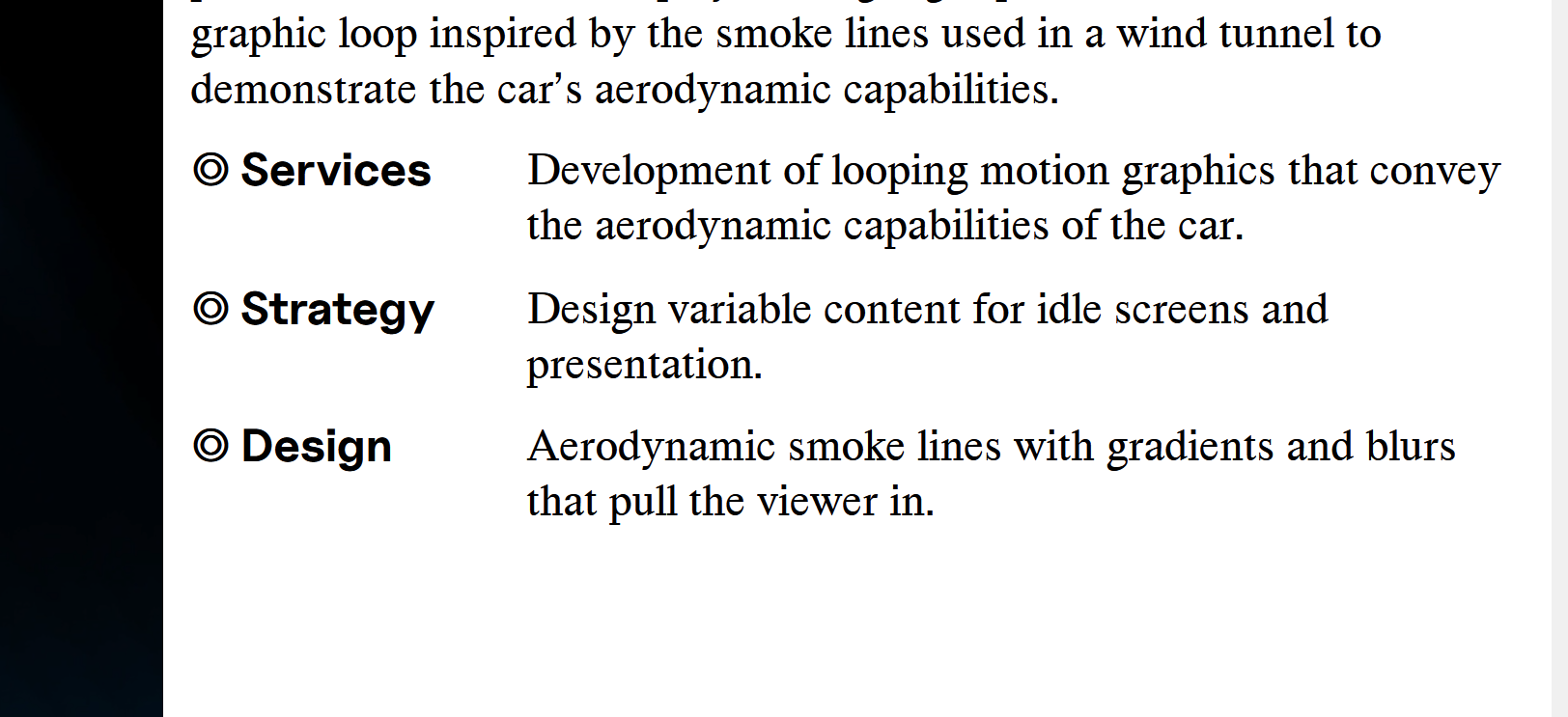
you could create a svg and insert it as a 100% full width image instead of using text. this would scale it perfectly.btw for this you could also use the new table element:

Hello! It looks like you're interested in this conversation, but you don't have an account yet.
Getting fed up of having to scroll through the same posts each visit? When you register for an account, you'll always come back to exactly where you were before, and choose to be notified of new replies (either via email, or push notification). You'll also be able to save bookmarks and upvote posts to show your appreciation to other community members.
With your input, this post could be even better 💗
Register Login