Background color — only part of a row
-
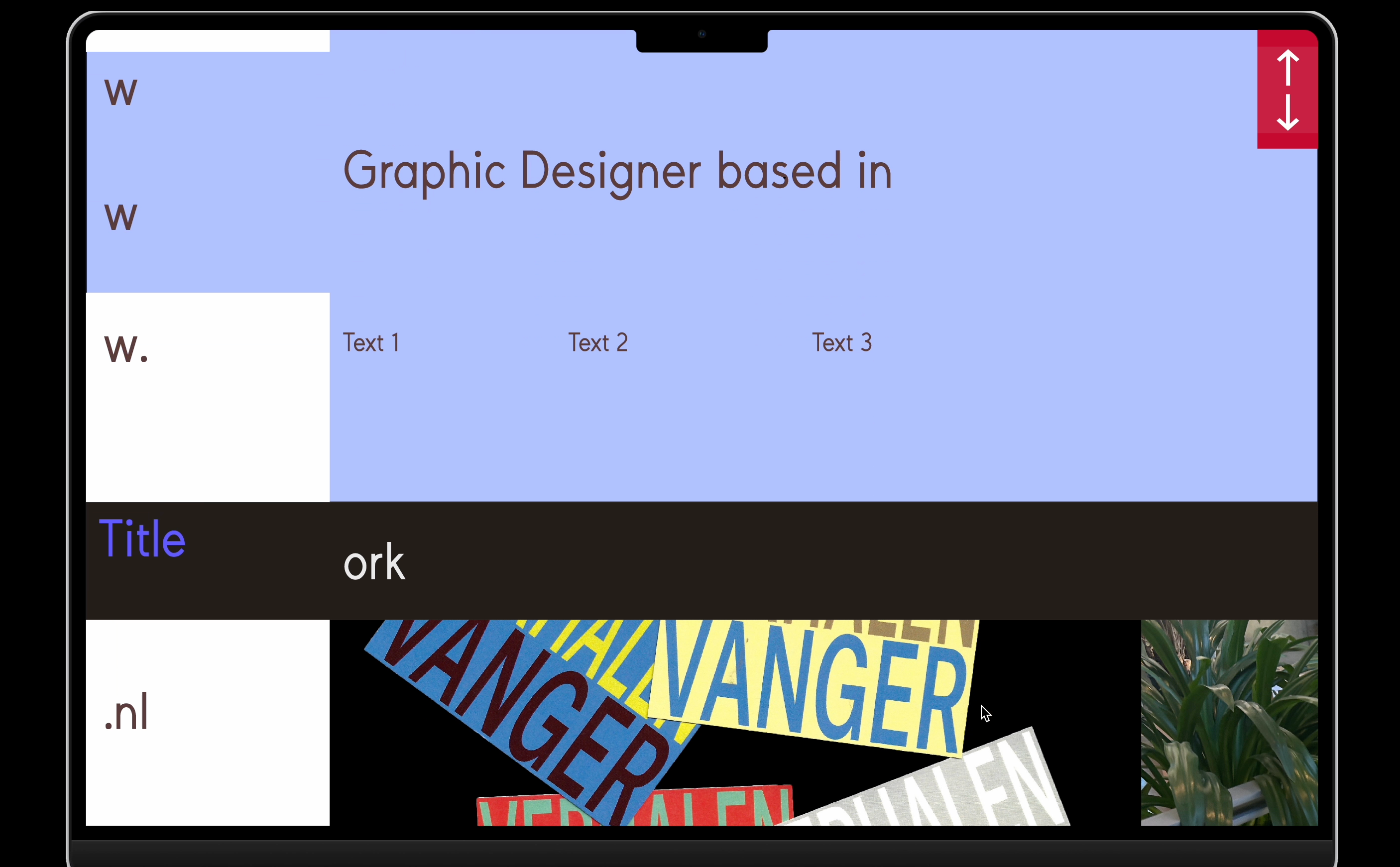
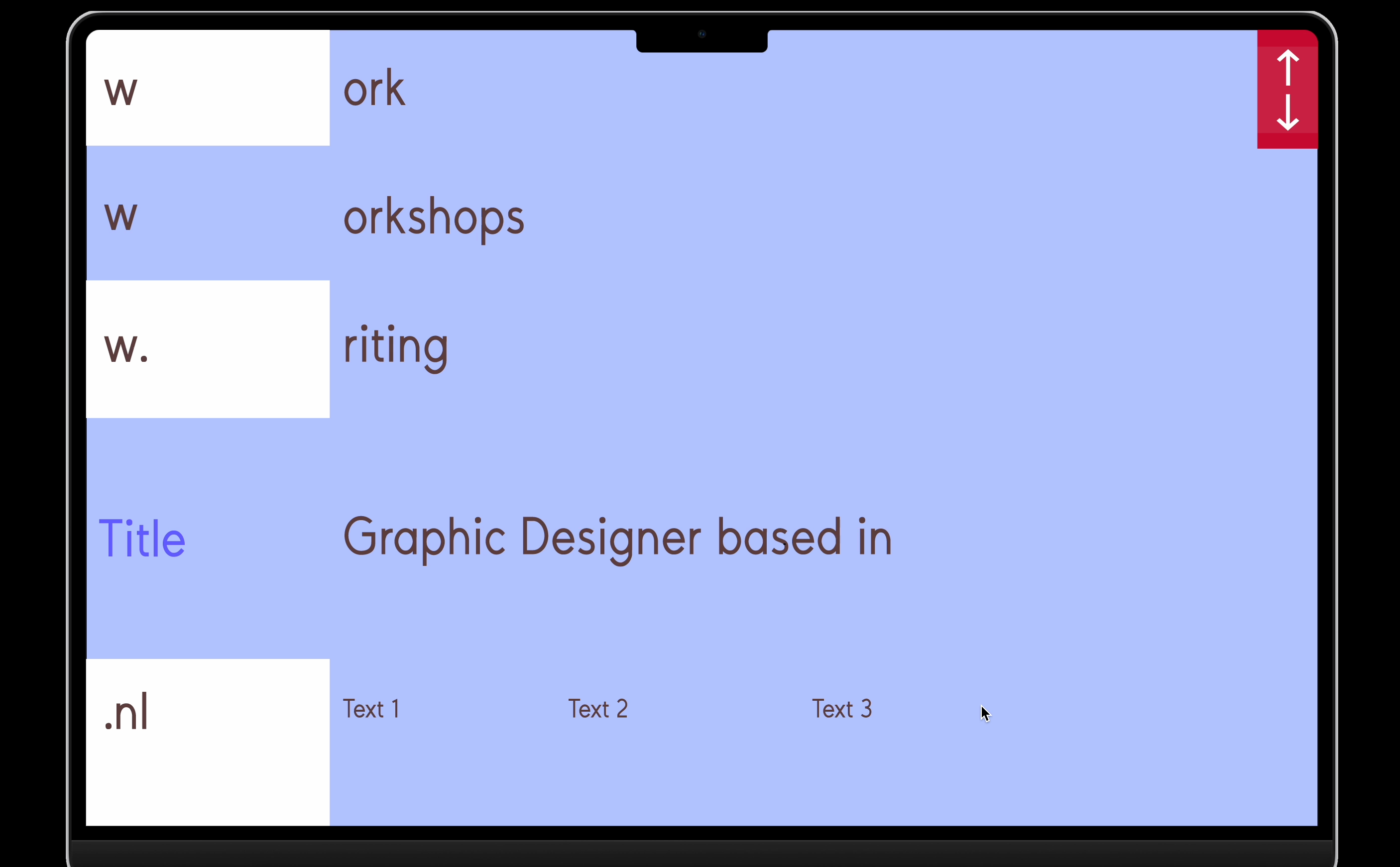
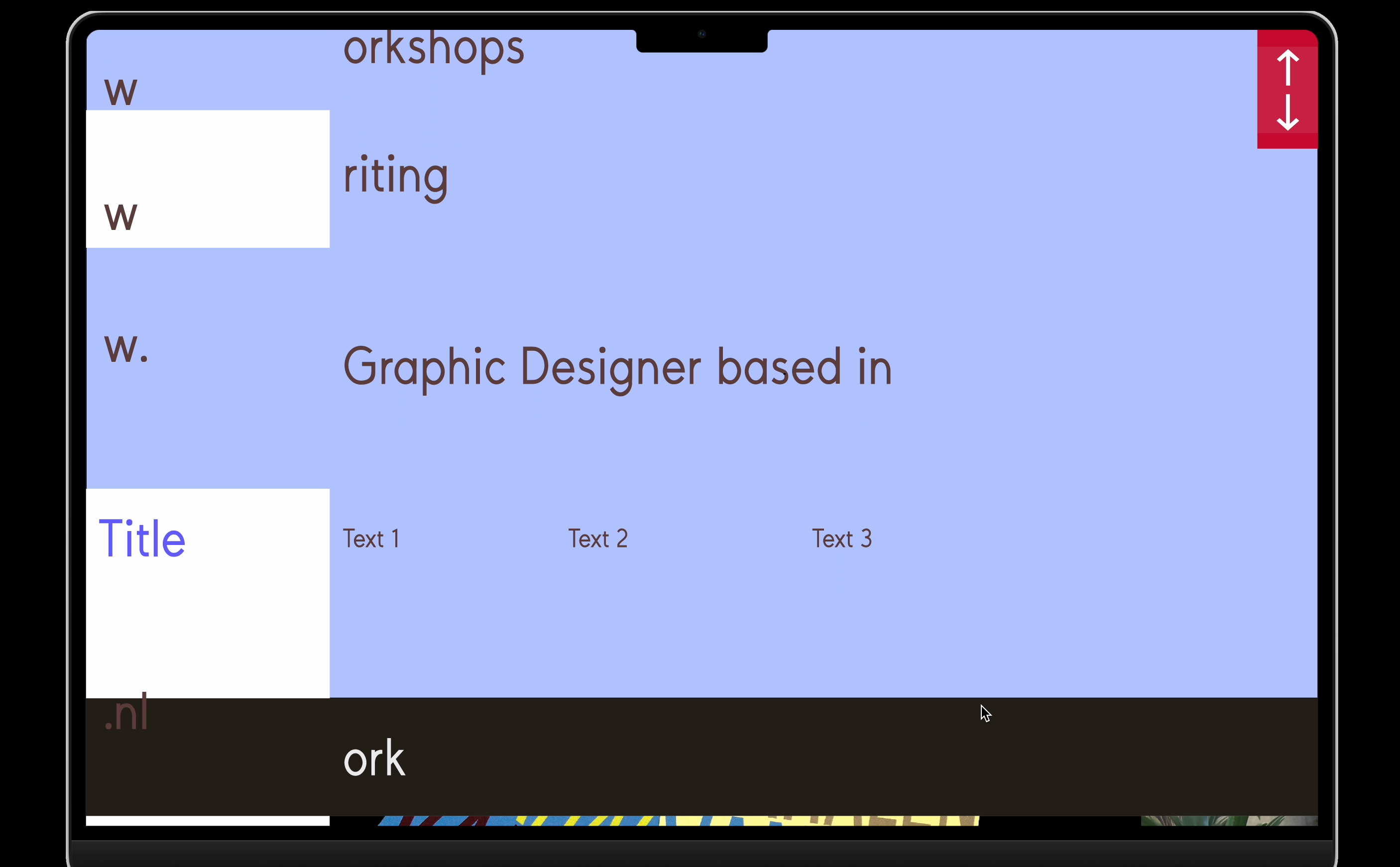
Is it possible to color only part of a row within Laytheme? I have 10 columns within my grid and would like to colour the first two columns in a row in a different colour. Do you have any idea how best to do this? Give the row a class and then? I haven't had any success yet.
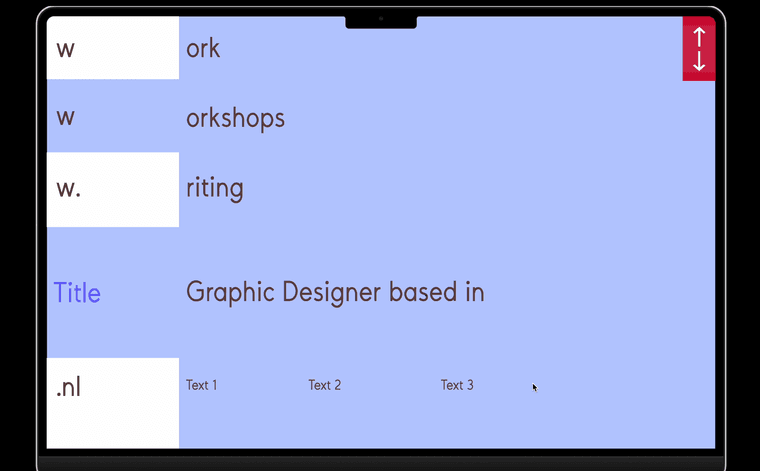
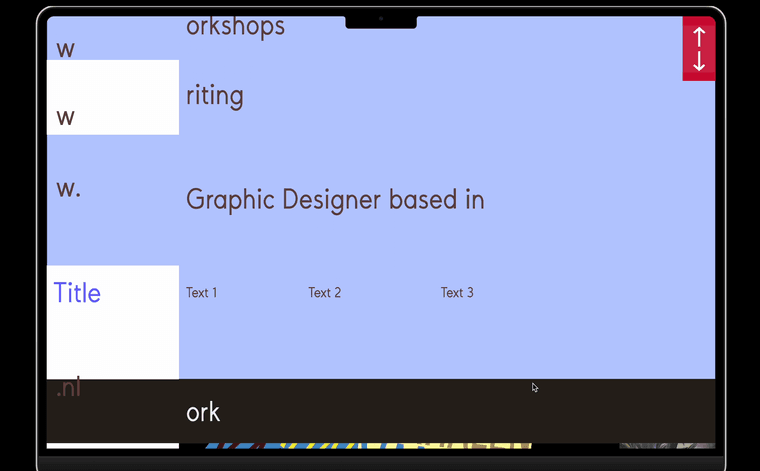
Attached is a few test images to show what I actually want to achieve when scrolling. (The white fields are those two columns within a row that are given a different color and are not blue.)
-
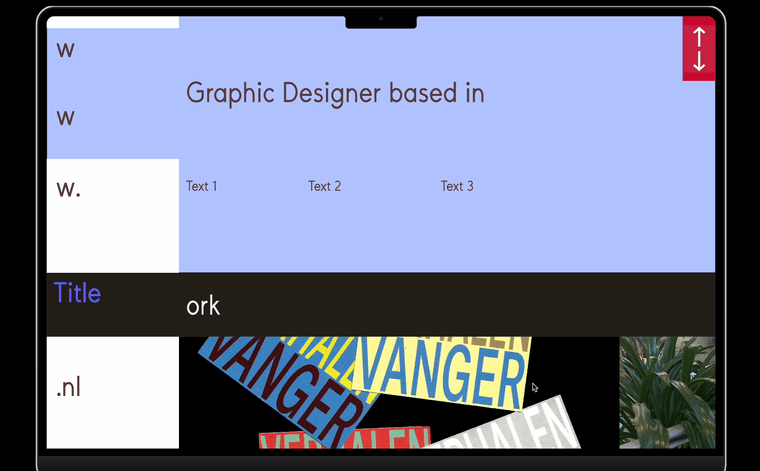
Is it possible to color only part of a row within Laytheme? I have 10 columns within my grid and would like to colour the first two columns in a row in a different colour. Do you have any idea how best to do this? Give the row a class and then? I haven't had any success yet.
Attached is a few test images to show what I actually want to achieve when scrolling. (The white fields are those two columns within a row that are given a different color and are not blue.)
@KW1
Maybe try to assign your main bg color for the whole gridder via the gui, then create an amount of horizontally aligned stacks for each row, just like a table. Assign each stack with different ids before writing sth like:#row3column1 { background-color: white; }This is just a guess, did not try it, but from logic perspective this should work...
-
haha great ideas!
yea actually this is not so easy to do at the moment.
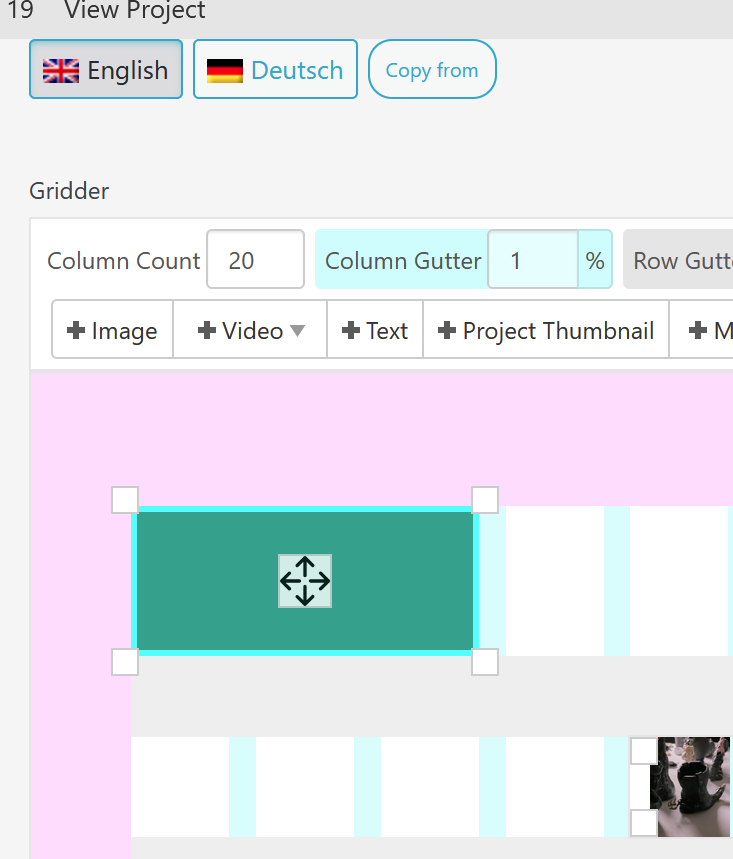
Um, but actually, how about you create a stack element? You can make it as big as you want, and just give it a background color. Then, put any content you want inside of it.
-

Hello! It looks like you're interested in this conversation, but you don't have an account yet.
Getting fed up of having to scroll through the same posts each visit? When you register for an account, you'll always come back to exactly where you were before, and choose to be notified of new replies (either via email, or push notification). You'll also be able to save bookmarks and upvote posts to show your appreciation to other community members.
With your input, this post could be even better 💗
Register Login