Highlighting single words in a Text paragraph ?
-
Hi @alasdair17 @arminunruh is it possible to highlight text in the text editor? I would like to highlight single words in a text paragraph. These highlighted words work as links.
https://axellestiefel.com/
Thanks!
Daniel -
Hi @alasdair17 @arminunruh is it possible to highlight text in the text editor? I would like to highlight single words in a text paragraph. These highlighted words work as links.
https://axellestiefel.com/Thanks!
Daniel@danny hey do you mean so the highlighted text here has a blue background colour on the website and is also a link?
-
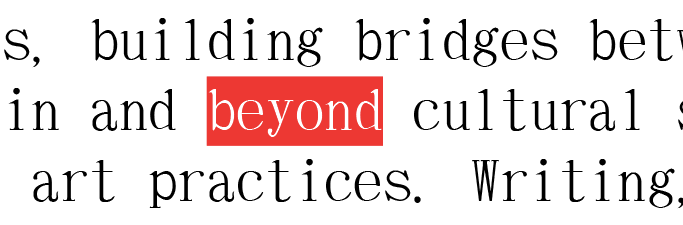
@alasdair17 yes - the text would have a red background and the font would be in white and is also a link:
-
you could create a character textformat.
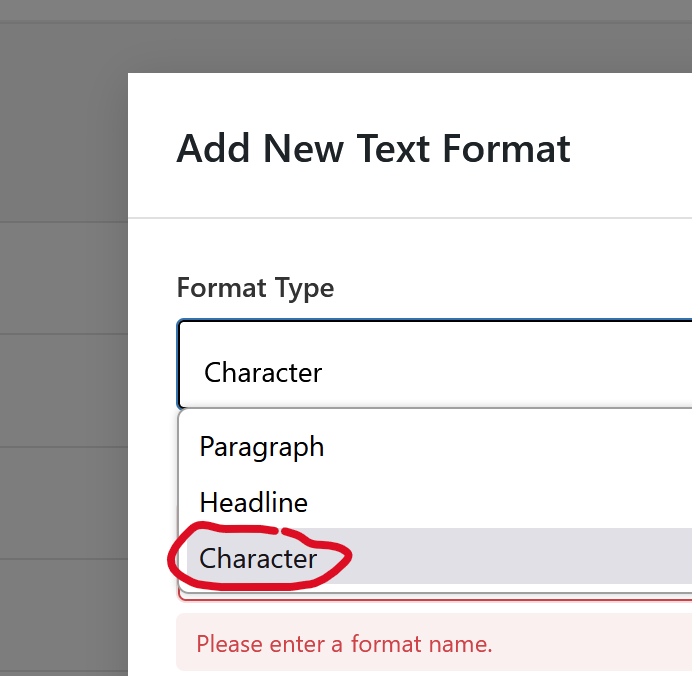
in "textformats"
call it:
highlight
then write this css
._highlight{
    background-color: red;
    color: white!important;
}
add this in:
lay options -> custom css & html -> custom css -
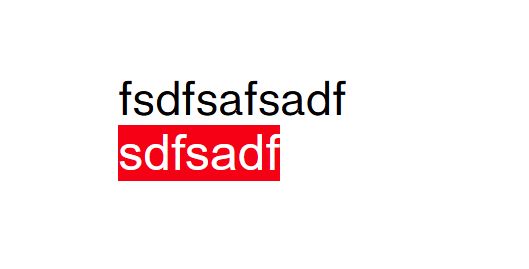
on the website itself it will look like this. in the gridder you wont see this style.
im writing it down as an idea for adding bg color to character textformats
-
@arminunruh great, thanks so much! Is it possible to adjust the position of the background colour? with my font the background colour sits a bit too low. The height is great though.
-
mmh do you have a link?
-
-
try this instead
._highlight{
position: relative;
}
._highlight::before{
position: absolute;
top: -3px;
left: 0;
right:0;
bottom:0;
background:red;
}and then adjust top: -3px
to for example -6px -
i cant see the page though cause its pw protected
-
-
hey!!
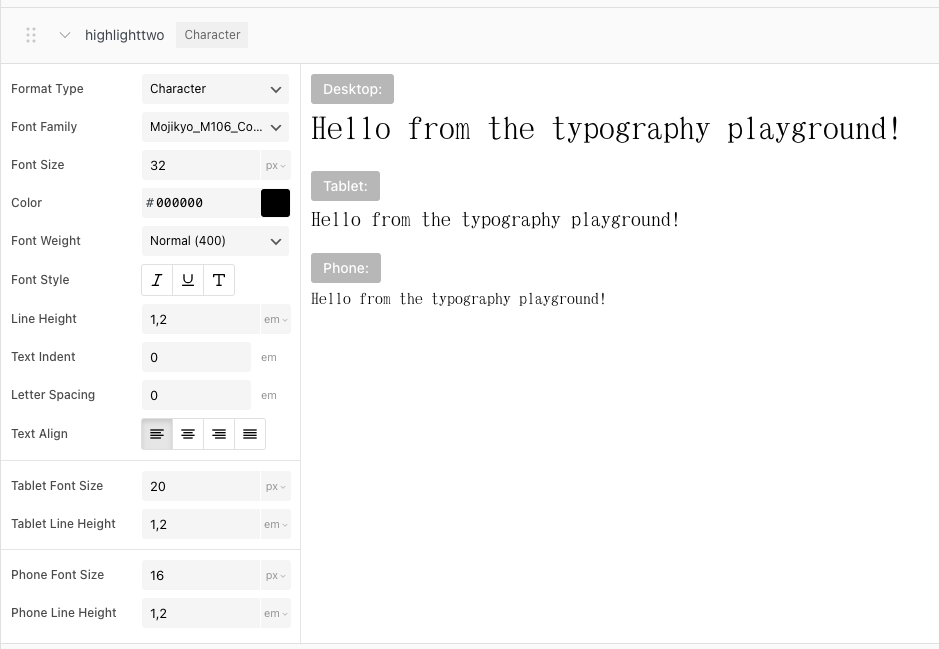
when editing a textformat you can now apply padding-bottom
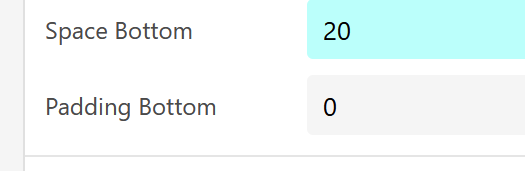
this should add extra space below
-
-
oh i forgot. above, you have "textformat settings"
and you need to enable this first:
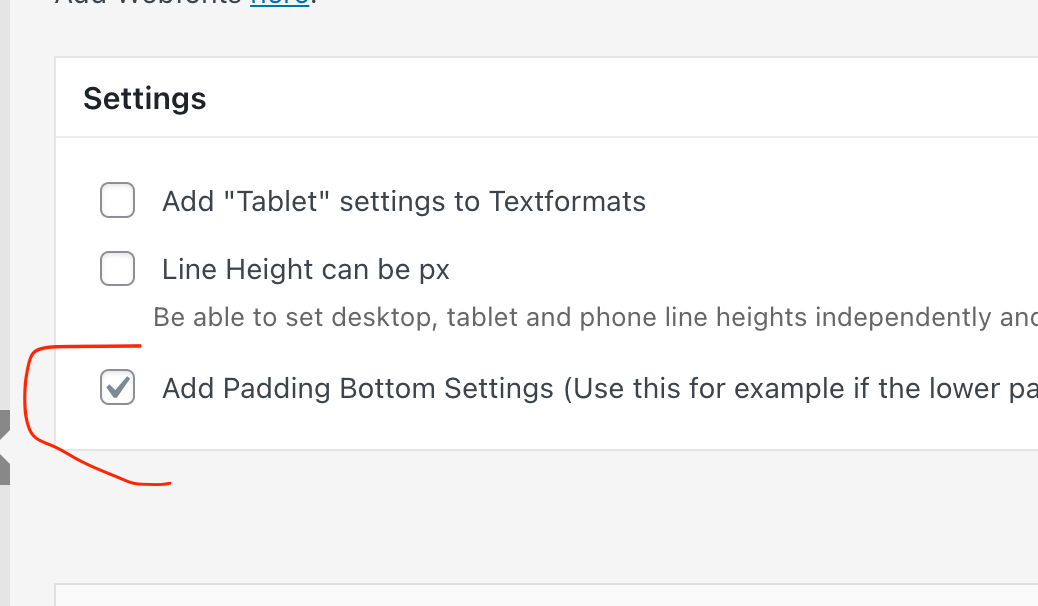
(make sure youre using the latest lay theme version)

Hello! It looks like you're interested in this conversation, but you don't have an account yet.
Getting fed up of having to scroll through the same posts each visit? When you register for an account, you'll always come back to exactly where you were before, and choose to be notified of new replies (either via email, or push notification). You'll also be able to save bookmarks and upvote posts to show your appreciation to other community members.
With your input, this post could be even better 💗
Register Login