making grid lines visible on the live site
-
-
thats a little harder to do.
if you use your browsers inspector, and check out any .column-wrap div, you will see:
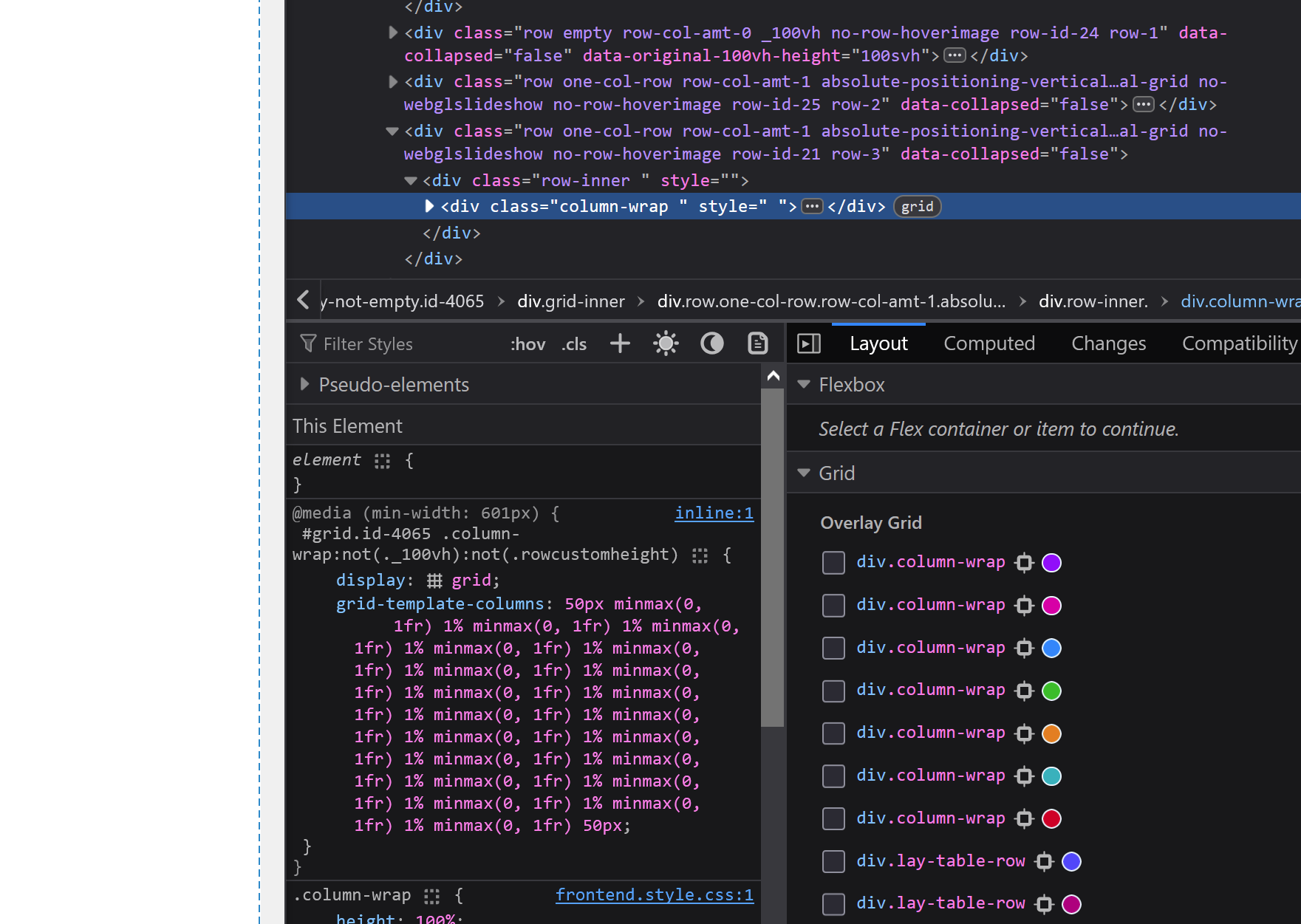
if you copy the CSS you see:
grid-template-columns: 50px minmax(0, 1fr) 1% minmax(0, 1fr) 1% minmax(0, 1fr) 1% minmax(0, 1fr) 1% minmax(0, 1fr) 1% minmax(0, 1fr) 1% minmax(0, 1fr) 1% minmax(0, 1fr) 1% minmax(0, 1fr) 1% minmax(0, 1fr) 1% minmax(0, 1fr) 1% minmax(0, 1fr) 1% minmax(0, 1fr) 1% minmax(0, 1fr) 1% minmax(0, 1fr) 1% minmax(0, 1fr) 1% minmax(0, 1fr) 1% minmax(0, 1fr) 1% minmax(0, 1fr) 1% minmax(0, 1fr) 50px;this is basically the grid. this code will look different for you. cause probably you setup the grid differently than me.
now if you ask gemini or chatgpt:
create html and css where its an overlay position fixed on top that creates vertical lines on top of the grid columns. this is the grid we have:
grid-template-columns: 50px minmax(0, 1fr) 1% minmax(0, 1fr) 1% minmax(0, 1fr) 1% minmax(0, 1fr) 1% minmax(0, 1fr) 1% minmax(0, 1fr) 1% minmax(0, 1fr) 1% minmax(0, 1fr) 1% minmax(0, 1fr) 1% minmax(0, 1fr) 1% minmax(0, 1fr) 1% minmax(0, 1fr) 1% minmax(0, 1fr) 1% minmax(0, 1fr) 1% minmax(0, 1fr) 1% minmax(0, 1fr) 1% minmax(0, 1fr) 1% minmax(0, 1fr) 1% minmax(0, 1fr) 1% minmax(0, 1fr) 50px;
you may get a good answer that contains javascript, css and html to create this.
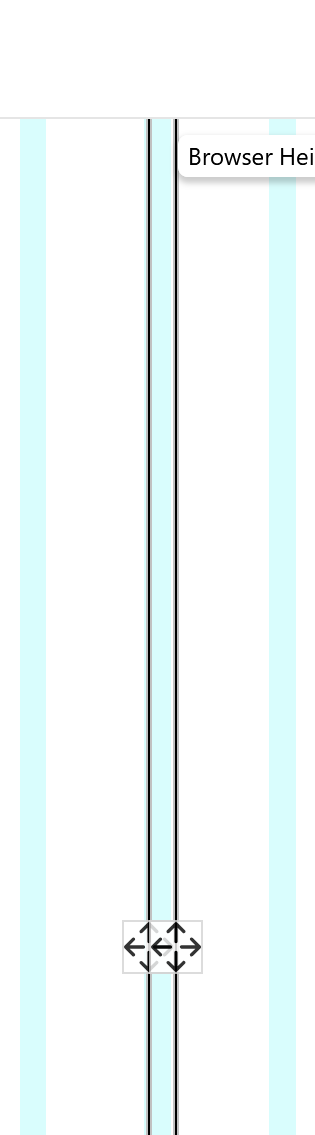
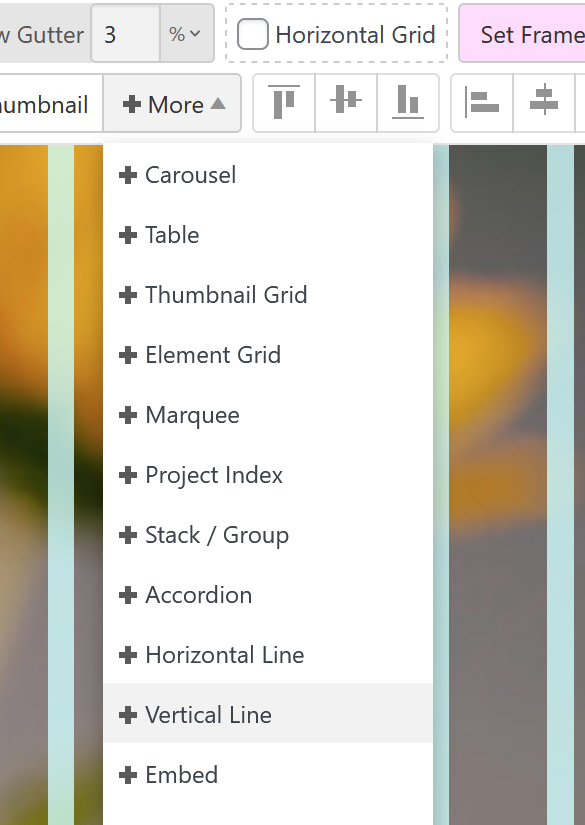
otherwise you can just add vertical lines:
-
-
yea this is kinda hard to do :/

Hello! It looks like you're interested in this conversation, but you don't have an account yet.
Getting fed up of having to scroll through the same posts each visit? When you register for an account, you'll always come back to exactly where you were before, and choose to be notified of new replies (either via email, or push notification). You'll also be able to save bookmarks and upvote posts to show your appreciation to other community members.
With your input, this post could be even better 💗
Register Login