fixed height for text elements px, % or vh
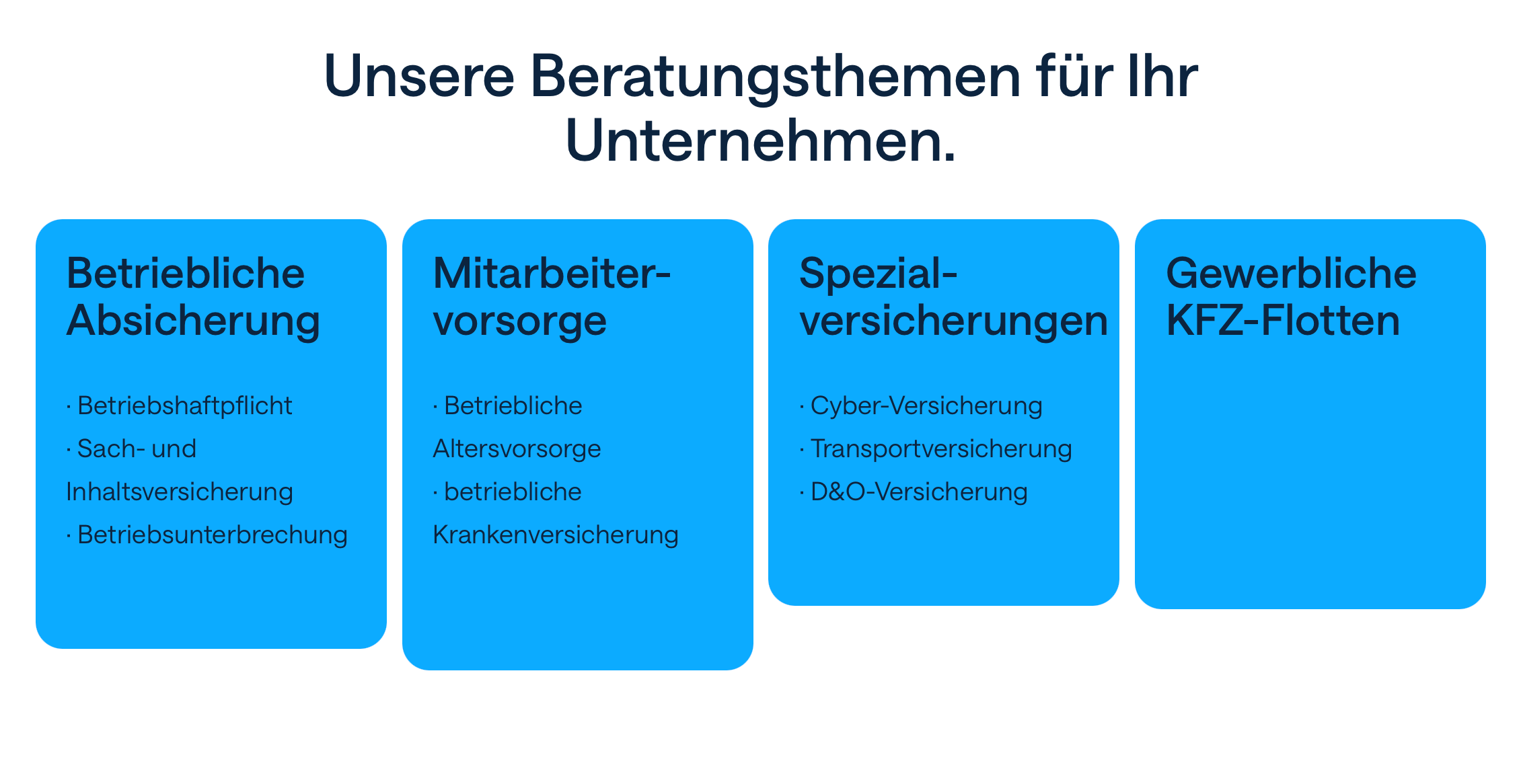
-
-
maybe it would be better to have a feature where it says "same height" but it doesn't have to be like a fixed height because the text may get smaller or bigger.
-
so we will get this new setting in the side bar when you click on an empty part of the row:
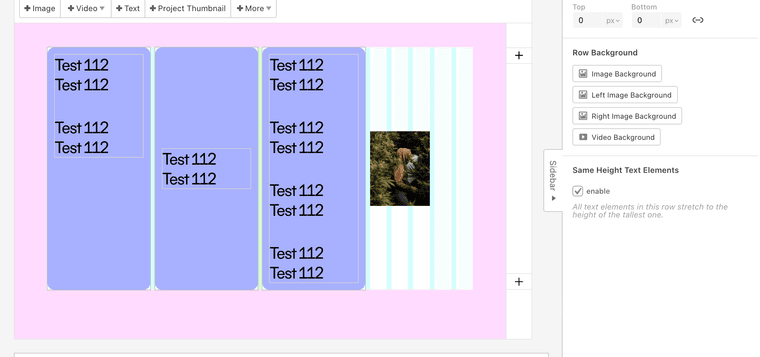
-
"same height text elements"
-
-
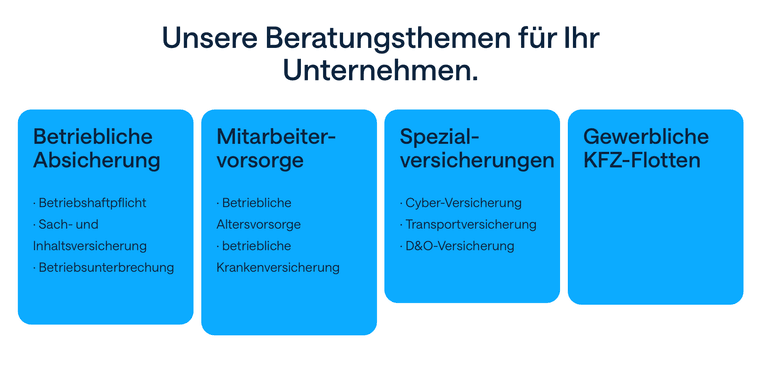
@arminunruh will this also work to get a text element and an image within one row to stay the same height?
I am currently struggling with this issue. Assigning a fixed pixel height to the image to level it with a text element shows different results in different browsers.
-
This works great for text elements only. Is it possible to make this work to stack elements e.g. I use an image and text element within a stack (stack has rounded corners) or multiple text elements below themselves.
It is possible to do a workaround with two rows and paddings.
-
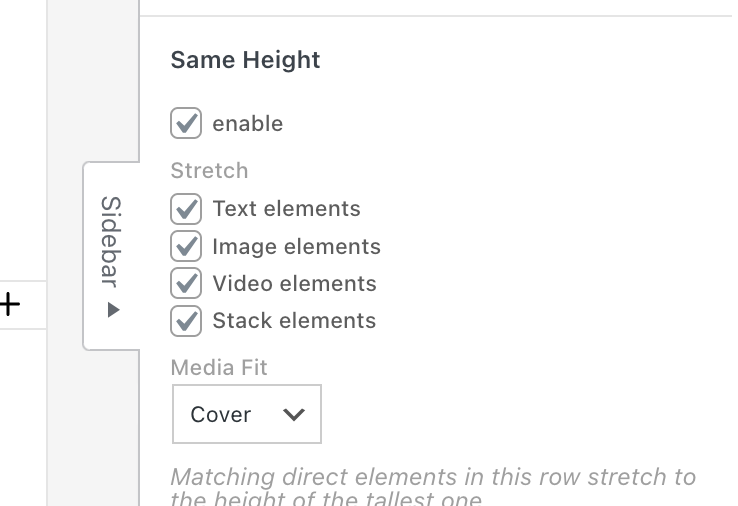
Okay, this will be part of the next update.
-
Great! Thank you very much @arminunruh
-
hey there, quick hats up. I removed this section in the row side bar.
And now it works differently. Now in a row, you can just resize the elements up or down to trigger their stretch.
So just go with the mouse to the bottom or the top border of the element and then resize it up or down. I was thinking this is more elegant.

Hello! It looks like you're interested in this conversation, but you don't have an account yet.
Getting fed up of having to scroll through the same posts each visit? When you register for an account, you'll always come back to exactly where you were before, and choose to be notified of new replies (either via email, or push notification). You'll also be able to save bookmarks and upvote posts to show your appreciation to other community members.
With your input, this post could be even better 💗
Register Login