Dear Nathan
@nm
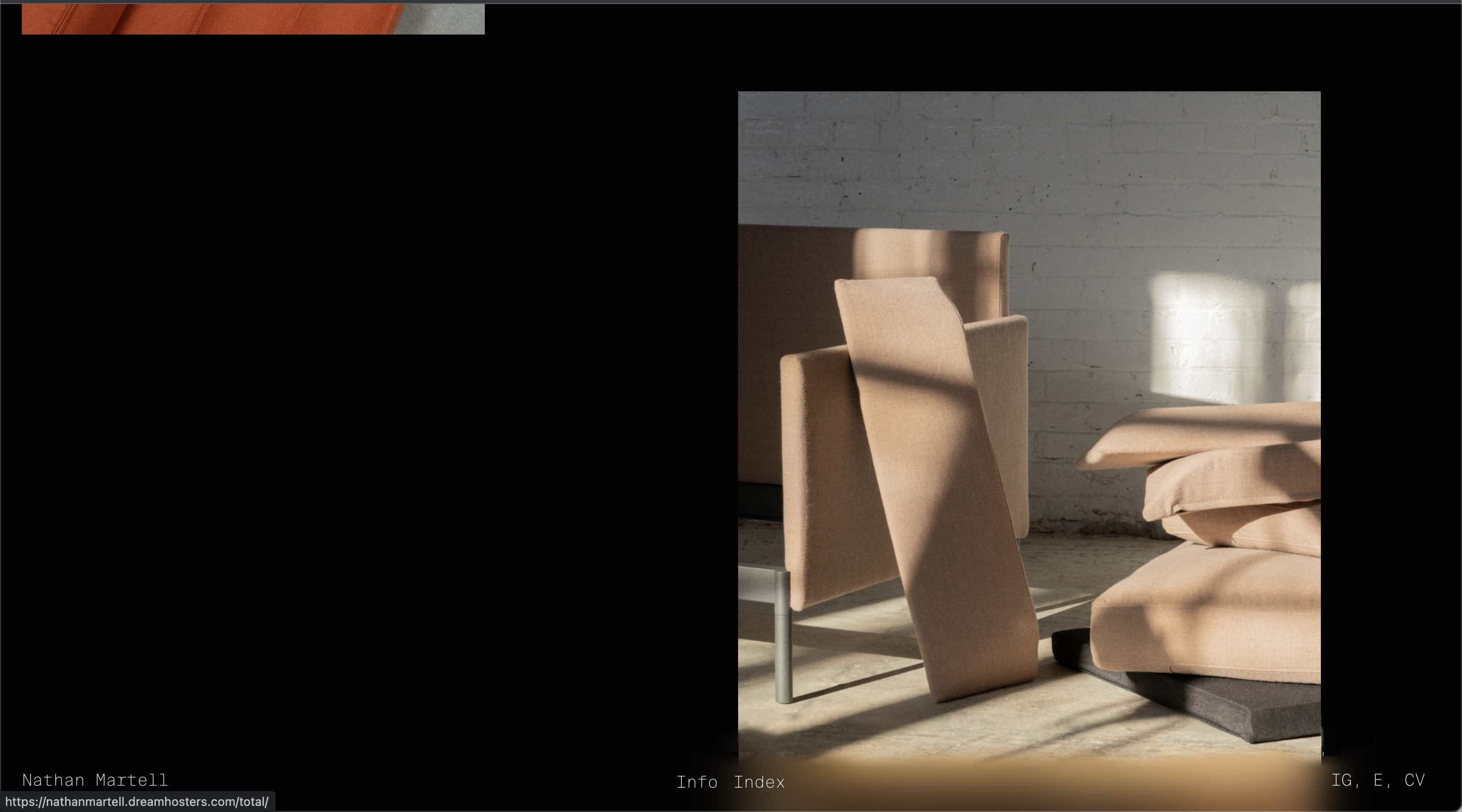
Yes this will be a bit tricky but you can get there, you can apply a nice blur using back-drop-filter:blur :
https://www.w3schools.com/cssref/css3_pr_backdrop-filter.asp
Result:
[image: Screen Shot 2022-05-23 at 11.57.29 AM.png]
This is good when the Navbar is not interacting with another element behind it to blur off, i noticed this when using the standard 'filter:blur'.
The tricky part is the box-shadow but this thread outlines a possible solution:
https://stackoverflow.com/questions/52140378/using-a-shadow-together-with-backdrop-filter-blur
Even better would be to use the Blur function and Drop shadow in the same, for example with the backdrop filter you can apply multiple settings:
.element {
backdrop-filter: grayscale(0.5) opacity(0.8) /* ...and on and on... */;
}
Outlined here:
https://css-tricks.com/almanac/properties/b/backdrop-filter/
So you could have blur and drop shadow together within the backdrop filter.
Best wishes and good luck! ⭐️
Richard