position of mobile burger Menu
-
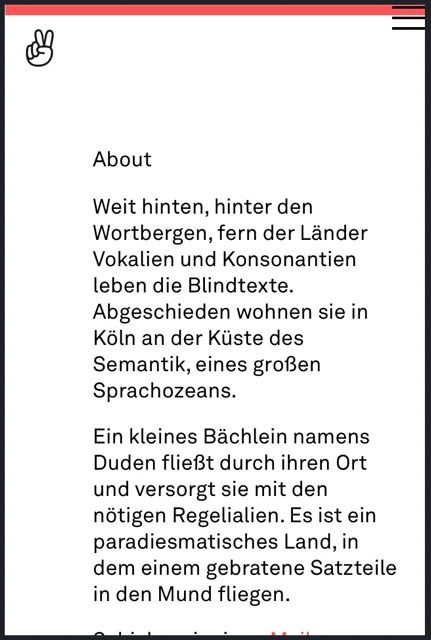
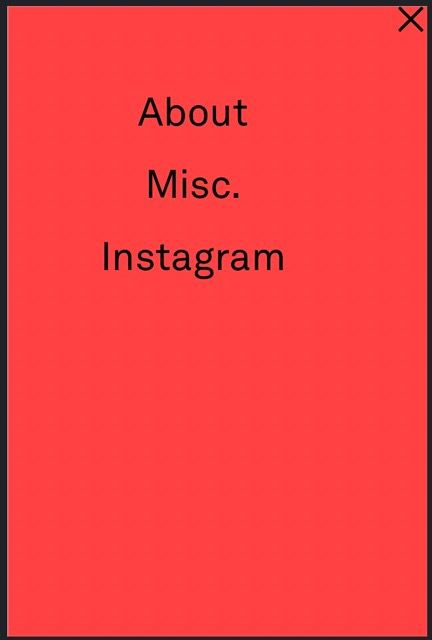
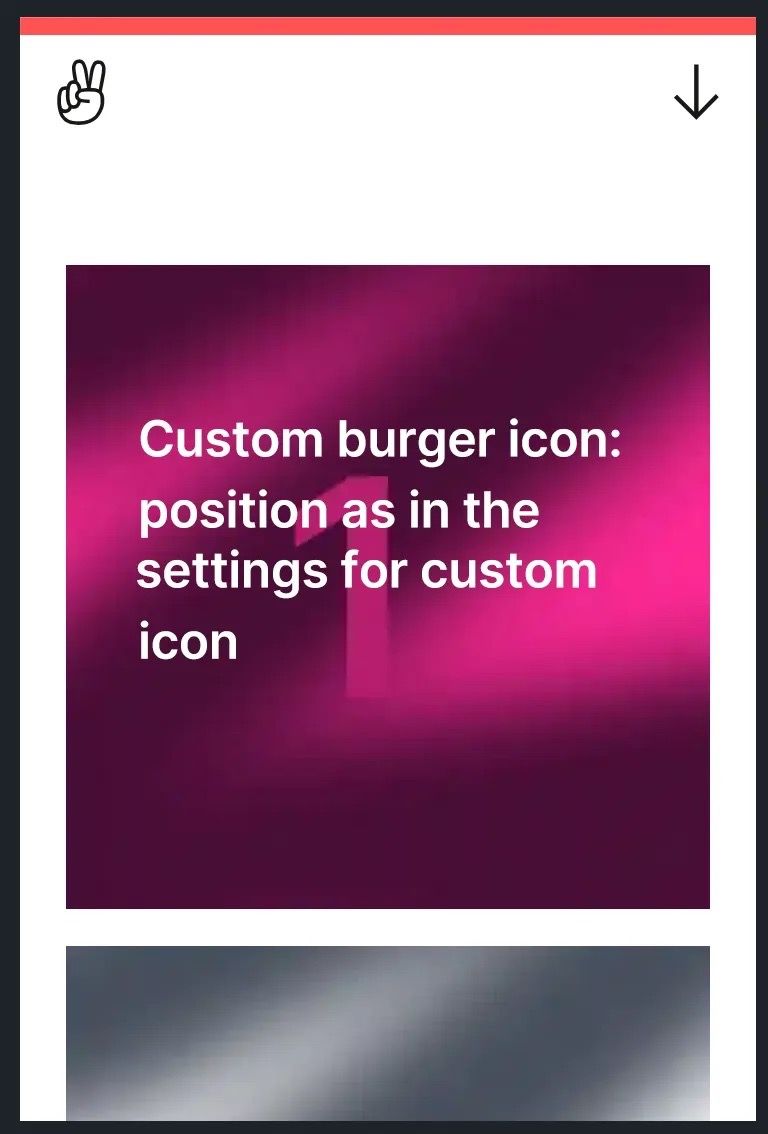
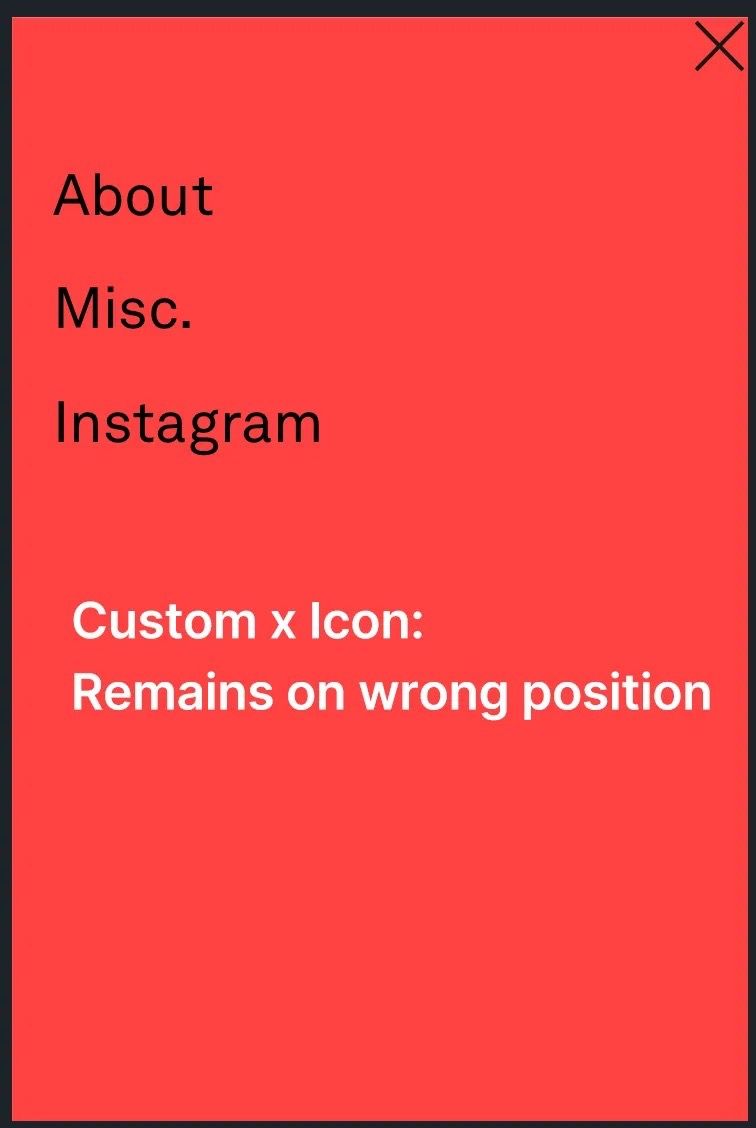
Hello! I'm new to the Lay theme and I'm having a lot of fun with it! Unfortunately, I'm having problems with the position of the burger menu in the mobile view. I can't find any settings to change the position. At the moment it's stuck in the top right corner.
Furthermore, the menu selection isn't positioned exactly in the middle - how can I change that?
Please see the attached images.
Design on MacOS Safari 17.6. - Mobile Browser Safari iOS 17.6.1
Many thanks!
-
@Joy Go to "Customize" → "Menu Style". There you can customize this settings, there is also a section for "Mobile" settings.
-
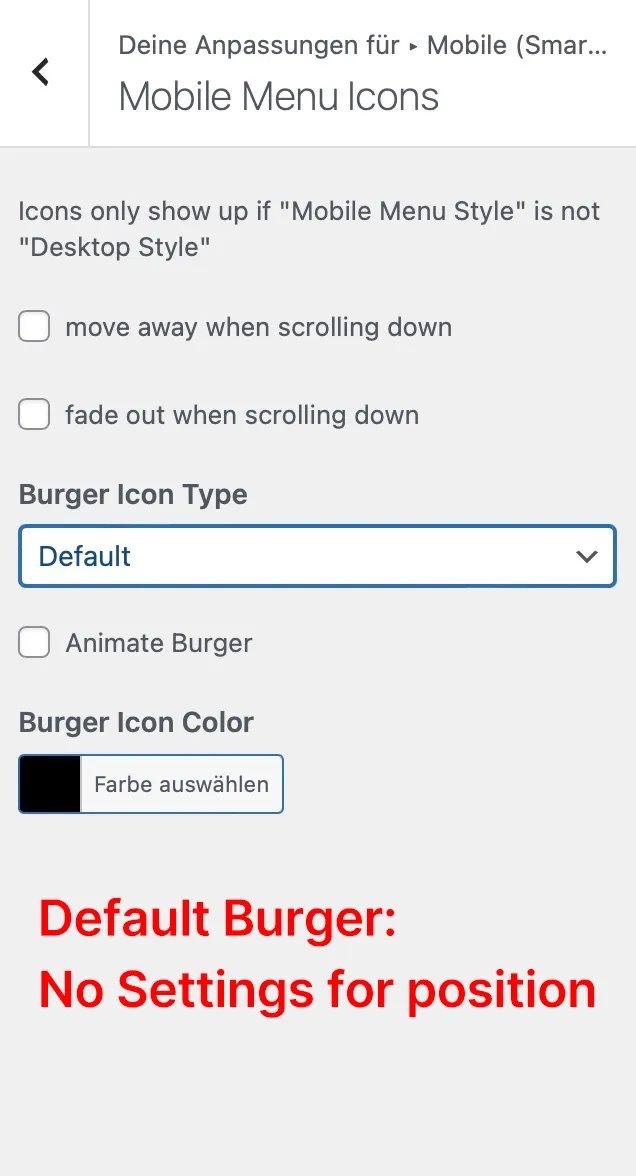
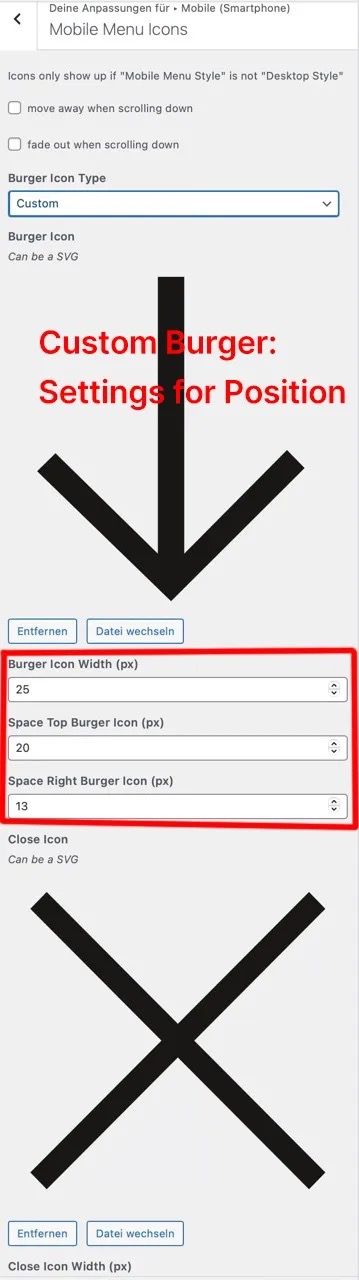
Thanks for your answer @felix_rabe ! Interestingly, if I want to use the default burger icons, I am not shown any position settings. If I use custom icons, however, I am shown position settings. If I now upload custom icons, the open icon is shown correctly positioned, the close icon remains stuck in the top right corner. Any other ideas?
Please see the images attached.
-
probably you set the mobile menu height too small (small red bar at top maybe)
go to customize → mobile menu → mobile menu bar
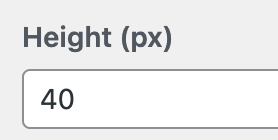
set height to 40px at least or check hide:
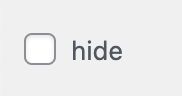
the mobile default icon's position is calculated automatically by the height of the mobile menu bar if it is shown
-
Hi @arminunruh ! Thanks for your answer. I changed the height to 40 px and it works with the default icons but still not with my custom icons (The arrow is on the right position, the x not).
Unfortunately the thin red bar is a indispensable part of the corporate design of my company, so I could not afford it to make it thicker : )
But ... I tried menu Style 3 and it worked! Even with the thin red bar and the custom icons. A mystery!
Thanks for your help, guys!
-
ok thats great!
if you want me to make it work with another menu style, you can :can you send your website address, /wp-admin/ username and password and a link to this topic to info@laytheme.com?
and then i'd do some custom css
-
Hello @arminunruh ! Please excuse my late reply. Thank you for the kind offer, but I am happy with the design as it is now (Menu Style 3).

Hello! It looks like you're interested in this conversation, but you don't have an account yet.
Getting fed up of having to scroll through the same posts each visit? When you register for an account, you'll always come back to exactly where you were before, and choose to be notified of new replies (either via email, or push notification). You'll also be able to save bookmarks and upvote posts to show your appreciation to other community members.
With your input, this post could be even better 💗
Register Login