overlay Burger Menu position
-
Hello,
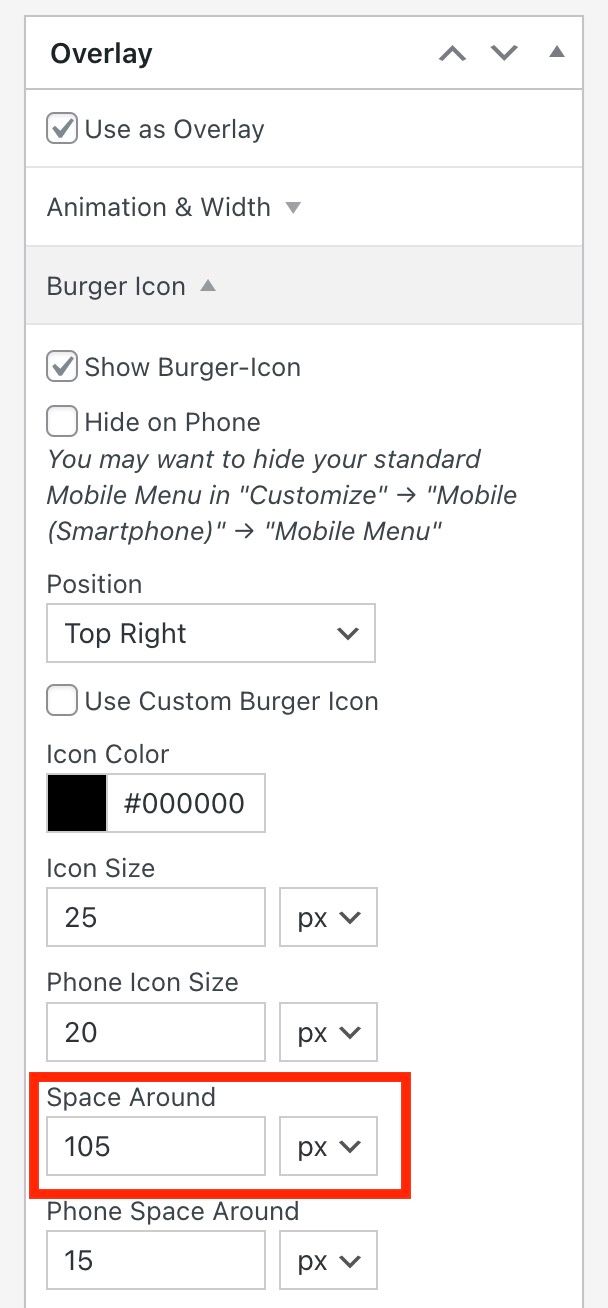
I was wondering if there is a way to customise the position of the burger menu (overlay) in more detail. I only see the edit option ‘space around’ but I would actually need to edit ‘space on top’ and ‘space on the right’ separately to match my design. Is there a way to do this?
Is there also a way to make the burger menu (overlay) work with a mouseover? currently it only works for me with a clickOr can I upload an icon for the normal primary menu? So far I have only been able to find out how to use the primary menu with a clickable font.
Thanks for your help!
Best,
Jana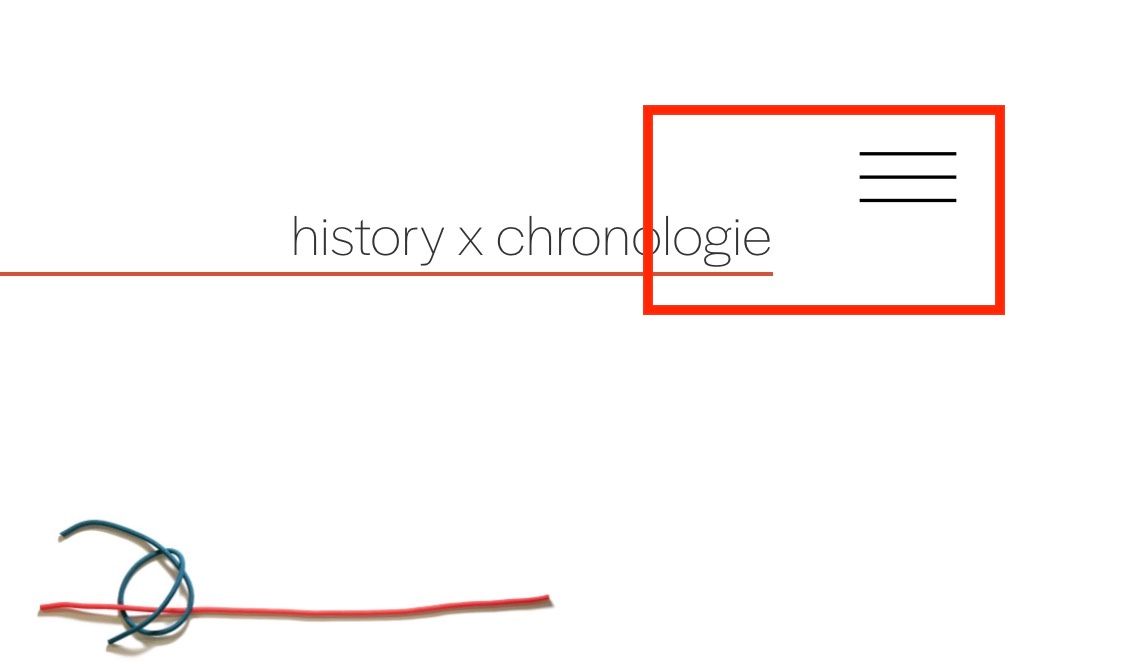
-
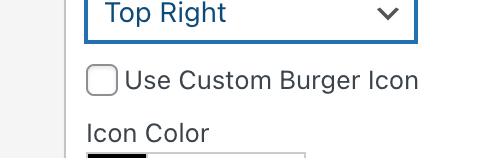
u need to click this to set a custom burger icon / custom icon
Or can I upload an icon for the normal primary menu?
icon inside the menu, ah yea that what you meant. no theres no feature for this sorry :(
.overlay-burger{
padding-top: 15px!important;
padding-right:30px!important;
}
Enter this css in "lay options" -> "custom css & html" -> "custom css for desktop"
for having different spaces for top and right! <3
-
ah thank you that's great. Does the same work for the x-closing icon? What would be the css for that?
best regards <3
-
oh yes of course
.overlay-close{
padding-top: 15px!important;
padding-right:30px!important;
}
if you need a different space to the left instead of to the right:
.overlay-close{ padding-top: 15px!important; padding-left:30px!important; } -
Great! Thank you very much
-

Hello! It looks like you're interested in this conversation, but you don't have an account yet.
Getting fed up of having to scroll through the same posts each visit? When you register for an account, you'll always come back to exactly where you were before, and choose to be notified of new replies (either via email, or push notification). You'll also be able to save bookmarks and upvote posts to show your appreciation to other community members.
With your input, this post could be even better 💗
Register Login