plugin wp fastest cache: Exclude projects?
-
I need to exclude all the projects from being cached by the plugin you recommend for a faster website. Can I do this by excluding posts (Beiträge), are these the projects?
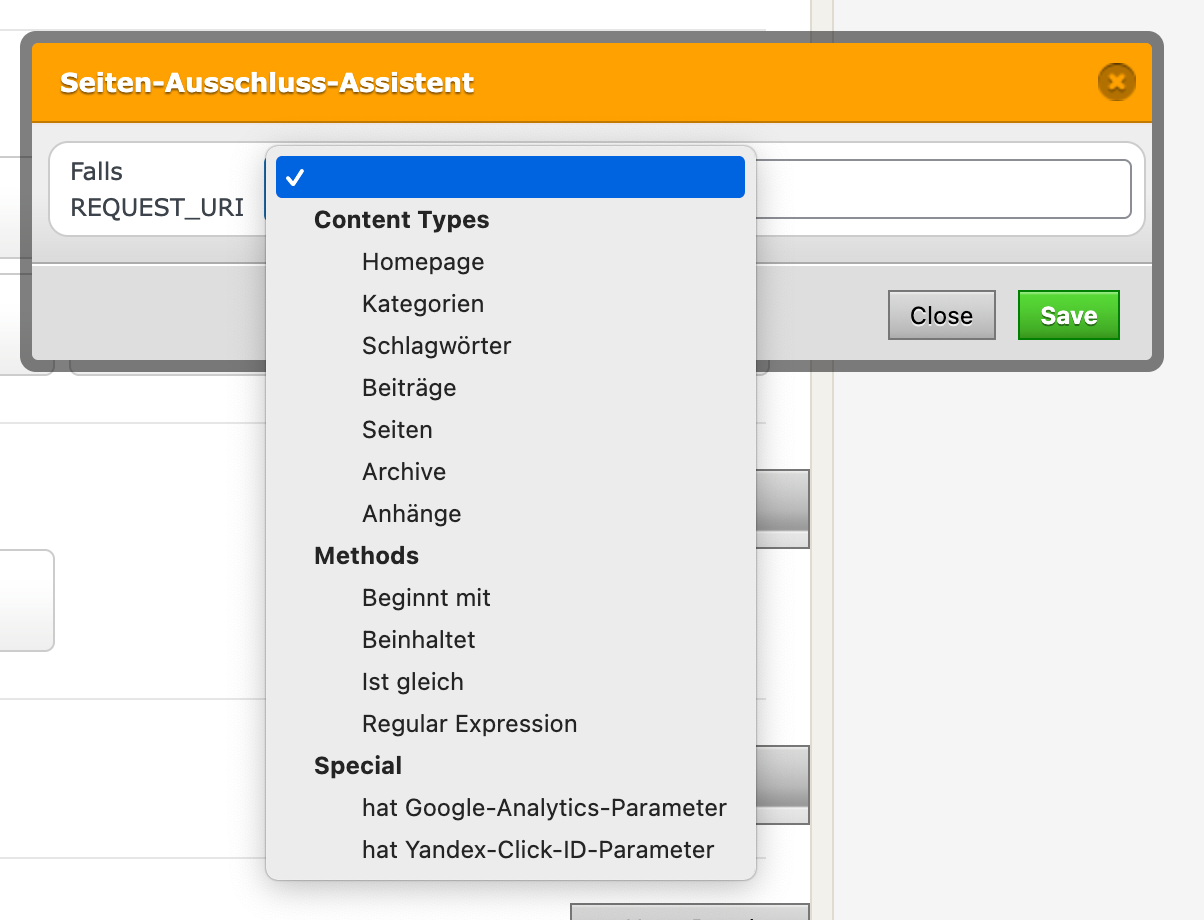
I need to exclude them because of some php loading from an external service, which is not correctly updated if caching is on (strangely, only on smartphones, not on desktop).
-
yea should be "beiträge". i just renamed posts to projects and in german that should be beiträge

Hello! It looks like you're interested in this conversation, but you don't have an account yet.
Getting fed up of having to scroll through the same posts each visit? When you register for an account, you'll always come back to exactly where you were before, and choose to be notified of new replies (either via email, or push notification). You'll also be able to save bookmarks and upvote posts to show your appreciation to other community members.
With your input, this post could be even better 💗
Register Login