how to create fixed text overlay for whole website
-
How to create a text that is fixed on top of the website at the right bottom like here:
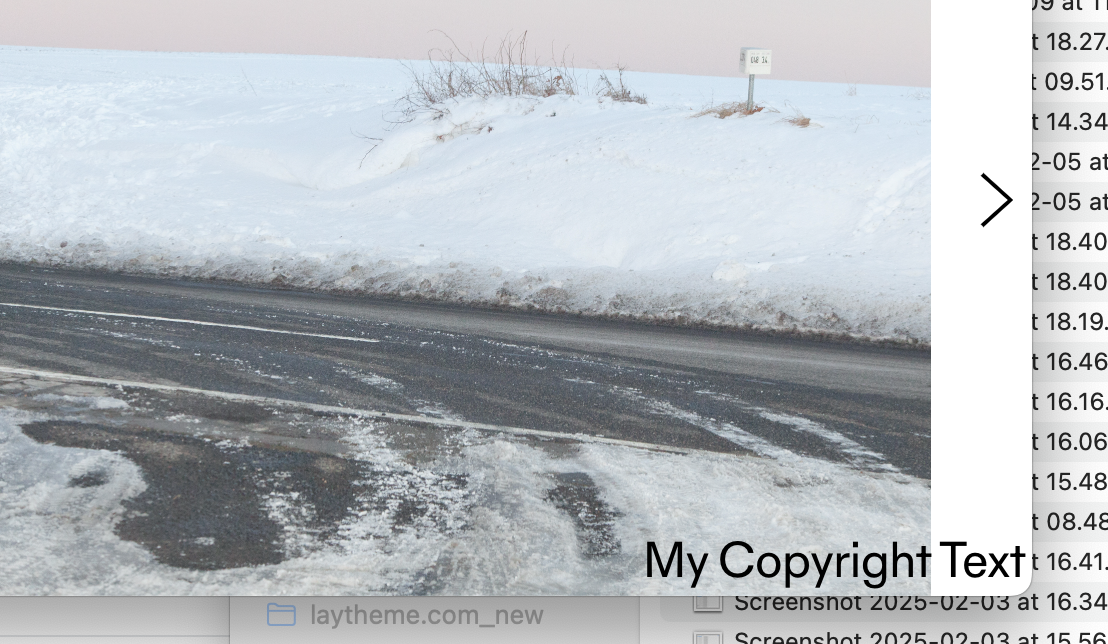
in lay options → custom css & html → custom html at bottom add:
<style>
    .my-copyright{
        position: fixed;
        bottom: 3px;
        right: 3px;
        z-index: 999;
    }
</style>
<div class="my-copyright _Default_no_spaces">
    My Copyright Text
</div>
If you go to "textformats" in wp-admin
You see every textformat has a html class: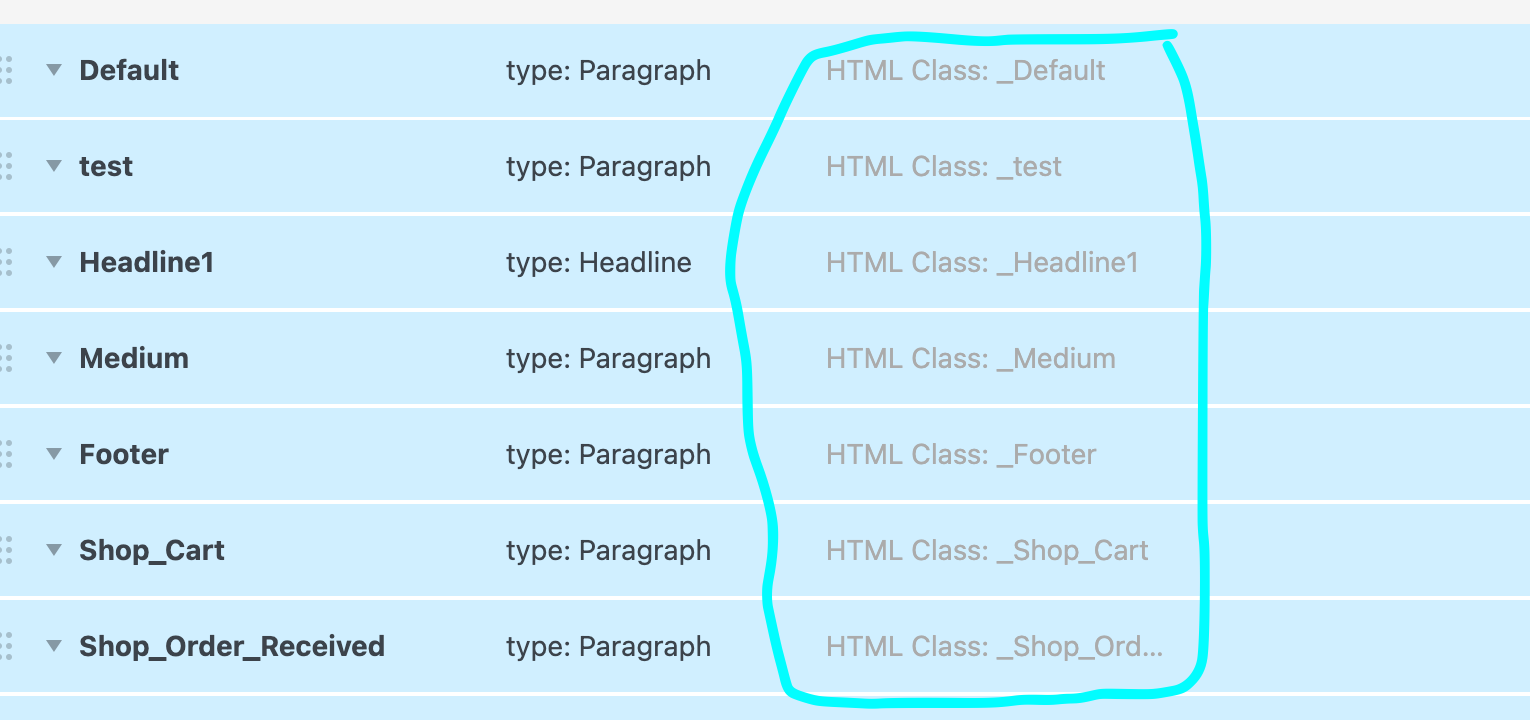
I used "_Default_no_spaces" as the html class in <div class="my-copyright _Default_no_spaces">…
You can use any textformat html class and just add _no_spaces as a html class to use this textformat without any space top / space bottom styles.This was the question:
Hi! I can’t seem to post in the forum so I’m trying it here. I can’t get my footer background to be transparent. I tried the simple codes I saw in other support posts but nothing worked.
I basically just want a small copyright on the bottom of all pages that has transparent background. Plus I tried to make it sticky and that also didn’t work.
Could you point me to a tutorial where it is explained in a simple way? (Both transparent footer and sticky footer)
Thank you in advance!

Hello! It looks like you're interested in this conversation, but you don't have an account yet.
Getting fed up of having to scroll through the same posts each visit? When you register for an account, you'll always come back to exactly where you were before, and choose to be notified of new replies (either via email, or push notification). You'll also be able to save bookmarks and upvote posts to show your appreciation to other community members.
With your input, this post could be even better 💗
Register Login