FULLSCREEN OVERLAY FOR SUBMENU?
-
Hi,
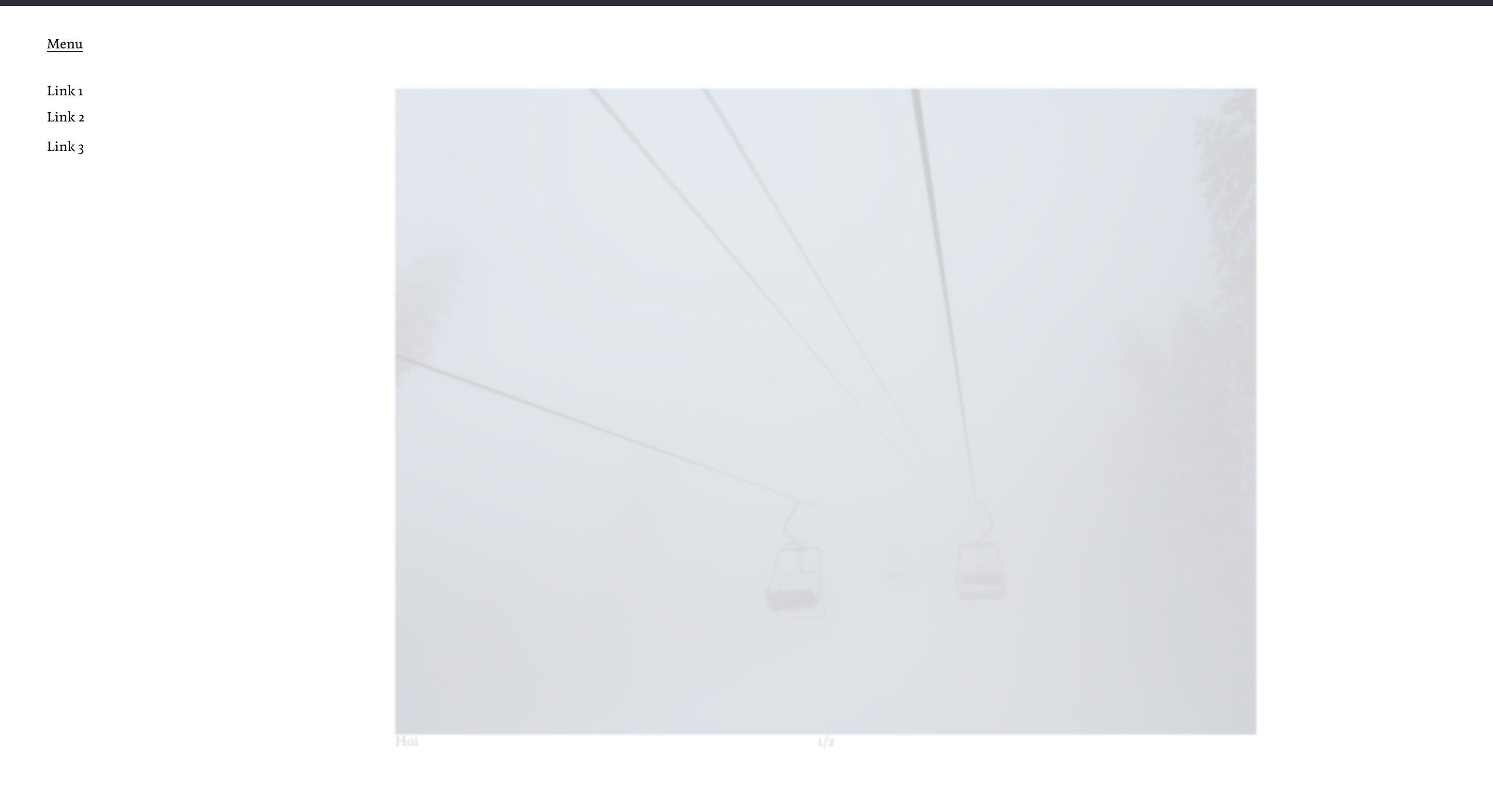
I've been wanting to create a submenu with a fullscreen overlay with a background blur.
I've recreated the idea using a single Page in the Menu with overlay, but this is causing the underlying text to look funny and the X comes up in some instances, although it is not activated.Would it be possible to create a submenu with an overlay function that covers the complete screen? I've added an example to the post.
(
-
-
hey so u have multiple submenus stacked into each other like so:

not sure if this works correctly, not sure if lay currently supports this
pls make sure your customizer settings look like this, specifically background opacity should be set to 0
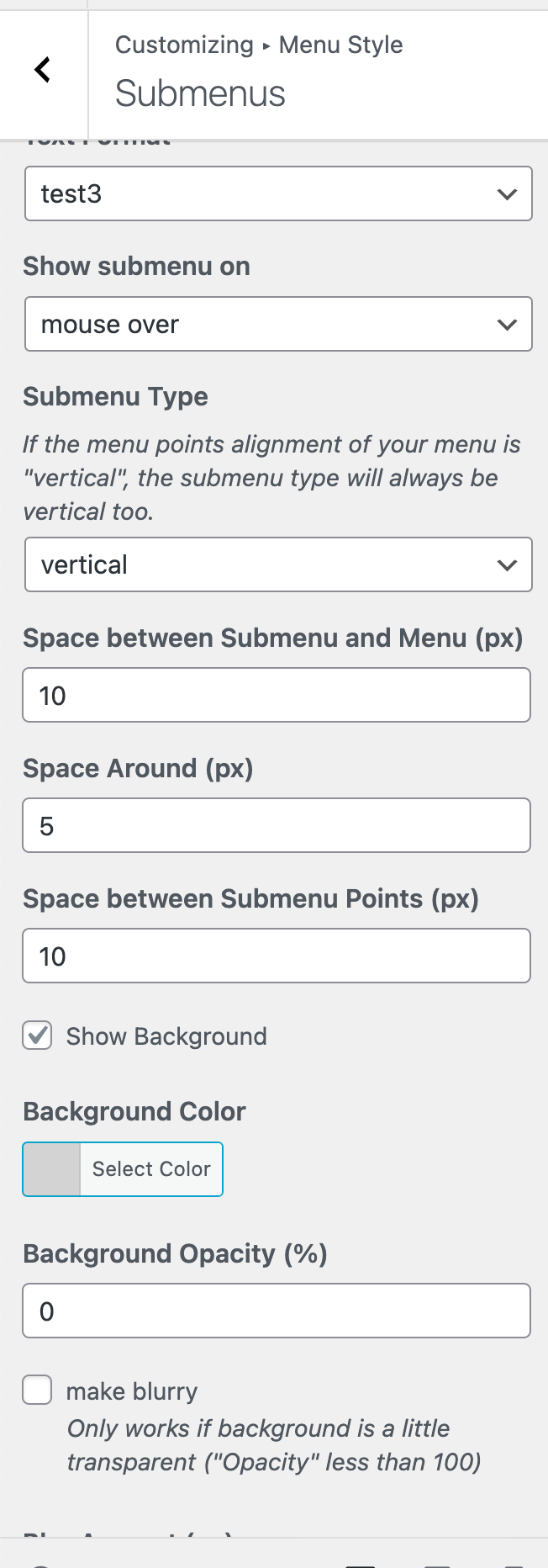
then use this css
.sub-menu::after{
    width: 9999vw;
    height: 9999vh;
    background-color: rgba(255,255,255,0.5);
    backdrop-filter: blur(20px);
    content: '';
    display: block;
    position: fixed;
    top: -200vh;
    left: -200vw;
    z-index: -1;
    pointer-events: none;
}
Enter this css in "lay options" -> "custom css & html" -> "custom css for desktop"
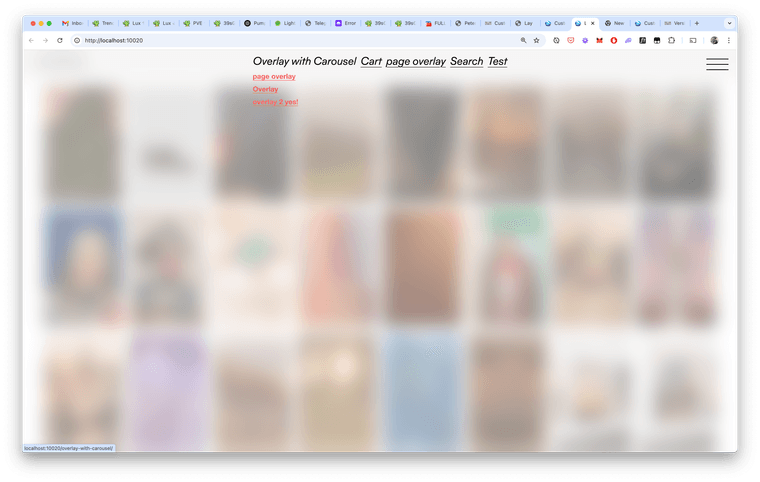
result:
-

Hello! It looks like you're interested in this conversation, but you don't have an account yet.
Getting fed up of having to scroll through the same posts each visit? When you register for an account, you'll always come back to exactly where you were before, and choose to be notified of new replies (either via email, or push notification). You'll also be able to save bookmarks and upvote posts to show your appreciation to other community members.
With your input, this post could be even better 💗
Register Login