how to reduce space between categories thumbnails
-
Hello!
I would like to have less space between my categories thumbnails, but I don't understand how to do so because the column gutter is already set at 1%, so I can't go any lower.
https://main.juliehmmitchell.com/category/musique/On this website made with Laytheme, the column gutter is much smaller : https://www.charlotteabramow.com/
Can you please tell me how to reduce the size of the column gutter?
Thank you!
-
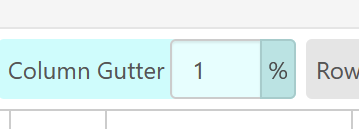
in almost all places in the gridder where you have a %, you can click on it and turn it to a px:
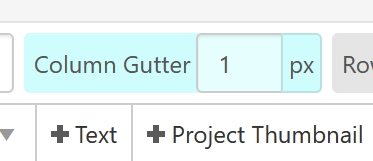
or u could enter a value like:
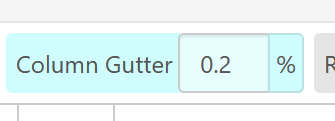
-
Thank you!
I don't know why, it doesn't reduce the size...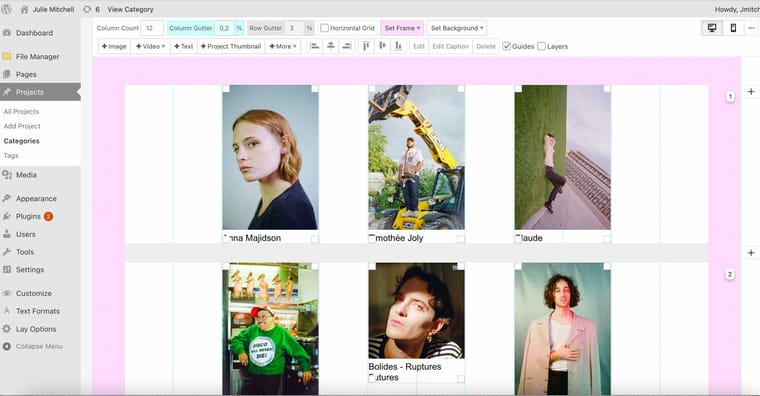
https://main.juliehmmitchell.com/category/musique/ the thumbnails are still separated by a big column gutter
Thank you for your help!
-
hey!
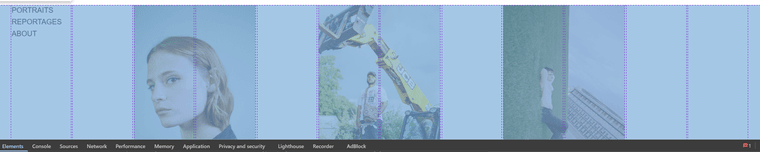
it seems that you have a empty column between each of your images.
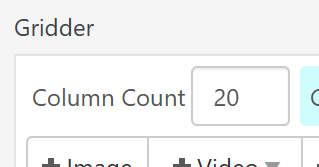
you could move your images around to only have the column gutter between them, not a whole empty column.you can change the column count if you want here:

Hello! It looks like you're interested in this conversation, but you don't have an account yet.
Getting fed up of having to scroll through the same posts each visit? When you register for an account, you'll always come back to exactly where you were before, and choose to be notified of new replies (either via email, or push notification). You'll also be able to save bookmarks and upvote posts to show your appreciation to other community members.
With your input, this post could be even better 💗
Register Login