can't update
-
I'm having difficulties to update Lay Theme. Whenever I try to, I get this error message:
Das Aktualisierungs-Paket ist nicht verfügbar. / Update package not available.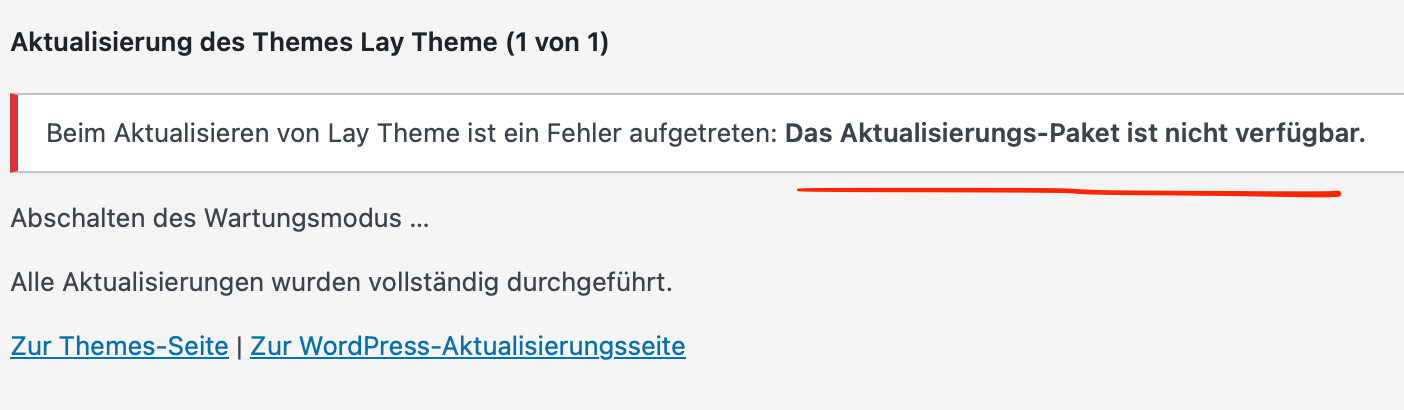
Already tried to deactivate all custom code + plugins, Wordpress is up to date, and it's happening on every browser :(
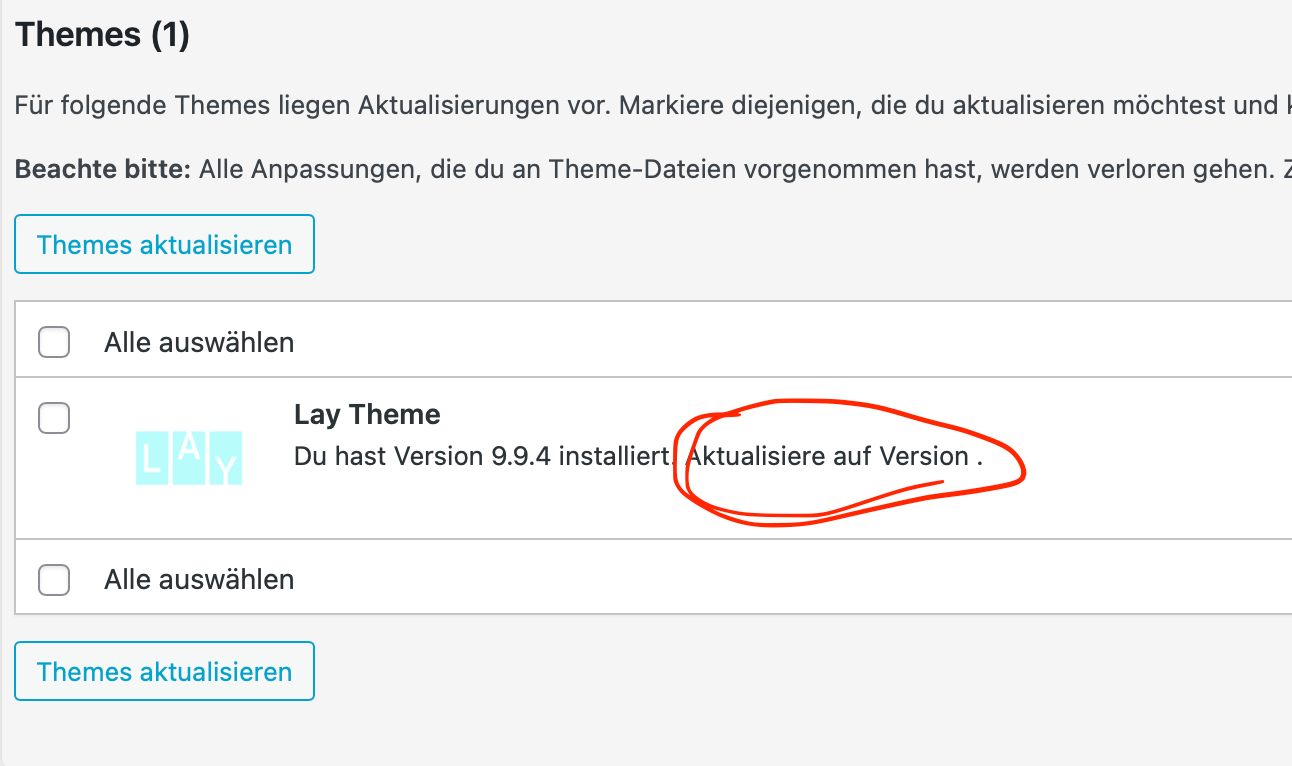
I also noticed, that under "Dashboard > Update" the number of the new version is missing, if that helps somehow:
The problem seems to be the same as mentioned here.
Before I follow the steps you mentioned there, I wanted to ask:
Can I just use the lay.zip file you shared in the post above, or is there a newer one? Do I just install it like I would when installing a new theme? Does it replace the old Lay Theme version automatically? Can anything be lost from my existing site while doing this?Thanks a lot in advance <3
-

you probably have this setting enabled in lay options
-
@arminunruh omg so easy! feeling stupid now for asking that question haha
thanks a lot <3 <3 <3 -
Don't worry about it!! It's easy to forget with all of the settings that Lay Theme has.

Hello! It looks like you're interested in this conversation, but you don't have an account yet.
Getting fed up of having to scroll through the same posts each visit? When you register for an account, you'll always come back to exactly where you were before, and choose to be notified of new replies (either via email, or push notification). You'll also be able to save bookmarks and upvote posts to show your appreciation to other community members.
With your input, this post could be even better 💗
Register Login