question about arranging elements on a 'sort of' split page
-
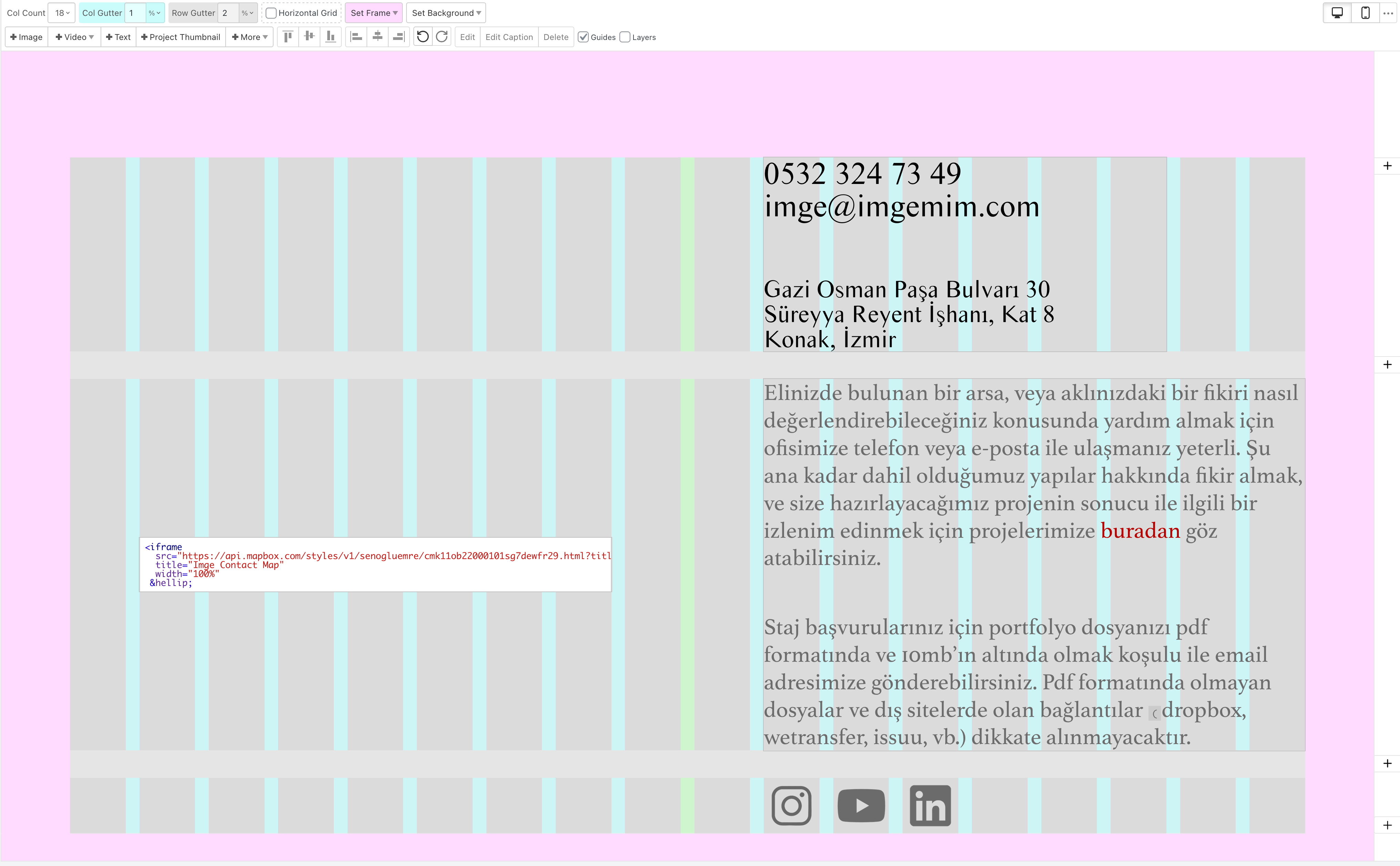
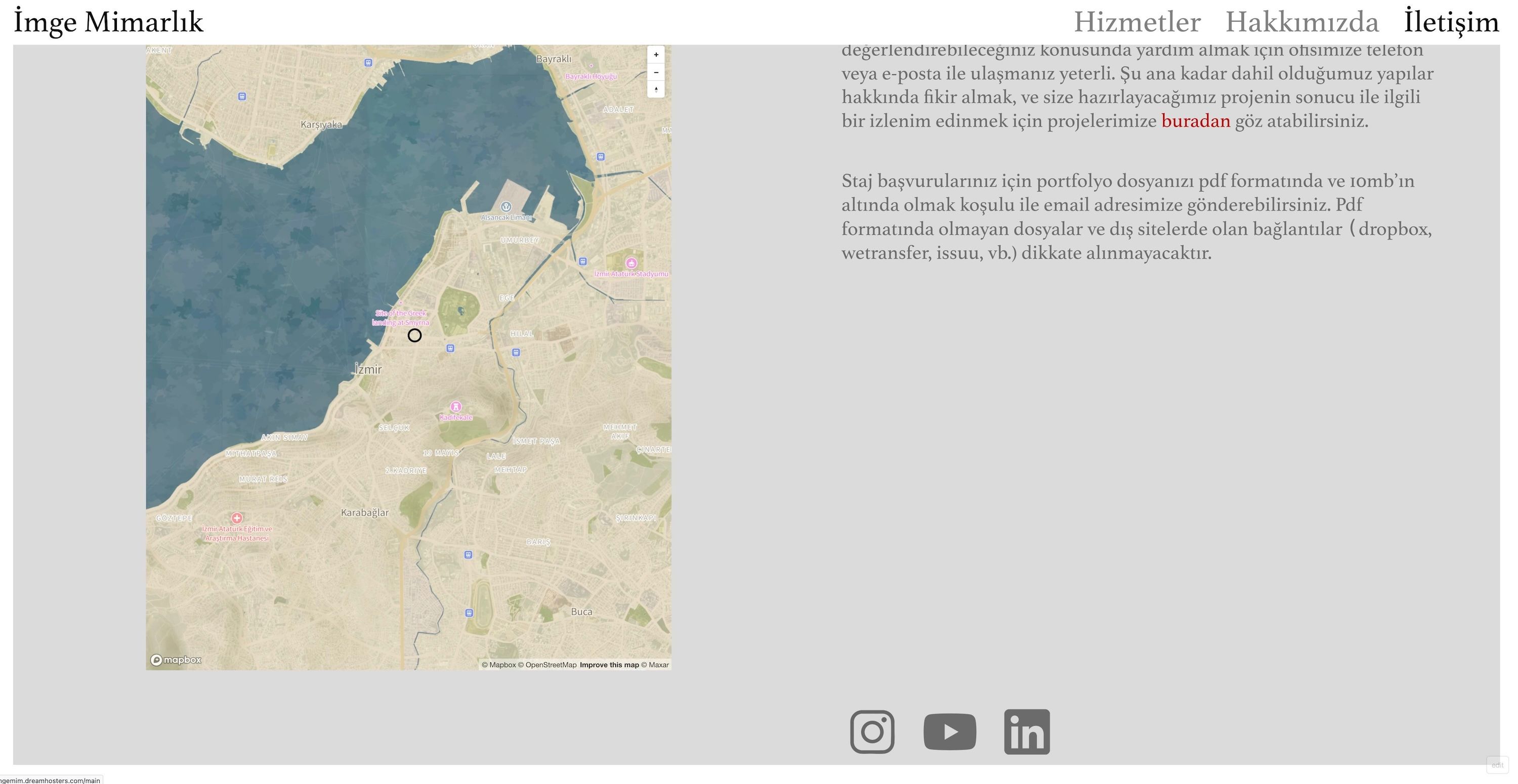
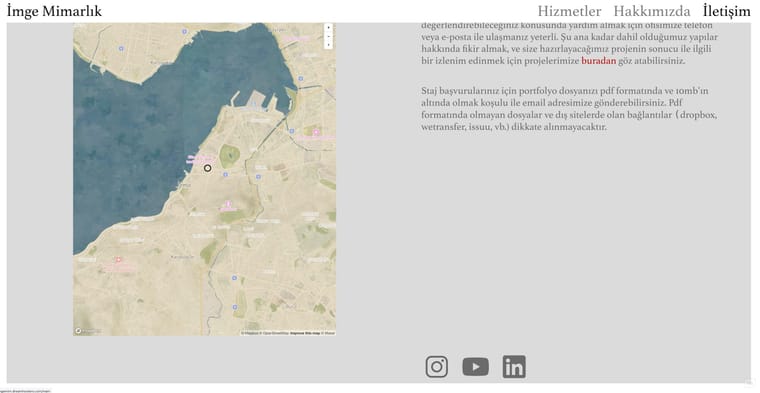
hey all - this is a very basic question but i seem to be stuck at the moment and perhaps someone is a little more creative than me. i want to create a sort of 'split page' without all the fancy scrolling things: it's just a page where i want 1 element on the left (map embed), and 3 elements (text, text, a row of images) on the right. i've tried creating 3 rows but then the map makes the middle row too high. im guessing that since it's an iframe, i cant seem to make it float freely. is there a way to get this done (ideally without css)? many thanks!
link to page: https://imgemim.dreamhosters.com/iletisim/
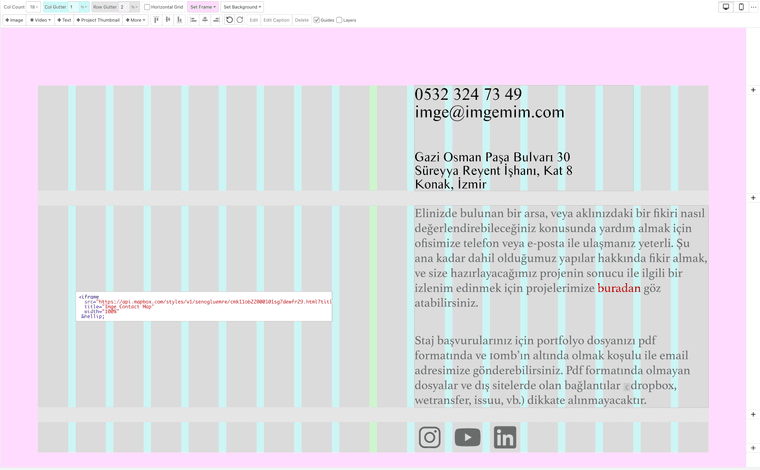
current result:
-
hello!
create only one row.
then on the side where you have multiple elements above one another, create a stack element:
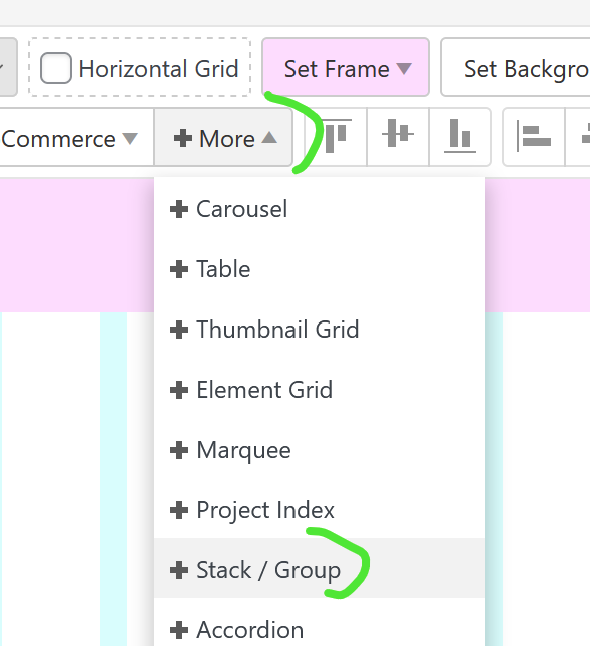
then put all the elements on the right side into the stack element
-
perfect, that achieves it, thanks armin!!

Hello! It looks like you're interested in this conversation, but you don't have an account yet.
Getting fed up of having to scroll through the same posts each visit? When you register for an account, you'll always come back to exactly where you were before, and choose to be notified of new replies (either via email, or push notification). You'll also be able to save bookmarks and upvote posts to show your appreciation to other community members.
With your input, this post could be even better 💗
Register Login