Setting row gutter background colours
-
We are building a site with sticky elements and content panels that scroll over one another. One issue is that even though row background colours are specified, the row gutters remain transparent. I'm having trouble targeting these to set a global background colour for them. The only fix I have found is to set grinder gutters to 0 (which then makes page editing look really crammed), and then add top/padding padding to rows, which inherits their row background colour.
Is there an easier way to just globally target the row gutter background colour, so it doesn't show through the content underneath it on scroll?
-
ok i think it would be best if we could select a row and then be able to set the inner space (padding) for the row in the sidebar:
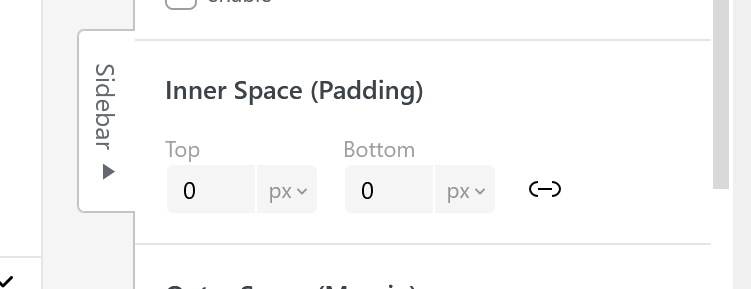
-
going to work on this now
-
ok you will have this with the next update:
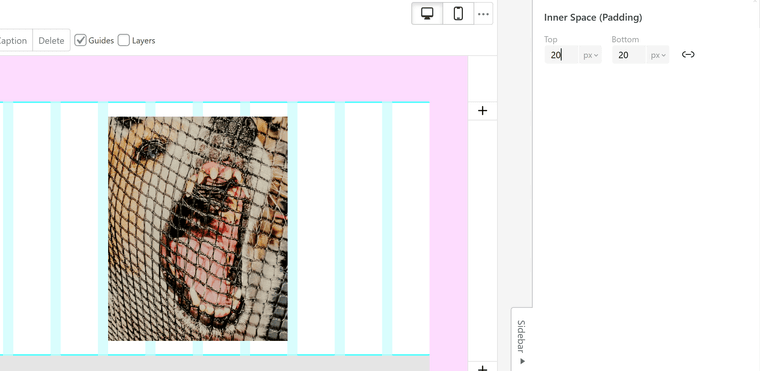
-
-
if you want the same inner padding for rows globally, you can use:
.row{
    padding-top: 20px;
    padding-bottom: 20px;
}
Enter this css in "lay options" -> "custom css & html" -> "custom css"
-
Thanks @arminunruh I worked this out, but the row gutters are what I am trying to ad a background colour to globally. That's the one I can't work out.
-
ah can you try this?
.row{ margin-bottom: 0!important; } .row::after{ height: 30px; width: 100%; background-color: red; content: ''; display: block; } -
im also working on this: right click on row gutter will set the gutter background color:
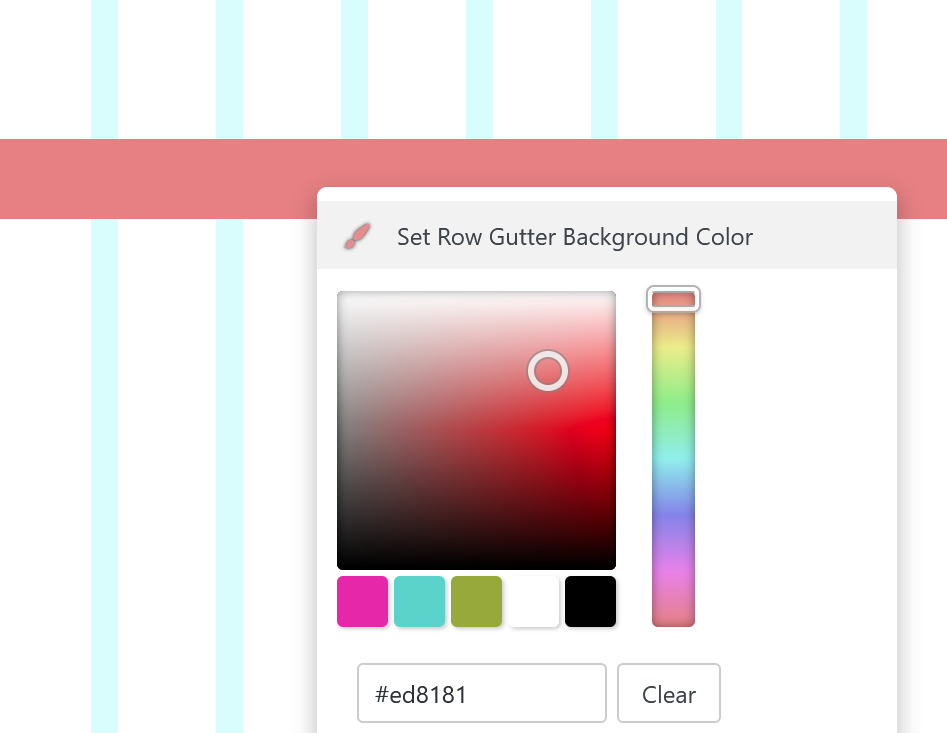
will be in the next update

Hello! It looks like you're interested in this conversation, but you don't have an account yet.
Getting fed up of having to scroll through the same posts each visit? When you register for an account, you'll always come back to exactly where you were before, and choose to be notified of new replies (either via email, or push notification). You'll also be able to save bookmarks and upvote posts to show your appreciation to other community members.
With your input, this post could be even better 💗
Register Login