FOOTER MOBILE FORMATIATION
-
Hey all.
we are building our new company website. Now finishing with the mobile grid.
We have the problem that we are not able to format the mobile grid of the footer. We tried through the mobile adapt and a css code.
What can we do?
Some picss attached.
Thanks so much
Claudia![alt text]
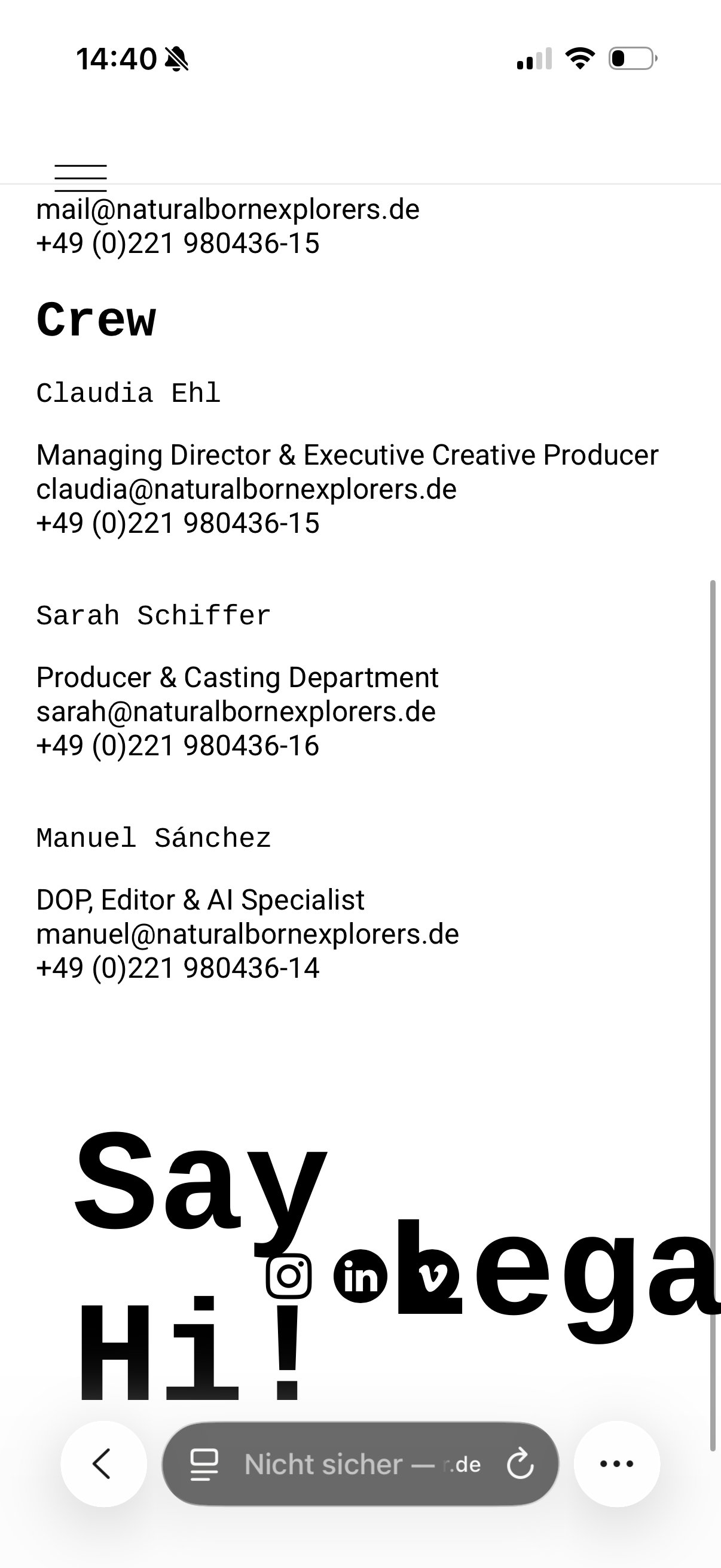
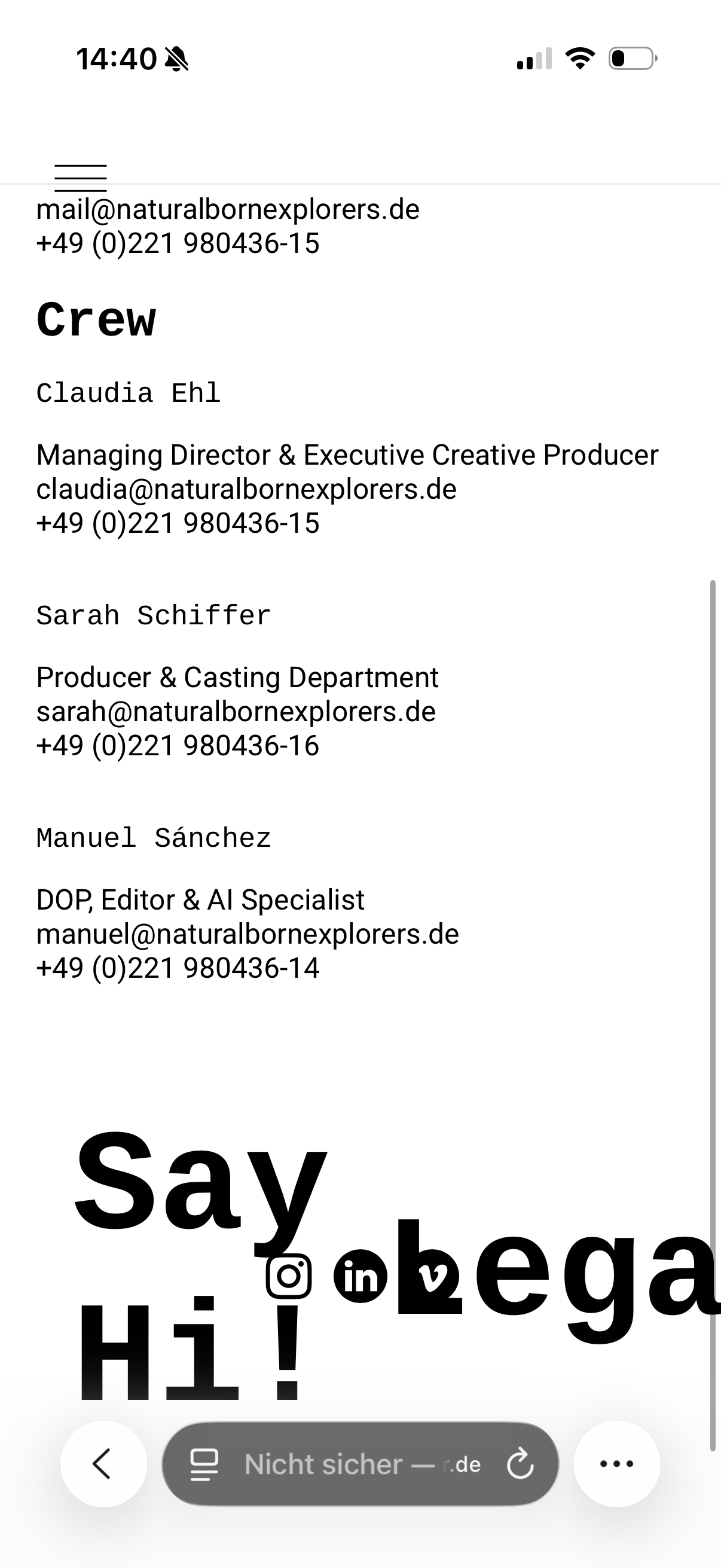
-
@arminunruh can you help. It's just about a small idea for formation of the footer. Andreas Dobslaff is my friend and office colleague also helping us with the webiste. We plan a GO Live within the next week. Maybe we could also need your help with a general check... paid for sure.
-
hey Claudia!
For the footer, you could probably just create a Custom-Phone-Layout. Can you send me a link so I can see what it looks like now?
If the text is too big, you can use a text format and make sure the phone formatting is configured correctly in the text format.
-
also, make sure to use the clear formatting button before applying the text format.
Here I explain the text formats part and also show the clear formatting button:
https://www.youtube.com/watch?v=PWwYtH7UZfI&t=132sSure, you can book a call with me, and then I can do a general check. Just send me an email with the day and time that you want the call:
-
also, make sure to use the clear formatting button before applying the text format.
Here I explain the text formats part and also show the clear formatting button:
https://www.youtube.com/watch?v=PWwYtH7UZfI&t=132sSure, you can book a call with me, and then I can do a general check. Just send me an email with the day and time that you want the call:
@arminunruh Dear Armin!
Thanks for your reply. I will send you an e.mail with a link to our webisite.
Best & Tanks
Claudia
Natural Born Explorers -
ok. its mainly just this
https://laytheme.com/documentation/custom-phone-layouts.html

Hello! It looks like you're interested in this conversation, but you don't have an account yet.
Getting fed up of having to scroll through the same posts each visit? When you register for an account, you'll always come back to exactly where you were before, and choose to be notified of new replies (either via email, or push notification). You'll also be able to save bookmarks and upvote posts to show your appreciation to other community members.
With your input, this post could be even better 💗
Register Login