Specific image hover size and position
-
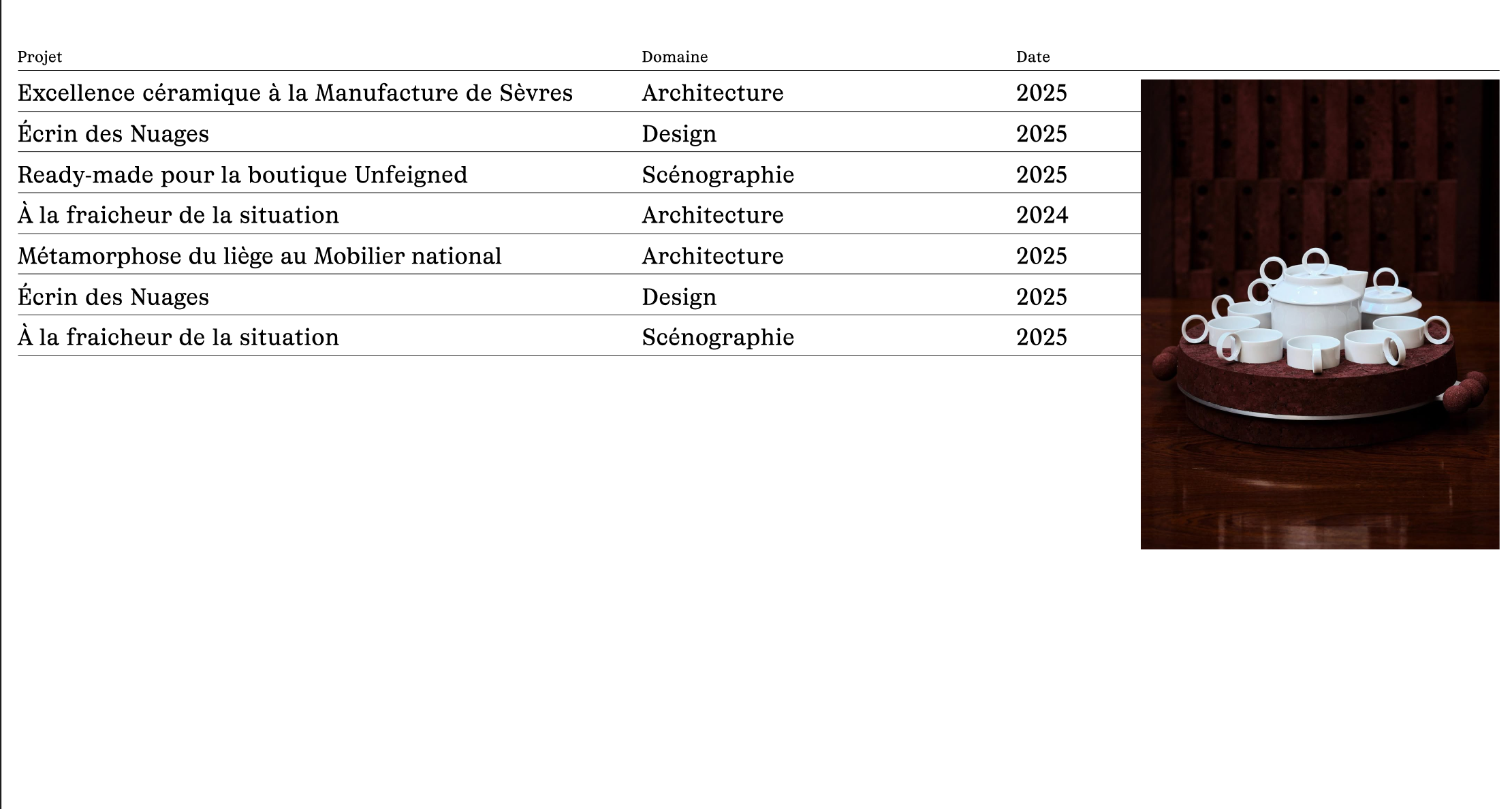
I've added a hover image to my list, but I'd like to be able to control the size and position of the image.
Here is the link to my page : https://anaisfernon.com/home-copy/?lay_preview=true&preview_post_id=171&preview_nonce=289f672cee&t=1779099505967
I'd like them all to appear in the same spot, as shown in the photo below:
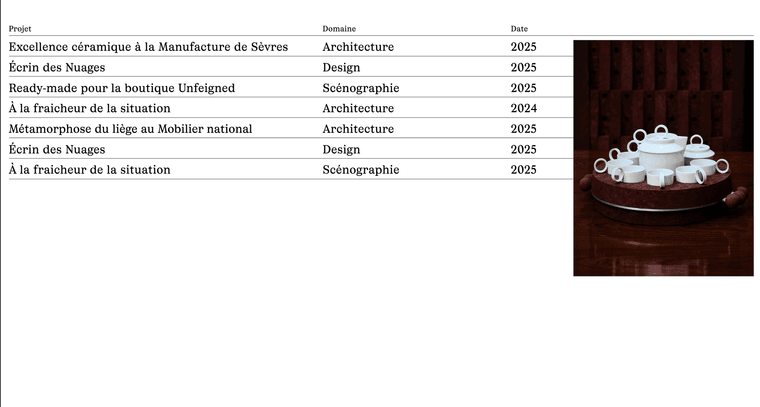 ``
``Could you please help me finding a solution ? Thank you...
-
hey! When creating an image hover link in a text or simply for an image, there are already settings to change the image hover position and type there.
But unfortunately, those settings are still missing for the project index element.
I'm writing this down as an idea.
-
Hey! Thank you for replying. I had the time to finally find a solution. Here is the code I used if someone is interested:
.lay-imagehover-on-element .lay-image-responsive {
width: clamp(150px, 20vw, 500px) !important;
height: auto !important;
position: fixed !important;
top: 320px !important;
right: 40px !important;
transform: none !important;
} -
wow, that's very clever. Well done!
-
hey, so the project index element now has image hover settings too in its modal.
-
Perfect :)) thks have a nice day

Hello! It looks like you're interested in this conversation, but you don't have an account yet.
Getting fed up of having to scroll through the same posts each visit? When you register for an account, you'll always come back to exactly where you were before, and choose to be notified of new replies (either via email, or push notification). You'll also be able to save bookmarks and upvote posts to show your appreciation to other community members.
With your input, this post could be even better 💗
Register Login