customizing image hover
-
Hii,
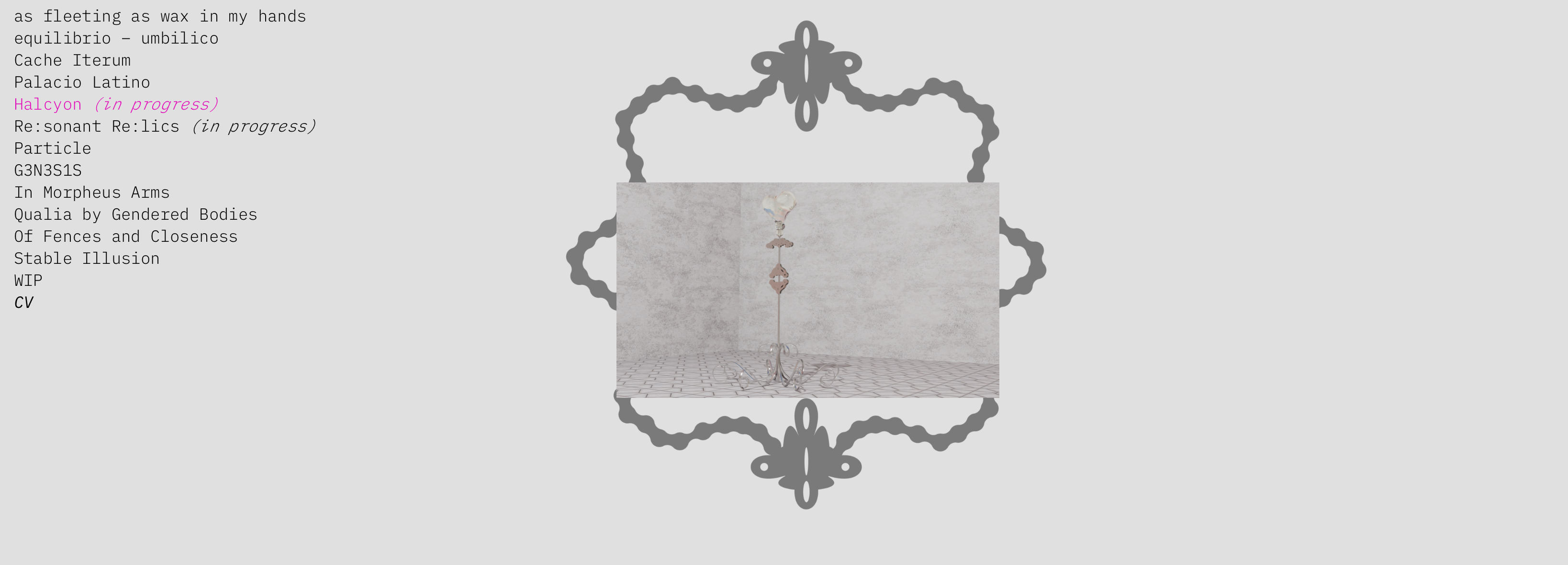
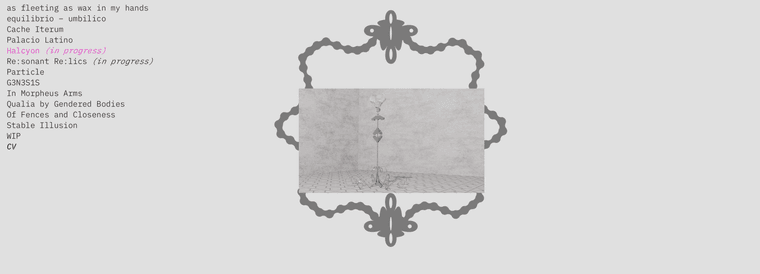
I wanted to know whether anybody had experience with customizing the image hover feature? I would like to have a mask ( PNG or whatever) that would work as a frame for the hover images while navigating through the projects. How would this work the best?thanx!
-
Hello!
can you try this?
.lay-imagehover-on-element img,
.lay-imagehover-on-element video {
  -webkit-mask-image: url('/wp-content/uploads/your-mask.png');
          mask-image: url('/wp-content/uploads/your-mask.png');
  -webkit-mask-size: 100% 100%;
          mask-size: 100% 100%;
  -webkit-mask-repeat: no-repeat;
          mask-repeat: no-repeat;
  -webkit-mask-position: center;
          mask-position: center;
}
in lay options -> custom css & html -> custom css
the URL needs to be the correct url to your mask png which i guess can be a black/white png or grayscale, not sure
theres no setting for this, but maybe this can lead you to the right direction
have a good day
-
Hello!
can you try this?
.lay-imagehover-on-element img,
.lay-imagehover-on-element video {
  -webkit-mask-image: url('/wp-content/uploads/your-mask.png');
          mask-image: url('/wp-content/uploads/your-mask.png');
  -webkit-mask-size: 100% 100%;
          mask-size: 100% 100%;
  -webkit-mask-repeat: no-repeat;
          mask-repeat: no-repeat;
  -webkit-mask-position: center;
          mask-position: center;
}
in lay options -> custom css & html -> custom css
the URL needs to be the correct url to your mask png which i guess can be a black/white png or grayscale, not sure
theres no setting for this, but maybe this can lead you to the right direction
have a good day
@arminunruh said in customizing image hover:
Hello!
can you try this?
.lay-imagehover-on-element img,
.lay-imagehover-on-element video {
  -webkit-mask-image: url('/wp-content/uploads/your-mask.png');
          mask-image: url('/wp-content/uploads/your-mask.png');
  -webkit-mask-size: 100% 100%;
          mask-size: 100% 100%;
  -webkit-mask-repeat: no-repeat;
          mask-repeat: no-repeat;
  -webkit-mask-position: center;
          mask-position: center;
}
in lay options -> custom css & html -> custom css
the URL needs to be the correct url to your mask png which i guess can be a black/white png or grayscale, not sure
theres no setting for this, but maybe this can lead you to the right direction
have a good day
thank youuuu, made a similar code with Claude - its looks neat thank you sm

Hello! It looks like you're interested in this conversation, but you don't have an account yet.
Getting fed up of having to scroll through the same posts each visit? When you register for an account, you'll always come back to exactly where you were before, and choose to be notified of new replies (either via email, or push notification). You'll also be able to save bookmarks and upvote posts to show your appreciation to other community members.
With your input, this post could be even better 💗
Register Login