edit "scroll-to-top"-button style
-
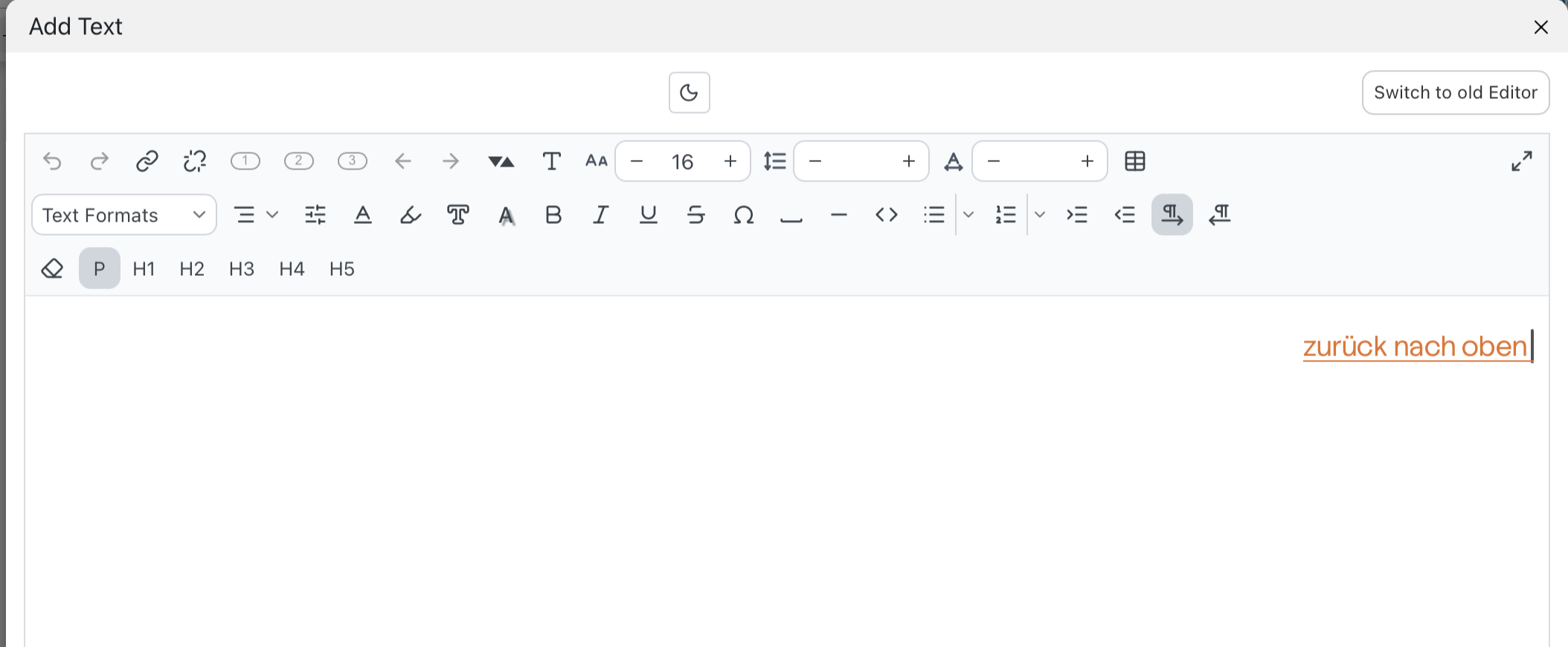
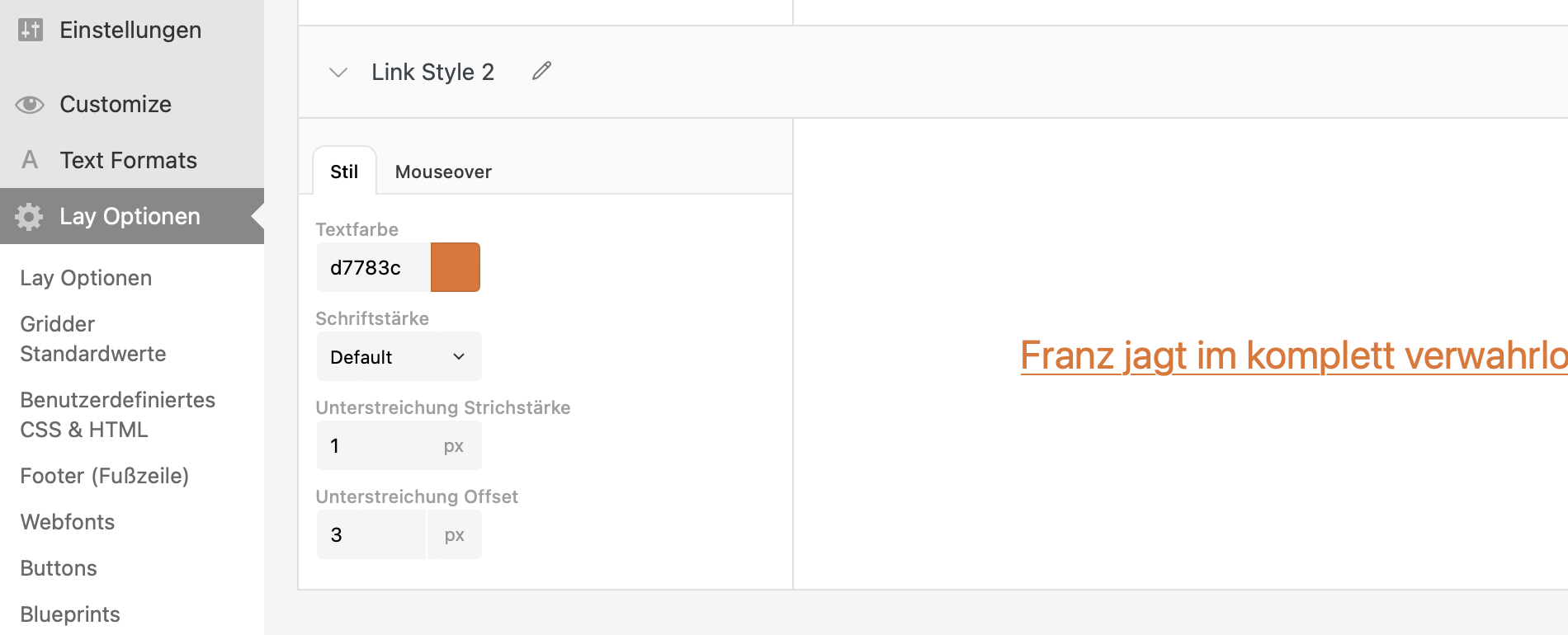
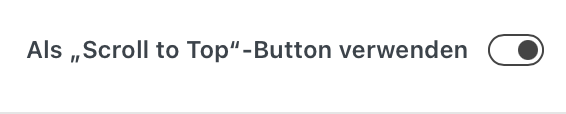
I want to edit the style from my "scroll-to-top"-button. I created a "link style 2" and when I'm adding a link to the text I can choose this one. But as soon as I am activating the "scroll-to-top"-button the style changes and the underlining becomes black again. In my link style no 2 it is orange :)
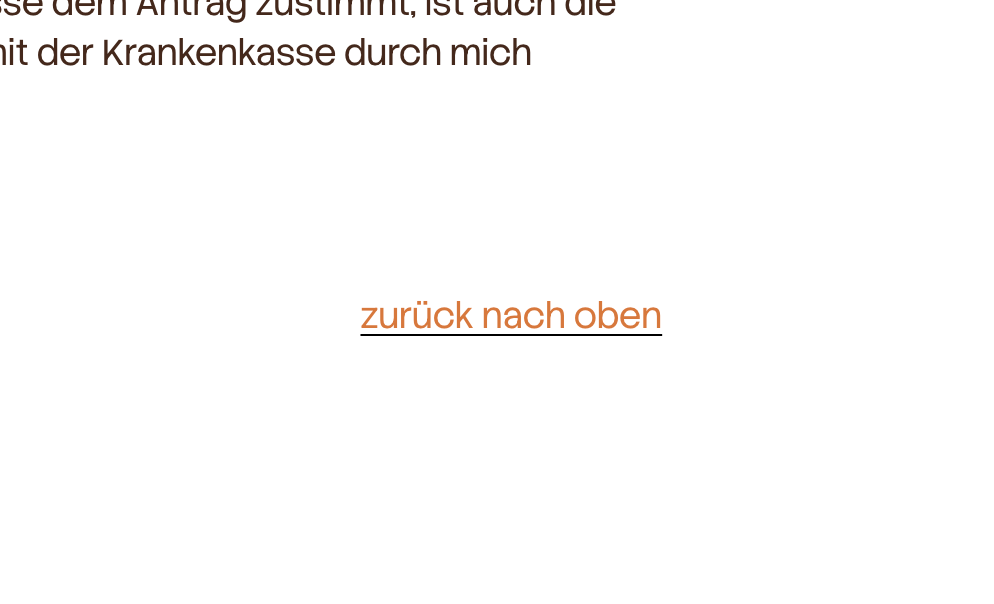
#scrolltotop #button #link
-
hello @linalo,
thanks for reporting this! i found the issue and fixed it. the scroll-to-top setting should now keep the link style you selected, including the orange underline. i’ll release an update shortly, after updating it shoud work as expected. let me know if its fixed for you! -
hello @linalo,
thanks for reporting this! i found the issue and fixed it. the scroll-to-top setting should now keep the link style you selected, including the orange underline. i’ll release an update shortly, after updating it shoud work as expected. let me know if its fixed for you!@arminunruh yes, it works! thanks a lot!
-
aha no wait, i still have to release the update! and then you have to install the update :D i havent released it yet
-

Hello! It looks like you're interested in this conversation, but you don't have an account yet.
Getting fed up of having to scroll through the same posts each visit? When you register for an account, you'll always come back to exactly where you were before, and choose to be notified of new replies (either via email, or push notification). You'll also be able to save bookmarks and upvote posts to show your appreciation to other community members.
With your input, this post could be even better 💗
Register Login